
Krillin AI
AI video and audio translation and dubbingLocalize and dub video in dozens of languages
Highlights
What you can do with it
- An education team generated multilingual subtitles for online courses
- A marketing team dubbed an advertising video professionally
- A podcaster transcribed and translated a show for global listeners
How to use it
- 1 Visit the Krillin AI website and create an account
- 2 Select the audio or video file to translate or transcribe
- 3 Set the language and function options
- 4 Click generate and wait for processing
- 5 Download the subtitle or dubbing file
Who it is for
Pros
- Combines subtitles, translation, and dubbing in one place
- Filler-word filtering and 500-plus voice tones
- Free trial to test the features
Limitations
- Free trial only, full use needs a paid plan
- Voice cloning and dubbing need consent and care to avoid misuse
- Automated subtitles and dubs still need review for accuracy
What Krillin AI is
Krillin AI is a content creation service platform focused on audio and video localization and dubbing. It aims to improve the accuracy and quality of subtitles for multilingual needs in the global market. The platform can generate high-accuracy bilingual subtitles, translate across more than 50 languages, and automatically filter out unnecessary filler words for a cleaner, more professional result. It also supports fast transcription, smart segmentation and timeline alignment, and more than 500 voice tones for dubbing. Krillin AI offers a free trial so users can test its features before paying.
What you can do with it
- Generate accurate bilingual subtitles for video
- Translate and transcribe audio and video across many languages
- Filter filler words and replace vocabulary in one click
- Dub content using 500-plus voice tones
- Align subtitles and timelines automatically for a clean track
Who it is for
- Educators producing multilingual course content
- Marketing teams that need professional ad dubbing
- Podcasters and creators reaching international audiences
- Teams that localize video for different regions
What to watch out for
Krillin AI is a paid service with a free trial, so full use requires a plan, and the trial terms and pricing can change. Because it supports voice dubbing and many voice tones, you must have the rights and consent to use any voice you clone or apply, and misusing it to imitate someone without permission can cause serious harm, with the consequences falling on you. Automated subtitles and dubs are helpful but still need human review for accuracy, timing, and tone before release, especially where a mistake could mislead viewers. Generated suggestions are for reference only, so verify anything that affects professional judgment or important data.
FAQ
Is there a free trial?
Yes. Krillin AI offers a free trial so users can experience its features.
How many languages does it support?
It supports translation in over 50 languages and more than 500 voice tones for dubbing.
What can it generate?
It creates bilingual subtitles, transcriptions, and dubbed audio, with filler-word filtering and vocabulary replacement.
Why it is free
What the official page says: free trial
Free limits, trial length and features are decided by the official site and can change at any time.
Product preview
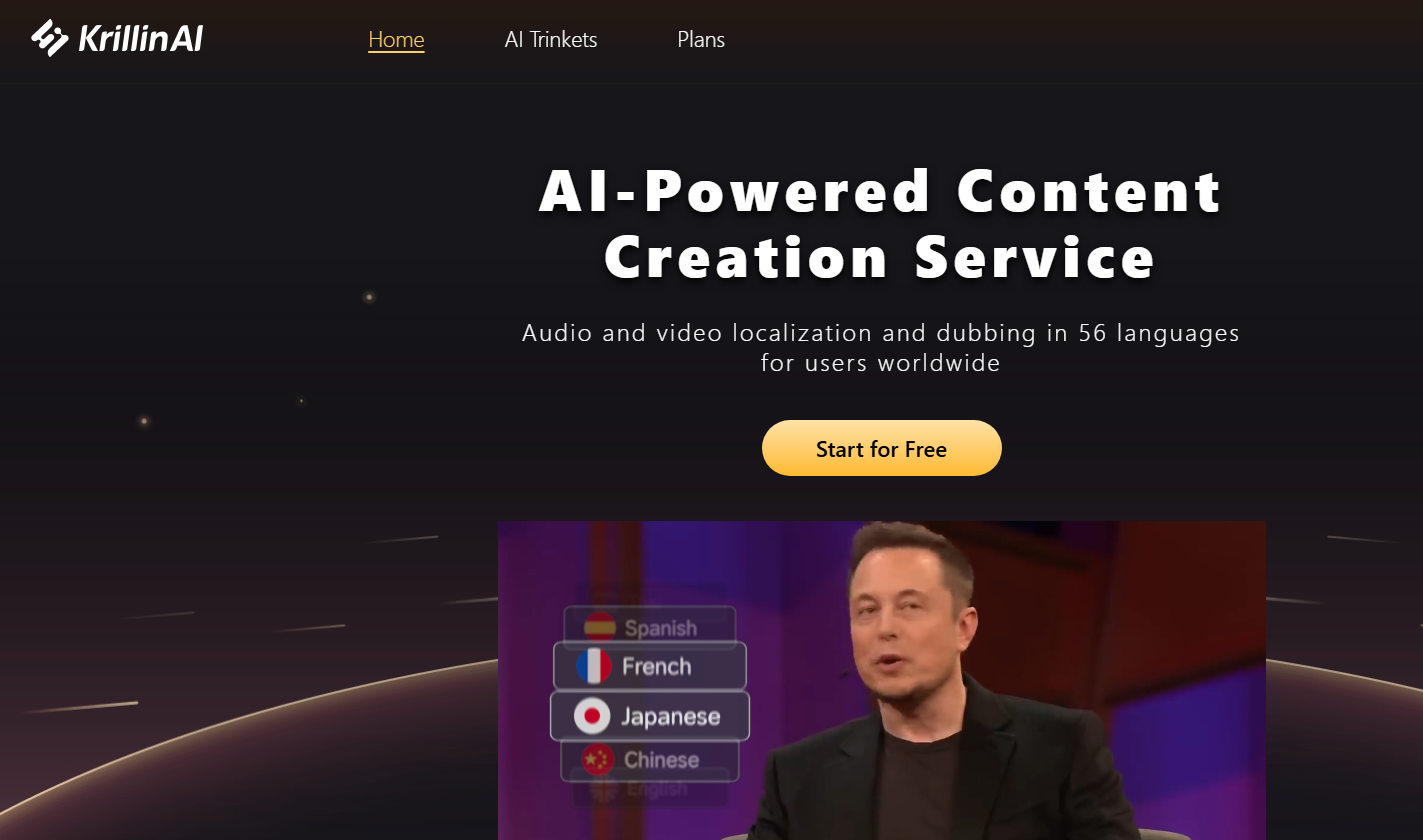
Screenshot archived from the listing page, for preview only.











