
Kreat3D
AI platform turning images and text into usable 3D models quickly.From photo or sentence to 3D model in minutes.
Highlights
What you can do with it
- Game developers turn character sketches into engine-ready models
- Product designers convert sketches into 3D models for team review
- Creators export STL files for physical 3D printing
How to use it
- 1 Open the Kreat3D website in your browser
- 2 Choose your input: single image, multiple images, or a text description
- 3 Set generation parameters such as texture quality
- 4 Generate and review the model, making simple adjustments if needed
- 5 Export in the format your workflow requires
Who it is for
Pros
- Multiple input modes fit different starting points
- Broad format support covers most downstream tools
- Free trial before any payment
Limitations
- Generated models may need refinement for production use
- Free tier limits generations and commercial rights
- Trial terms and plan limits can change over time
What Kreat3D is
Kreat3D is an AI-driven platform that lowers the barrier to 3D model creation. Instead of complex modeling software, you provide a single image, a set of multi-view photos, or a plain language description, and the AI generates a 3D model, typically within 30 to 180 seconds. It can identify structure and generate clean geometry with visually rich textures optimized for real applications rather than just previews. Models export in GLB, OBJ, STL, GLTF, USDZ, and PLY formats, so results fit game engines, AR/VR tools, design software, and 3D printers. A free trial is available, and paid plans add higher generation limits, advanced parameters, faster priority, and commercial usage rights.
What you can do with it
- Convert sketches and concept art into 3D models for games, AR/VR, and design
- Generate models from text descriptions when no visual reference exists
- Produce printable STL files from creative images for physical output
- Export into whichever format your existing pipeline requires
Who it is for
- Designers who want fast concept-to-3D without steep modeling learning curves
- Game and AR/VR developers who need volume asset production
- 3D artists and animators exploring creative directions quickly
- Makers turning ideas into physical 3D printed objects
What to watch out for
AI generation is fast, but output quality varies with input quality: blurry photos, single ambiguous angles, or vague descriptions produce weaker models, and multi-view inputs generally beat single images. Generated geometry may still need cleanup, retopology, or texture work in professional pipelines, so treat results as strong drafts. Check the license terms before commercial use, since commercial rights are tied to paid plans and terms can change over time. Free trial generation limits also mean you should test with your most representative inputs rather than trivial examples.
FAQ
How long does generation take?
Generation time generally falls between 30 and 180 seconds depending on the input and parameters.
What export formats are supported?
Kreat3D exports GLB, OBJ, STL, GLTF, USDZ, and PLY, covering game engines, AR/VR tools, and 3D printing workflows.
Is there a free trial?
Yes. A free trial is available, and paid plans unlock higher generation limits, advanced parameters, faster priority, and commercial usage rights.
Why it is free
What the official page says: free trial
Free limits, trial length and features are decided by the official site and can change at any time.
Product preview
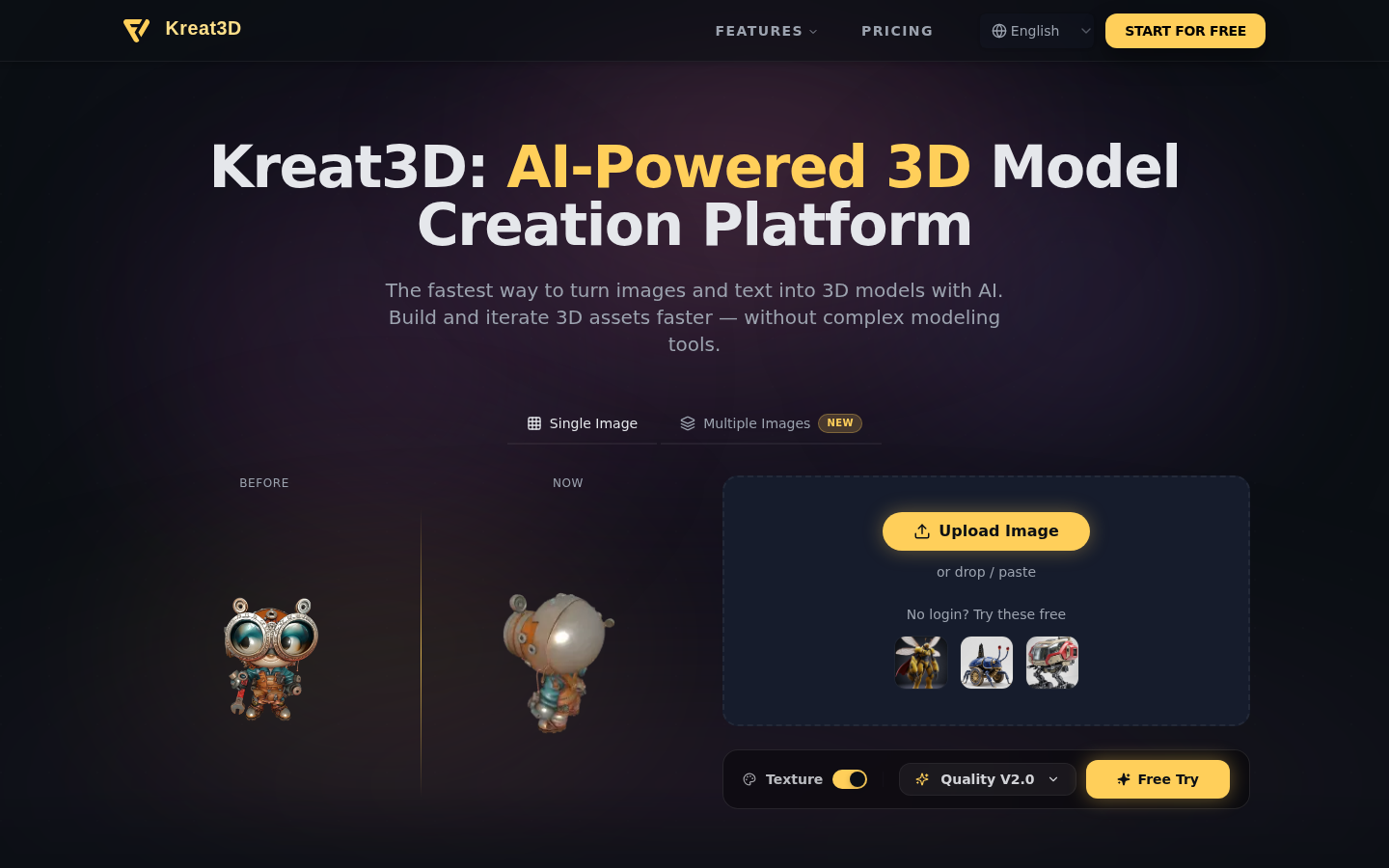
Screenshot archived from the listing page, for preview only.











