
Krea 3 – Edit Photos and Generate Images with Text
Text driven photo editor and generatorChange background, color, or light with words
Highlights
What you can do with it
- Replace a background in a photo with a prompt
- Adjust color and lighting without an editor
- Create new scenes from scratch with text
How to use it
- 1 Open the Krea 3 site and claim the free credits
- 2 Upload a photo or start from a text prompt
- 3 Describe the edit: background, color, or lighting
- 4 Generate, review detail retention, then export
Who it is for
Pros
- Common edits handled through plain text
- Several underlying models in one place
- Free credits to test before paying
Limitations
- It is not an official Krea AI site, so availability can differ
- Free credits are limited and paid terms can change
- Detail preservation is a goal, not a guarantee
What Krea 3 is
Krea 3 is an AI model based image generation and editing tool. It allows users to modify existing photos or create entirely new scenes from scratch using text commands, which removes the need to learn layer masks and adjustment panels for everyday jobs. The tool provides 100 free credits for trial use and supports multiple underlying models, listed as Krea 3, Nano, Banana, and GPT Image, with output resolutions reaching up to 4K. Its core advantage is that common editing needs such as background replacement, color adjustment, and lighting changes happen quickly and without professional design skills, while the system tries to preserve important details like subject shape, text, and texture. The service operates independently and states that it is not an official Krea AI site, positioning itself as a simple, efficient visual content production assistant for rapid iteration and batch processing. For someone who only needs a background swapped or a color fixed, that is far quicker than opening a full editor.
What you can do with it
- Replace a photo background with a text command
- Adjust color and lighting without an editor
- Create new scenes from scratch with prompts
- Iterate quickly and process visuals in batches
- Switch between several underlying models
Who it is for
- Users who need quick edits without design skills
- Creators iterating on visuals and variations
- Teams producing visual content in batches
- Social sellers refreshing listing imagery
What to watch out for
This is an independent service, not an official Krea AI site, so model availability, credit terms, and features can differ from what you may expect from the brand and can change without notice. The 100 free credits are a trial, and 4K output consumes them quickly, so check costs before a batch. Detail preservation is an aim rather than a guarantee: subject shape, text, and texture can drift on complex edits, so review each result. Work on copies rather than originals, because an aggressive edit can damage detail you wanted to keep, and the original is your only way back. Keep the original photo safe until you are happy with the edited version.
FAQ
What does Krea 3 do?
It edits photos and generates images from text commands.
Which models does it use?
Krea 3, Nano, Banana, and GPT Image among the underlying options.
Is there a free trial?
Yes, it provides 100 free credits for trial use.
Is this an official Krea AI site?
No, the service operates independently and states it is not an official Krea AI site.
Why it is free
What the official page says: 免费
Free limits, trial length and features are decided by the official site and can change at any time.
Product preview
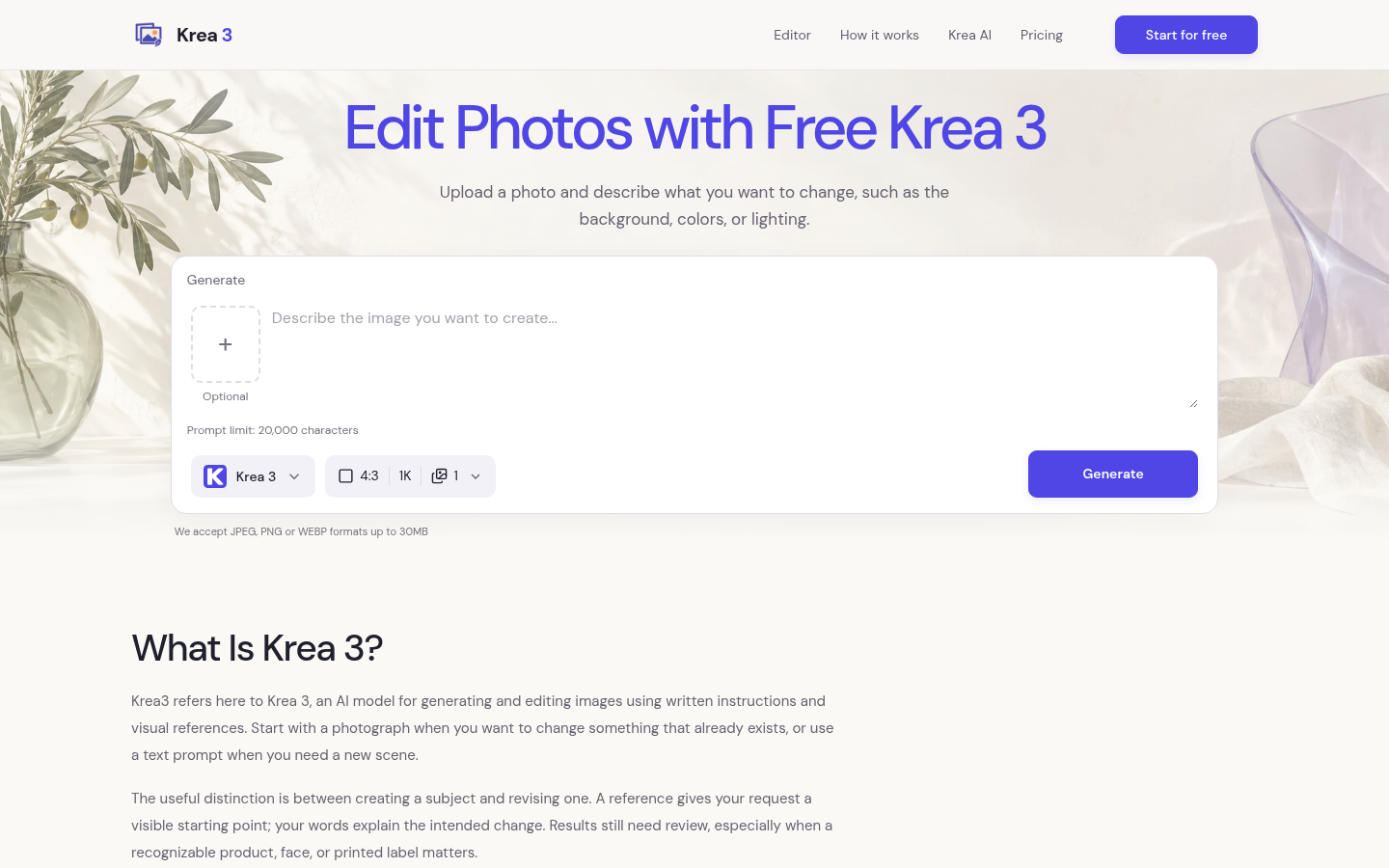
Screenshot archived from the listing page, for preview only.