Krea 2
AI image generatorText or photo to a high-resolution image
Highlights
What you can do with it
- A designer produces an illustration-style poster for a campaign
- A marketer turns a product description into a realistic product image
- A writer converts a story passage into concept art
How to use it
- 1 Enter a prompt, or upload a reference photo for image-to-image
- 2 Choose the aspect ratio, visual style, and output resolution
- 3 Click generate and wait a few seconds
- 4 Download the image for social, print, or client work
Who it is for
Pros
- Free credits let new users test prompts before paying
- Results return in seconds
- No design background needed to get a usable image
- Style switching makes brand matching quick
Limitations
- Free credits are limited, so volume needs a paid plan
- Hitting a specific look usually takes prompt iteration
- The 50% annual credit discount is limited-time, so pricing may change
- Print and large-format work still needs a resolution check
What Krea 2 is
Krea 2 is a browser-based AI image generator. It converts text prompts and photos into high-resolution images across several styles and aspect ratios, and it is built for speed: a text prompt returns a detailed image in seconds, without stock libraries or a design tool. The image-to-image mode takes an uploaded photo and re-styles, expands, or optimises it while holding the subject and composition, which makes it usable for iterating on an existing visual rather than starting from nothing. Output resolution is high enough for large-screen display, posters, and print, and the aspect ratio options cover square, vertical, and widescreen so an image can drop straight into a post, a hero banner, or a thumbnail. New users get free credits to test before paying.
What you can do with it
- Turn a written prompt into a detailed image in seconds
- Re-style, expand, or optimise an uploaded photo
- Keep the subject and composition while changing the look
- Output at a resolution suited to screens, posters, and print
- Switch between realistic, illustration, anime, and concept art styles
- Pick square, vertical, or widescreen framing for the target placement
Who it is for
Designers use it to produce quick visual options during early concept stages, when several directions need to be seen side by side. Marketers use it to turn product descriptions into realistic product imagery for e-commerce and social placements. Creative workers use it to convert written ideas into concept art, which is useful when a story or campaign exists in text but not yet in pictures. Anyone who needs a usable image quickly and does not want to open a design tool is the intended user.
What to watch out for
Free credits are a trial, so a real production volume needs a paid plan and a budget. Getting a specific look takes iteration: prompts that are vague return generic results, and refining composition, lighting, and style usually means several attempts. The advertised 50% discount on annual image credits is a limited-time promotion, so pricing can change once it ends. For print and large-format work, check the delivered resolution against your output size before you commit, since upscaling after the fact has limits.
FAQ
Are there free credits?
Yes. New users receive free credits to test prompts and ideas before paying.
Can I edit an existing photo?
Yes. Image-to-image mode re-styles, expands, or optimises an uploaded photo while keeping the subject and composition.
What resolution can I output?
It renders high-resolution images intended for large-screen display, posters, and print projects.
Which styles are available?
Realistic, illustration, anime, and concept art, among others.
Why it is free
What the official page says: free credits
Free limits, trial length and features are decided by the official site and can change at any time.
Product preview
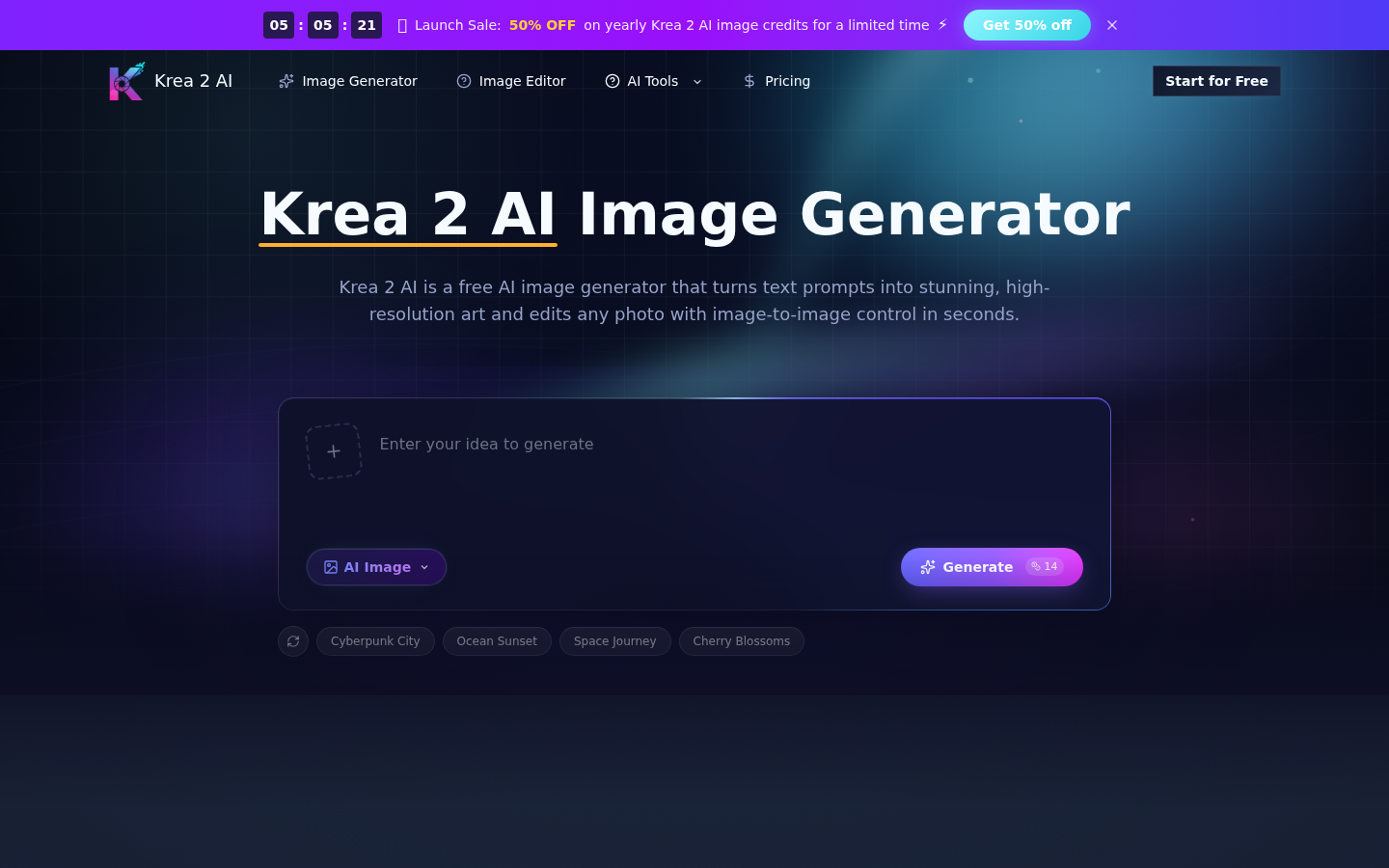
Screenshot archived from the listing page, for preview only.











