
KOOX AI
Free AI image-to-video generatorTurn photos into short videos with AI, free
Highlights
What you can do with it
- A user turns family photos into a shareable video
- A travel blogger converts trip photos into a video post
- A marketer turns product photos into a promo clip
How to use it
- 1 Open the KOOX AI website and find the image-to-video tool
- 2 Upload the photos you want to convert
- 3 Set options such as duration, transitions, and music
- 4 Click generate and wait for the video
- 5 Download the finished video to your device
Who it is for
Pros
- Free to use with a straightforward upload flow
- No video editing experience needed
- Adds transitions and music automatically
Limitations
- Output quality and length may be limited
- Free usage limits or watermarks can apply
- Results depend on the source photos you provide
What KOOX AI is
KOOX AI is a free image-to-video generator. It takes static photos and turns them into a moving video, which is useful when you want to share a set of pictures as something more engaging than a slideshow. You upload your photos, choose a few settings such as video duration, transition effects, and music, and the tool assembles a clip. The listing emphasizes that no professional video production skills are needed, that generation is fast, and that the result is meant to look high quality and eye-catching thanks to smart transitions and matched music. It is positioned for ordinary users as well as social media bloggers and enterprise marketers.
What you can do with it
- Turn several static photos into a single, coherent video.
- Add transitions and background music automatically.
- Adjust basic settings like duration before generating.
- Produce a shareable clip without any editing experience.
- Download the finished video for social media or promotion.
Who it is for
- Everyday users who want to turn personal photos into a video.
- Social media creators who need quick, visual content.
- Marketers who want to spin product images into short promotional clips.
What to watch out for
Output quality and video length depend on the tool's current capabilities and on the source photos you provide, so low-resolution or poorly lit images will limit the result. Free tools like this can add usage caps, queues, or watermarks, and the free offer can change over time, so check the current terms before you build a campaign around it. Because the process is automated, give the final video a quick review to make sure the transitions and timing actually suit your images before you publish it.
FAQ
Is KOOX AI free?
The listing describes it as free to use; confirm any current limits or upgrade options on the site.
What does it do?
It converts static photos into a dynamic video with transitions and music.
Do I need editing skills?
No. It is designed so ordinary users can convert photos to video without professional skills.
Why it is free
What the official page says: for free
Free limits, trial length and features are decided by the official site and can change at any time.
Product preview
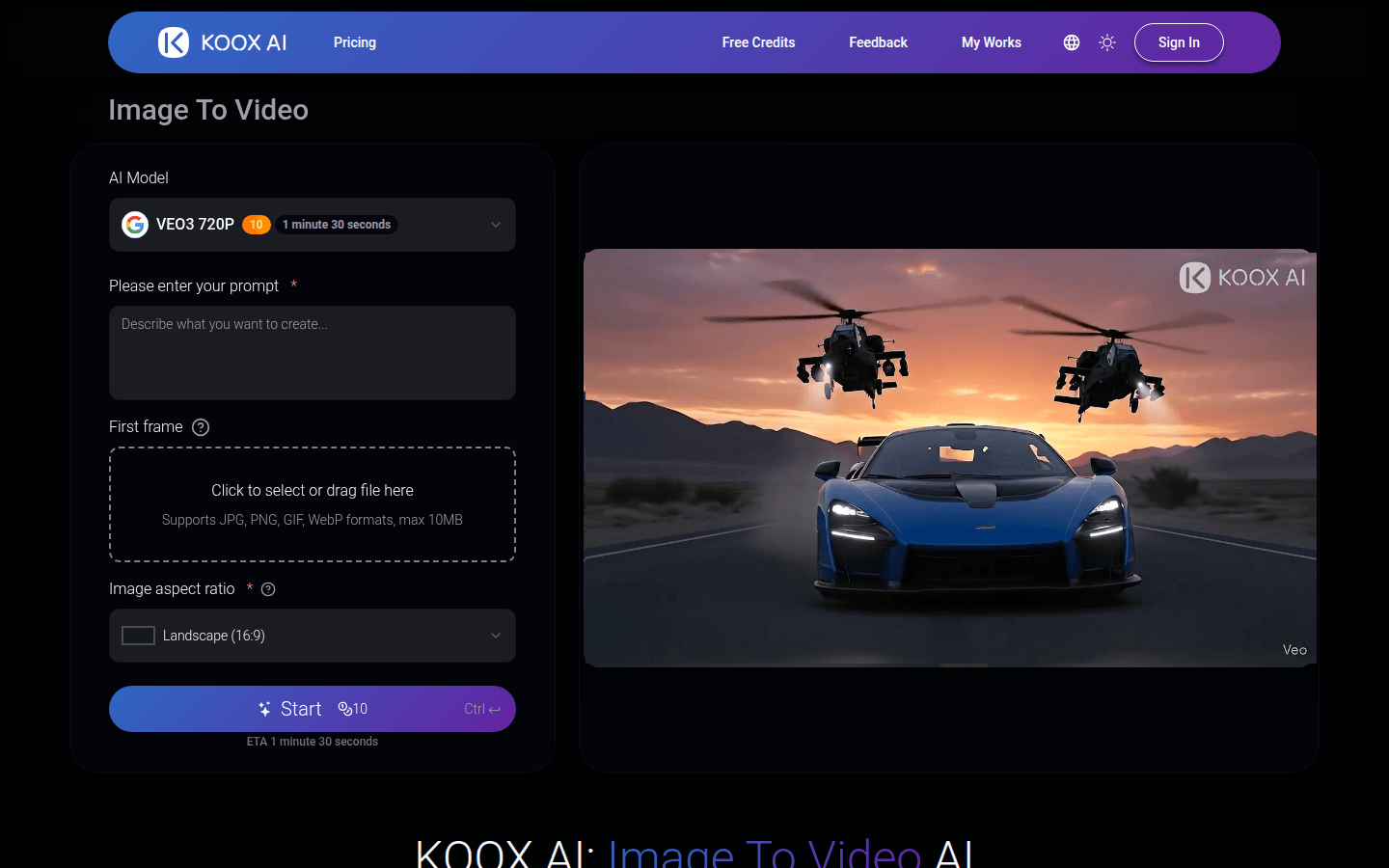
Screenshot archived from the listing page, for preview only.











