
Komment
Automated code documentation generatorKeep docs in sync with your code
Highlights
What you can do with it
- Maintain documentation for legacy systems
- Generate API documentation quickly
- Fold documentation into a DevOps process
How to use it
- 1 Register on the Komment site
- 2 Connect your GitHub, GitLab, or Bitbucket repo
- 3 Choose quick start or set a documentation plan
- 4 Trigger generation and review the output
Who it is for
Pros
- Automates comments and full documentation
- Docs update as code changes
- Supports multiple languages and platforms
Limitations
- Free trial is limited and full use needs payment
- Requires repository access, so code privacy matters
- Generated docs still need human review
What Komment is
Komment is an automated code documentation generation tool. According to the site, it uses intelligent algorithms and AI technology to automatically generate documentation in various formats, from code comments to architecture diagrams and API documentation. Key advantages include saving development time, ensuring documentation stays in sync with code updates, and supporting multiple programming languages and development platforms. It targets enterprise-level development teams and aims to solve the problem of documentation that is tedious to write and hard to maintain. The site says a free trial is available and names Pfizer, Amazon Web Services, and 57Blocks as example users, which points at large, compliance-heavy environments.
What you can do with it
- Auto-generate code comments and full documentation files
- Produce architecture diagrams and API reference docs
- Keep documentation updated automatically as code changes
- Connect repos from GitHub, GitLab, or Bitbucket with ease
Who it is for
- Enterprise development teams with large codebases
- Teams maintaining legacy systems with thin documentation
- DevOps groups that want docs inside their pipeline
- API owners who need current, accurate reference material
What to watch out for
The free trial is limited and continued use requires payment, so test whether the output quality justifies the cost for your codebase before you commit. Connecting a repository grants the tool access to your source code, so review the privacy and security terms before linking anything sensitive, especially proprietary or regulated code. Generated documentation still needs human review, since automated output can miss context, repeat mistakes, or describe the wrong behavior. Because it plugs into third-party repository platforms, upstream API changes can affect how well it works, and you should keep an eye on sync failures.
FAQ
What does Komment generate?
It generates code comments, architecture diagrams, and API documentation, according to the site.
Which repositories can it connect to?
The site lists GitHub, GitLab, and Bitbucket.
Is there a free trial?
Yes. The site says a free trial is available.
Why it is free
What the official page says: free trial
Free limits, trial length and features are decided by the official site and can change at any time.
Product preview
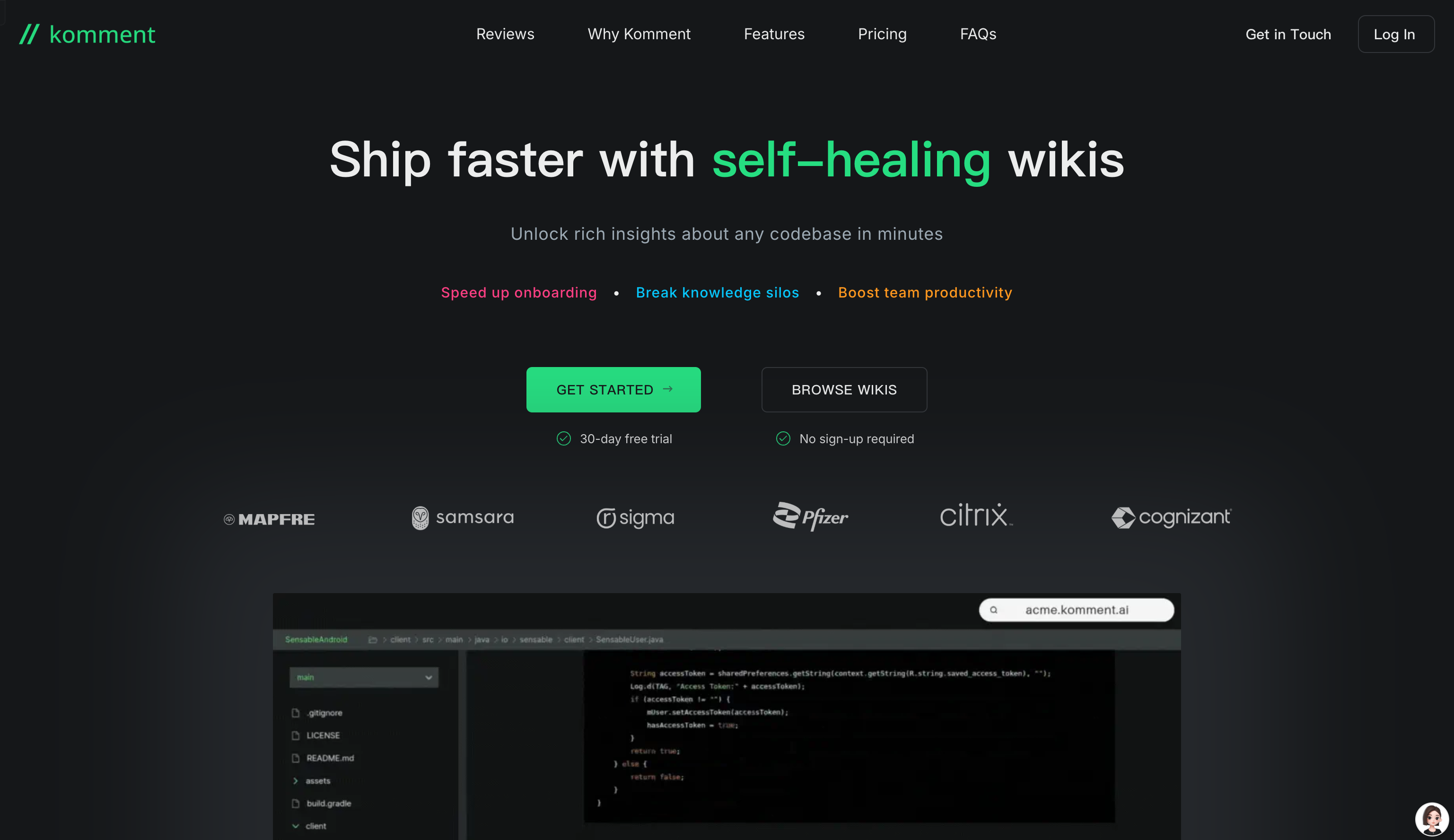
Screenshot archived from the listing page, for preview only.











