
Kollab
Turns business processes into workflows run by teams, customers, and AIDefine a workflow once, then let people and AI run and track it
Highlights
What you can do with it
- A team runs customer onboarding with AI emails and a kickoff meeting
- A team drafts proposals with AI, human review, and automatic sending
- A user handles quick tasks like summaries and email drafts with AI
How to use it
- 1 Define a script template with human tasks, AI actions, and follow-ups
- 2 Start the script for a project and add participants
- 3 Let AI steps run and track progress in real time
- 4 Review results and adjust the template as needed
Who it is for
Pros
- Free plan for small teams to start
- Mixes AI automation with human checkpoints
- Real-time tracking across teams, customers, and partners
Limitations
- Building good templates takes upfront planning
- AI steps still need review for accuracy
- The free plan has limits as teams and usage grow
What Kollab is
Kollab turns business processes into executable scripts. You build a template with steps, conditions, and automation, then team members, customers, partners, or AI carry it out and everyone tracks progress in real time. AI can handle repetitive steps like document generation, data extraction, and scheduling, while you keep human review where it matters. It runs on web dashboards, mobile apps, and a menu bar, and it supports white-label branding. There is a free plan for small teams, with paid plans as you scale.
What you can do with it
- Define workflow templates with steps, conditions, and automation.
- Let team members, customers, partners, and AI run the same flow.
- Insert AI for repetitive tasks and keep manual review steps.
- Track progress in real time and brand the experience white-label.
Who it is for
- Small and mid-sized teams that need repeatable processes.
- Customer success teams that work closely with customers.
- Partners and companies that want AI to cut repetitive coordination.
What to watch out for
Good workflows need upfront planning, because a messy template just automates a messy process. AI steps are helpful but should be reviewed for accuracy before they reach customers. The free plan is meant for small teams and has limits, so growing usage will likely push you toward a paid plan, and pricing and features can change over time. Features and interface details may change between versions, so review the latest notes on the page before you start. For team use, agree on naming and editing conventions in advance to avoid version conflicts or duplicated work. Save a backup of the original file before large batch jobs, and keep an exported copy of key results in case the page or service becomes temporarily unavailable.
FAQ
Is Kollab free?
There is a free plan for small teams, with paid plans that add more as your business grows.
Who can run a workflow?
Team members, customers, partners, and AI can all take part, each with role-based access.
How does AI fit in?
AI can handle steps like document generation, data extraction, and scheduling, while you keep manual review where it matters.
What should I keep in mind?
Good templates need upfront planning, AI output should be reviewed, and the free plan has limits as usage grows.
Why it is free
What the official page says: free plan
Free limits, trial length and features are decided by the official site and can change at any time.
Product preview
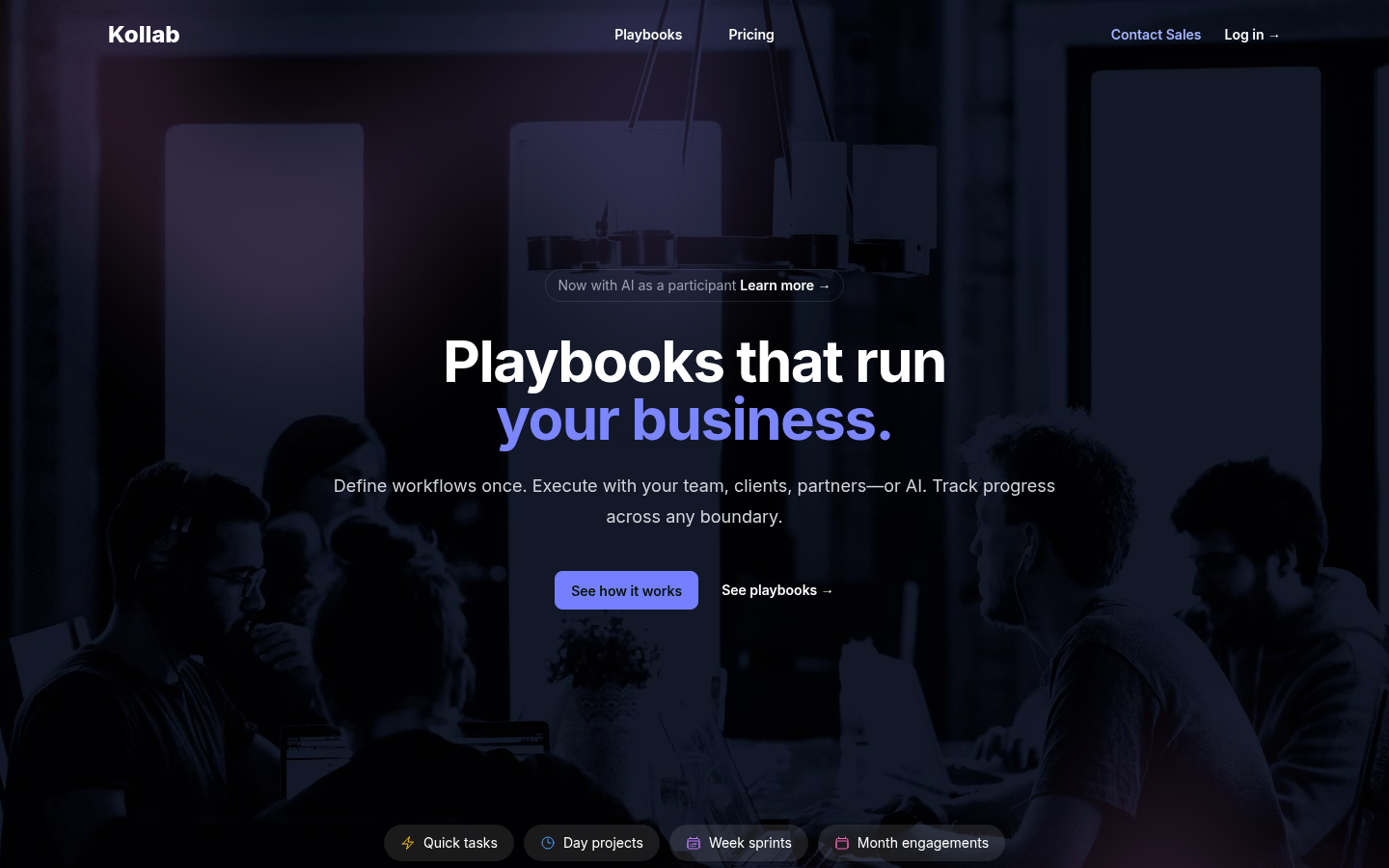
Screenshot archived from the listing page, for preview only.











