
Kognics AI
AI learning management system for teamsOnboarding, training, and knowledge in one place
Highlights
What you can do with it
- Run new employee onboarding as a structured path
- Keep internal documentation searchable and current
- Deliver online courses to a distributed team
How to use it
- 1 Sign up without a credit card.
- 2 Upload or create your training material.
- 3 Build a learning path with courses and quizzes.
- 4 Invite team members and assign the path.
- 5 Collect feedback and update the content.
Who it is for
Pros
- No credit card required to start
- Covers courses, paths, quizzes, and knowledge in one place
- Content stays searchable and accessible
Limitations
- Setting up real learning paths takes upfront work
- Pricing beyond the free start is not detailed in the listing
- An LMS only helps if the content is kept current
What Kognics AI is
Kognics AI is an AI-powered learning management system. It covers onboarding, training, and document creation in one place, which is the point: most teams run training out of a folder, a wiki, and someone's memory, and none of those scale when you hire more than one person at a time.
The listed features are courses, feedback, learning paths, a product center, and quizzes. Learning paths are what turn a pile of material into a sequence someone can actually follow, and quizzes are what tell you whether it landed. Underneath, it digitizes your learning process so the content is searchable and available to team members whenever they need it, letting people learn at their own pace rather than in one scheduled session. The listing says you can get started with no credit card required.
What you can do with it
- Build onboarding and training as structured learning paths.
- Create courses and quizzes to check comprehension.
- Digitize documentation so it is searchable and always available.
- Collect feedback and keep training material current.
Who it is for
- HR and people teams running onboarding for new hires.
- Managers training a team that is not in one room.
- Organizations whose knowledge is trapped in scattered documents.
What to watch out for
An LMS does not create training content, it organizes it. The setup work of turning what you know into courses and paths is real, and a platform full of empty structure is worse than the folder you started with. Budget for content creation, not just configuration.
Pricing beyond the free start is not detailed in the listing, so establish what a team-sized plan costs before you commit. And training material decays: a path built once and never reviewed will teach people the way things worked a year ago, which is its own kind of risk.
FAQ
What is Kognics AI?
An AI-powered learning management system for onboarding, training, and document creation.
Do I need a credit card to start?
No, the listing says you can get started with no credit card required.
What does it include?
Courses, feedback, learning paths, a product center, and quizzes, with searchable digitized content.
Who is it for?
Organizations that need to scale team training and simplify onboarding, with content accessible anytime.
Why it is free
What the official page says: no credit card
Free limits, trial length and features are decided by the official site and can change at any time.
Product preview
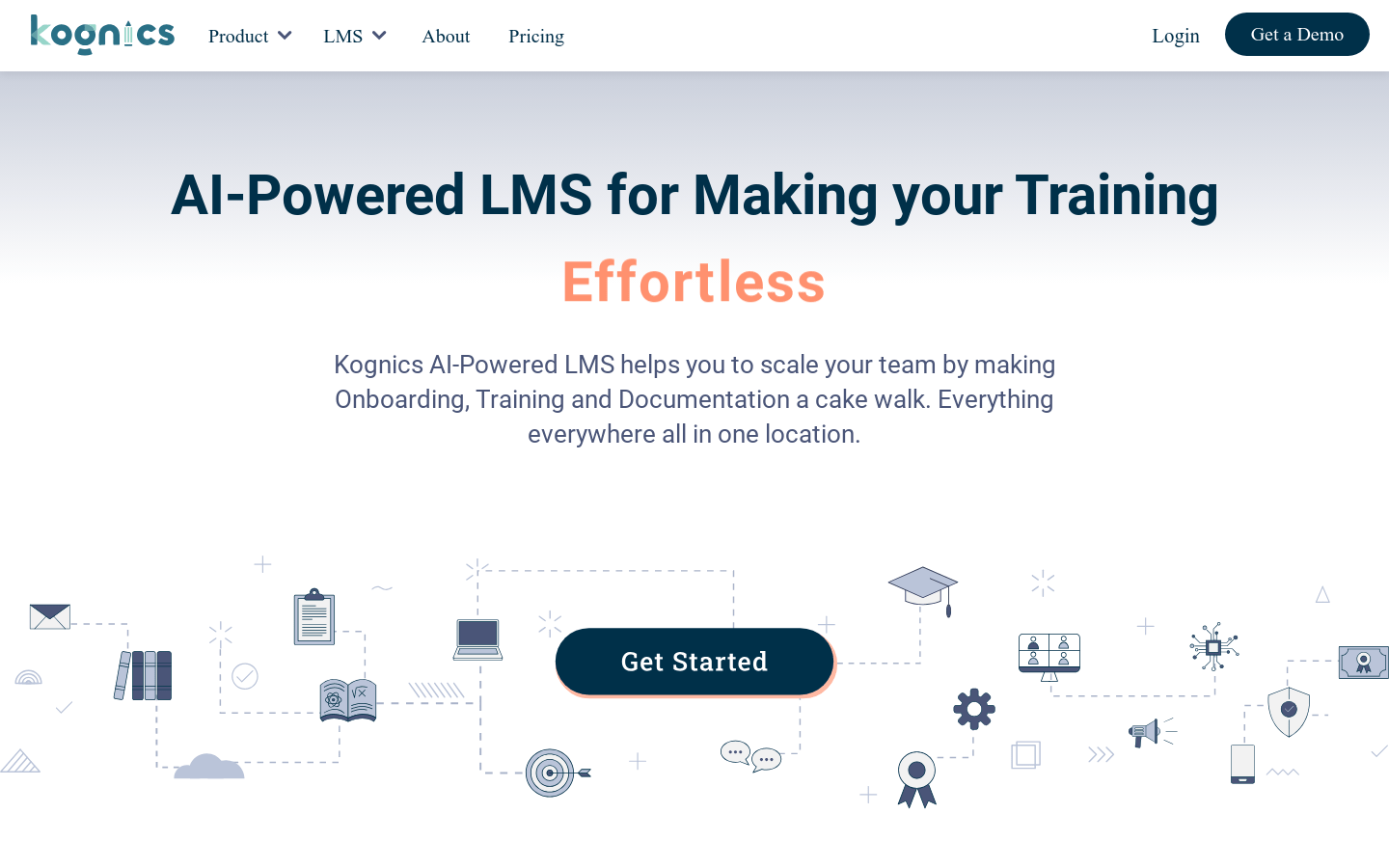
Screenshot archived from the listing page, for preview only.











