
KnowLens.ai
Turn text into infographics and slidesNotes to posters, slides, and videos
Highlights
What you can do with it
- A science teacher turns course notes into a visual poster for an abstract topic
- A medical student compresses dense anatomy and treatment pathways into a review summary
- A business analyst converts market trends into slides for a team briefing
How to use it
- 1 Open the KnowLens.ai website
- 2 Paste the text you want converted or describe the topic
- 3 Choose the output format: poster, slides, or explainer video
- 4 Wait for the platform to generate the visual content
- 5 Export, with watermark-free and high-definition output on paid plans
Who it is for
Pros
- One input produces several visual formats
- Free samples let you judge quality first
- Clear hierarchical structure rather than a wall of text
- A case gallery shows real output before you commit
Limitations
- Free output carries watermarks and generation limits
- One format per run, so several runs are needed for a set
- Dense or technical material still needs editing
- Pricing and limits may change
What KnowLens.ai is
KnowLens.ai is a visualization platform that turns written and recorded material into graphics. You paste in study notes, course outlines, business drafts, research summaries, or product ideas, or you simply describe the topic you want visualized, and the platform organizes the content into a clear structure. It identifies the theme, the audience, the key points, definitions, timelines, and data relationships, then chooses an appropriate format. Output can be an infographic poster for a single-page explanation, slides for teaching or business, or an explainer video. Free users can generate watermarked samples to check whether the tool suits their material before paying, while paid plans remove watermarks, raise output resolution, and add more generations and formats. A featured case gallery shows curated examples at their original aspect ratio so you can preview without distortion.
What you can do with it
- Turn notes or a topic description into a structured visual
- Produce a poster, a slide deck, or an explainer video from the same input
- Check real examples in the gallery before generating your own
- Test the output quality for free before upgrading
Who it is for
- Educators who need to explain abstract topics visually
- Students compressing dense material into review summaries
- Content creators planning educational video storyboards
- Business analysts and product managers presenting complex ideas
What to watch out for
Free output carries a watermark and limited generations, so a full set of materials needs a paid plan. Each run produces one format, which means several runs to build a poster plus a deck plus a video from the same notes. Dense or highly technical material still needs human editing, because automatic structure can miss nuance or oversimplify a relationship. Pricing and generation limits are set by the vendor and can change, so confirm current plan details on the site. Finally, verify the accuracy of anything the tool extracts from your source material before it goes in front of a class or a client.
FAQ
What can I feed into KnowLens?
Pasted text such as study notes, course outlines, business drafts, research summaries, and product ideas, or simply a description of the topic you want visualized.
What does it output?
Infographic posters for single-page explanations, slides for teaching and business, and explainer videos, with one format chosen per run.
Is there a free trial?
Free users can generate sample outputs with watermarks to test the tool before upgrading.
What do paid plans add?
Watermark-free export, high-definition output, more generation times, and a wider range of poster, slide, and video functions.
Why it is free
What the official page says: free trial
Free limits, trial length and features are decided by the official site and can change at any time.
Product preview
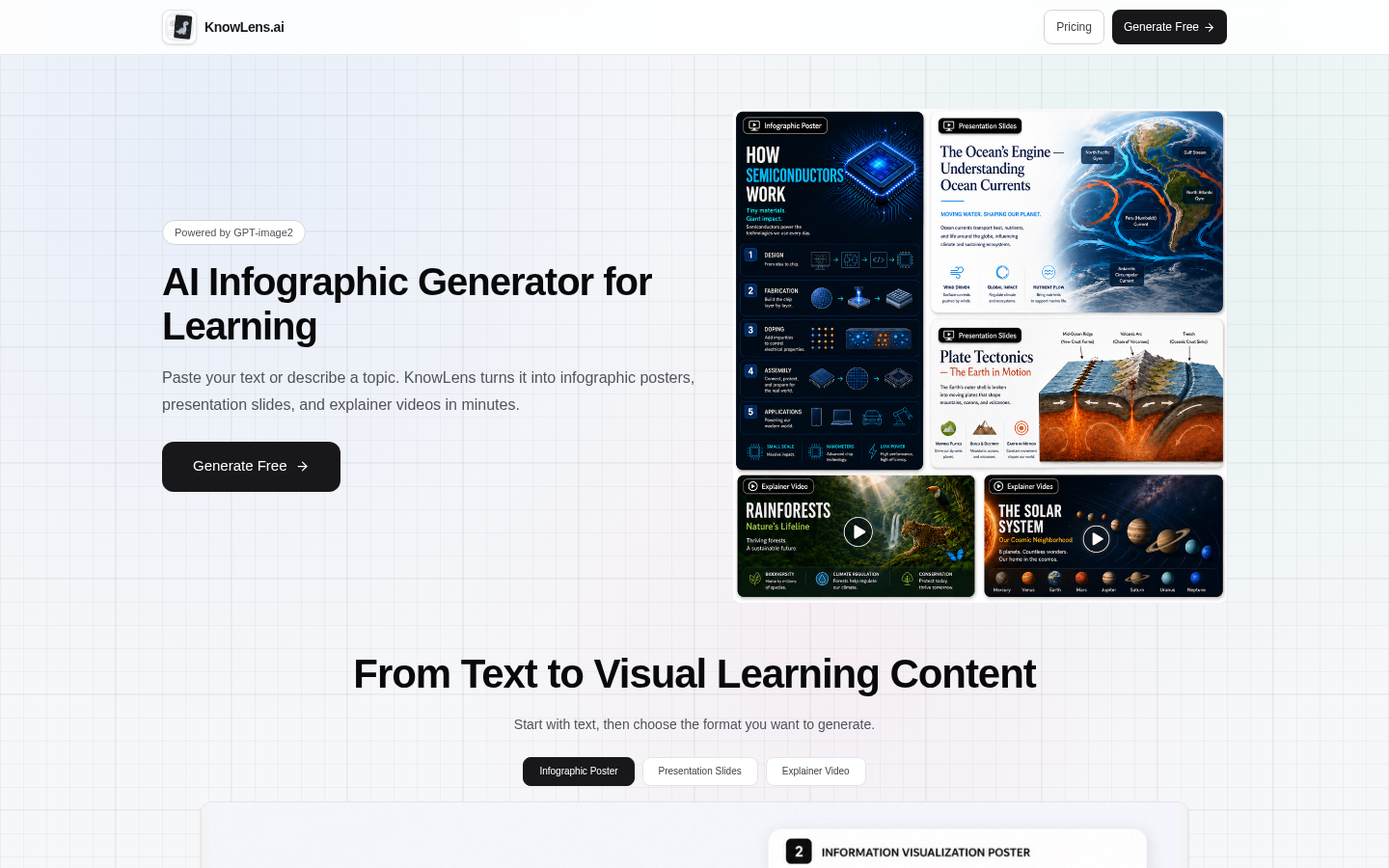
Screenshot archived from the listing page, for preview only.











