
KnowCast
Prompts into explanatory videosTurn an idea into an explainer video
Highlights
What you can do with it
- Educators turning course content into engaging videos
- Product marketers creating demo videos for social media
- YouTube creators producing explainer videos at a steady pace
How to use it
- 1 Visit knowcast.app and register an account
- 2 Enter a prompt, idea, article, or course content
- 3 Choose video settings such as style and subtitles
- 4 Click generate and wait for the video
- 5 Preview and adjust the result
- 6 Export and publish to YouTube, TikTok, or your course platform
Who it is for
Pros
- Idea to structured video without editing software
- Subtitles and narration included in the output
- Free version available before the paid tiers
Limitations
- Free version is limited; plans start at 20 dollars and reach 200 dollars
- Prompt-driven output still needs review for accuracy and tone
- Style control is narrower than a manual editor
- As a young service, model behavior and plan details can change
What KnowCast is
KnowCast is an AI explanatory video generator built for creators and educators. Instead of assembling frames in an editor, you give it a prompt, an idea, a topic article, or course content, and it returns a structured video with visual scenes, infographics, subtitles, and narrative flow. The workflow is designed around prompts and storytelling, so no video editing experience is required. It covers formats like YouTube explainer videos, TikTok educational shorts, online course lessons, product demonstrations, and social media content. A free version lets you try it, and paid tiers run from Standard at 20 dollars to Professional at 60 dollars and Enterprise at 200 dollars.
What you can do with it
- Turn a written prompt or article into a visual explainer
- Add infographics, subtitles, and narration automatically
- Produce course videos, product demos, and social shorts
- Export finished videos for YouTube, TikTok, or a course platform
- Iterate on style and subtitle settings per project
Who it is for
- Educators making complex topics easier to grasp
- Product marketers who need demo and promo videos
- YouTube and TikTok creators publishing on a schedule
What to watch out for
The free version is a trial, and full use moves into paid plans starting at 20 dollars per tier, with the top tier at 200 dollars, so check what each includes before subscribing. Because the video is generated from your prompt, facts and tone still need review; an AI draft can misstate details or read flat. Style control is narrower than a manual editor, which means unusual creative demands may not be met. The service is young, so features, model behavior, and pricing can shift, and any content plan should be rechecked against the current site.
FAQ
What does it generate?
Visual explanatory videos with infographics, subtitles, and narrative flow.
Do I need editing skills?
No. The workflow is prompt-based and does not require video editing experience.
What are the plans?
A free version for trial, plus Standard at 20 dollars, Professional at 60 dollars, and Enterprise at 200 dollars.
Why it is free
What the official page says: free version
Free limits, trial length and features are decided by the official site and can change at any time.
Product preview
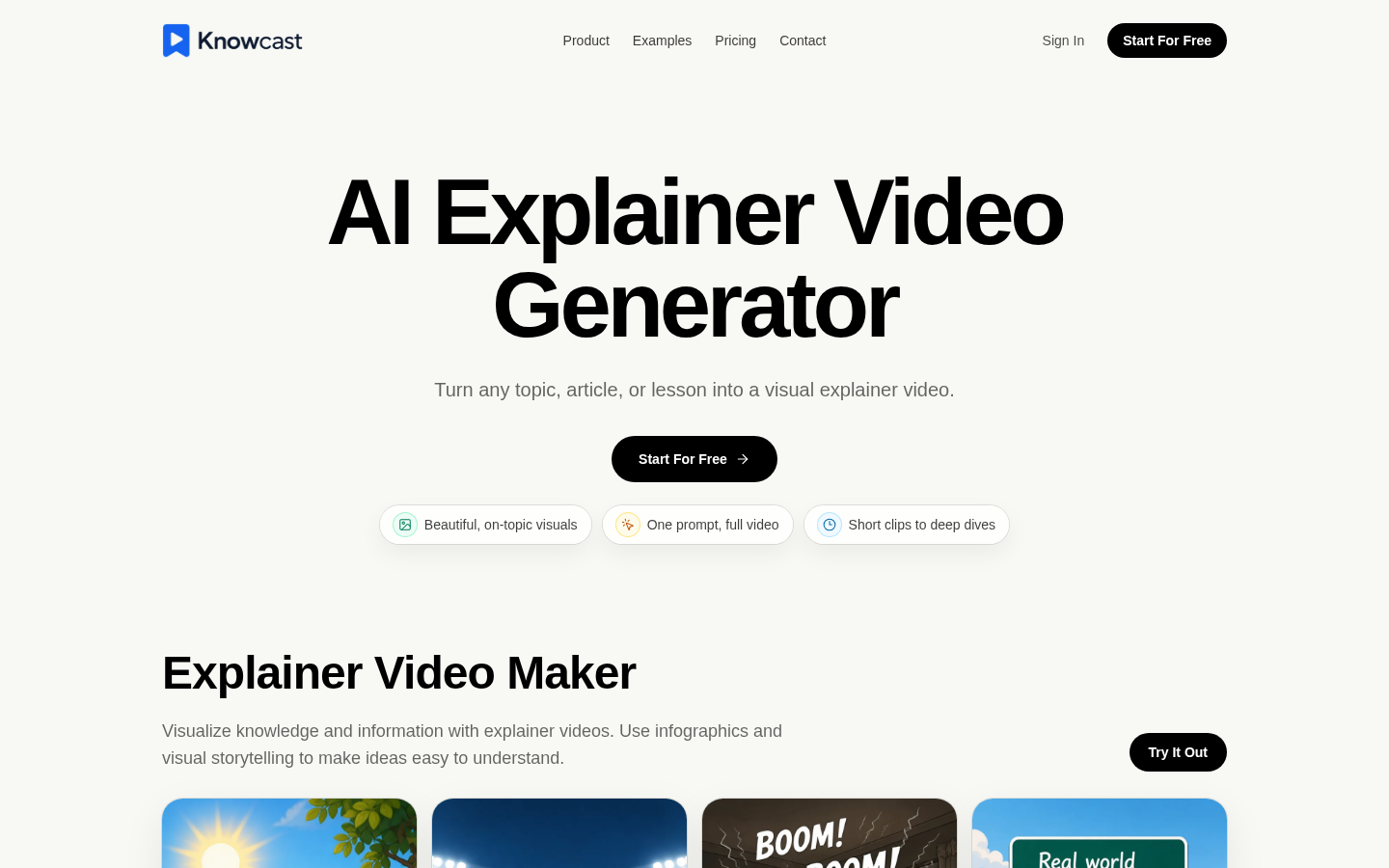
Screenshot archived from the listing page, for preview only.











