
knooth
macOS screen recorder with built-in editing, AI subtitles, and audio cleanup.Record, edit, subtitle: all in one Mac app.
Highlights
What you can do with it
- Teachers record lessons with annotations and AI subtitles
- Businesses produce polished product demonstration videos
- Individuals edit and share personal tutorials on social media
How to use it
- 1 Start the 1-week free trial on the Knooth website
- 2 Install on your Mac and sign in with Apple ID
- 3 Choose a recording mode: Mac, iPhone, or iPad screen
- 4 Record, adding text and images to mark key moments
- 5 Edit, generate subtitles, clean audio, then export
Who it is for
Pros
- Whole workflow without switching applications
- Local subtitle processing protects privacy
- Annual plan costs the equivalent of 4.99 dollars per month
Limitations
- macOS only, so Windows and Linux users need alternatives
- Subscription required after the 1-week trial
- Trial terms and plan pricing can change over time
What knooth is
Knooth is a screen recording application built specifically for macOS, designed to keep the entire video creation process inside one app. It records the Mac screen as well as connected iPhone and iPad screens, then provides built-in editing with a timeline, animation effects, and media layering, so recording, fine-tuning, and export happen without switching tools. AI features include automatic subtitles in 25 languages processed locally for privacy, voice optimization that removes filler words, and audio cleanup with noise reduction and an equalizer. Precise controls for layout, color, typography, and export settings live in a single focus panel. A 1-week free trial precedes subscriptions of 9.99 dollars monthly or 59.99 dollars yearly.
What you can do with it
- Record tutorials and lessons with text, image, and shape annotations guiding attention
- Produce product demonstrations with cleaned audio and AI subtitles
- Blur or remove backgrounds after recording to keep focus on content
- Layer media and animation for polished, professional-looking output
Who it is for
- Students recording course explanations and study notes
- Educators creating teaching videos with annotations and subtitles
- Professional video creators who want recording and editing unified
- Business people producing demos and meeting records
What to watch out for
Knooth is macOS only, so it is simply not an option on Windows or Linux, and the richest features assume you are inside the Apple ecosystem with an Apple ID. The trial lasts one week, which is enough for a real test but requires you to evaluate quickly, and continued use means a subscription whose pricing and terms can change over time. Local AI subtitle processing protects privacy but may lag cloud services in accuracy for heavy accents or noisy audio, so budget time for subtitle correction. Very large, multi-hour recordings can strain performance, so plan shorter, focused recordings for best results.
FAQ
Is there a free trial?
Yes. Knooth offers a 1-week free trial, followed by subscription plans at 9.99 dollars per month or 59.99 dollars per year.
Which devices can it record?
It records the Mac screen as well as connected iPhone and iPad screens.
How do subtitles work?
AI generates subtitles through local processing without external services, supporting 25 languages and keeping your audio private.
Why it is free
What the official page says: free trial
Free limits, trial length and features are decided by the official site and can change at any time.
Product preview
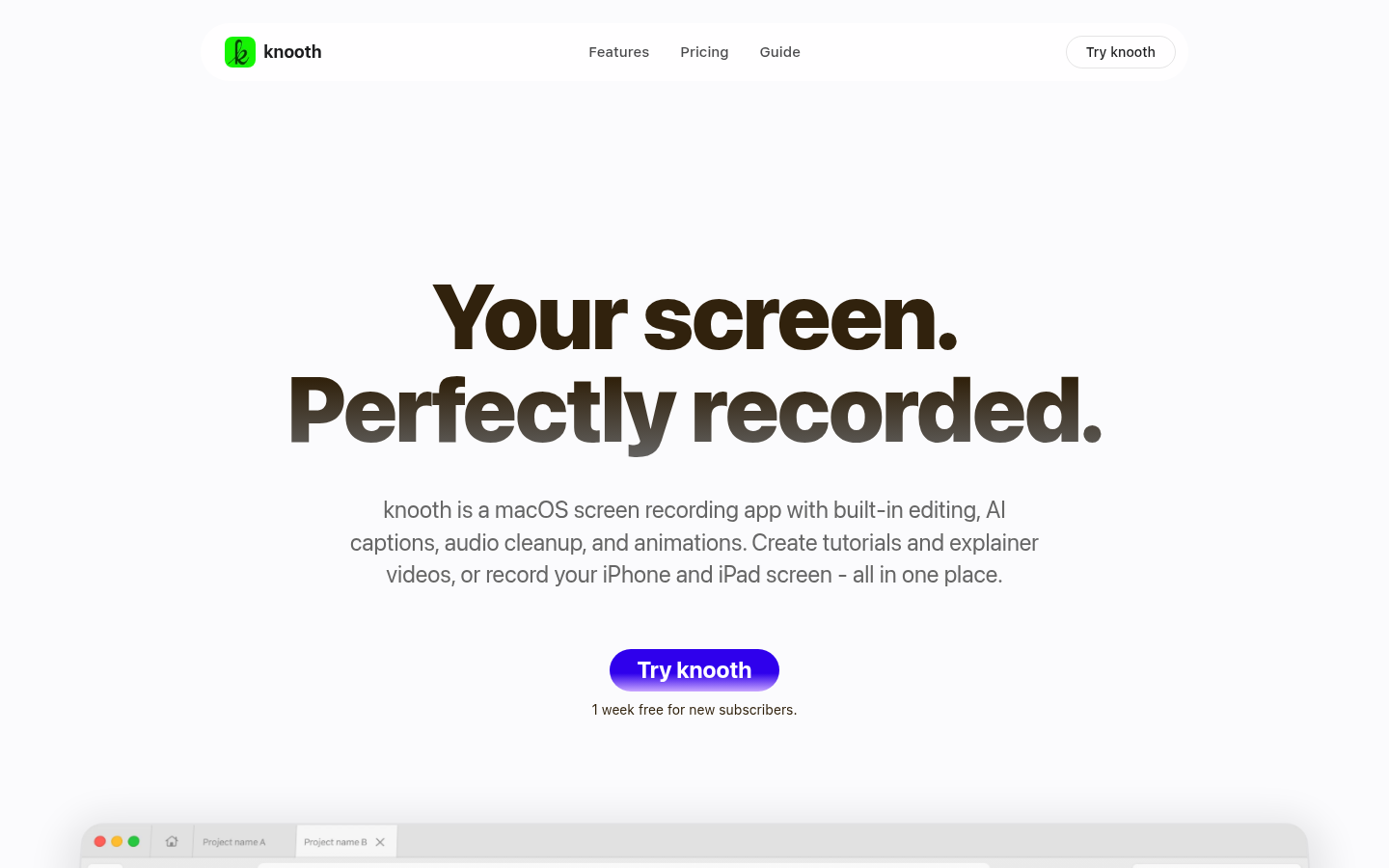
Screenshot archived from the listing page, for preview only.











