
KNIME
Free open-source visual data analysis toolBuild data science workflows by dragging nodes
Highlights
What you can do with it
- Clean and join messy datasets before reporting
- Build and compare machine learning models
- Deploy a data science workflow into production
How to use it
- 1 Download and install KNIME Analytics Platform.
- 2 Drag nodes onto the canvas to build a workflow.
- 3 Connect your built-in informations and configure the readers.
- 4 Add cleaning, transformation, and modeling steps.
- 5 Run the workflow and inspect the results and views.
Who it is for
Pros
- Free and open source to download and use
- Visual building lowers the barrier to entry
- Scales from desktop analysis to enterprise deployment
Limitations
- Very large workflows can become hard to read
- Some advanced nodes and extensions need time to learn
- Production deployment needs proper infrastructure planning
What KNIME is
KNIME is a free, open-source data analysis platform. Its main surface is a visual workflow builder: you place nodes on a canvas, connect them, and configure each step, rather than writing a long script. The site describes it as a comprehensive data science platform covering data integration and transformation, model building, and visualization.
The stated audience is broad on purpose. Business domain experts, data scientists, and machine learning engineers are all named, and the pitch is that the tool is easy to learn and adopt. It also aims past the desktop, with a cloud-native architecture for deploying data science solutions at enterprise scale. The site was responding normally at the last check.
What you can do with it
- Access data from many different sources and file types.
- Clean, join, and transform datasets in a visual pipeline.
- Build and compare models using a wide range of techniques.
- Visualize results inside the same workflow.
- Deploy a finished workflow into a production environment.
Who it is for
It suits business analysts who think in steps rather than scripts, data scientists who want fast prototyping, and machine learning engineers who need to move a working pipeline into production. Teams that want a shared, reviewable artifact will like that a workflow is a diagram anyone can read. People who live entirely in code may prefer notebooks or scripts for some tasks, and very large workflows can get visually unwieldy.
What to watch out for
Big workflows turn into large canvases that are hard to navigate without good naming and structure, so discipline matters early. The range of nodes and extensions is wide, which means there is a learning curve beyond the first afternoon. Open source means no vendor SLA, so production deployments need your own monitoring, scheduling, and infrastructure planning rather than assuming managed support.
FAQ
Is KNIME free?
Yes. The site describes it as a free and open-source data analysis tool.
Do I need to code?
You can build workflows visually by connecting nodes, though scripting nodes are available when you need them.
Who is it for?
Business domain experts, data scientists, and machine learning engineers, according to the site.
Can it be used in production?
Yes. The site describes a cloud-native architecture for enterprise-scale deployment of data science solutions.
Why it is free
What the official page says: 免费
Free limits, trial length and features are decided by the official site and can change at any time.
Product preview
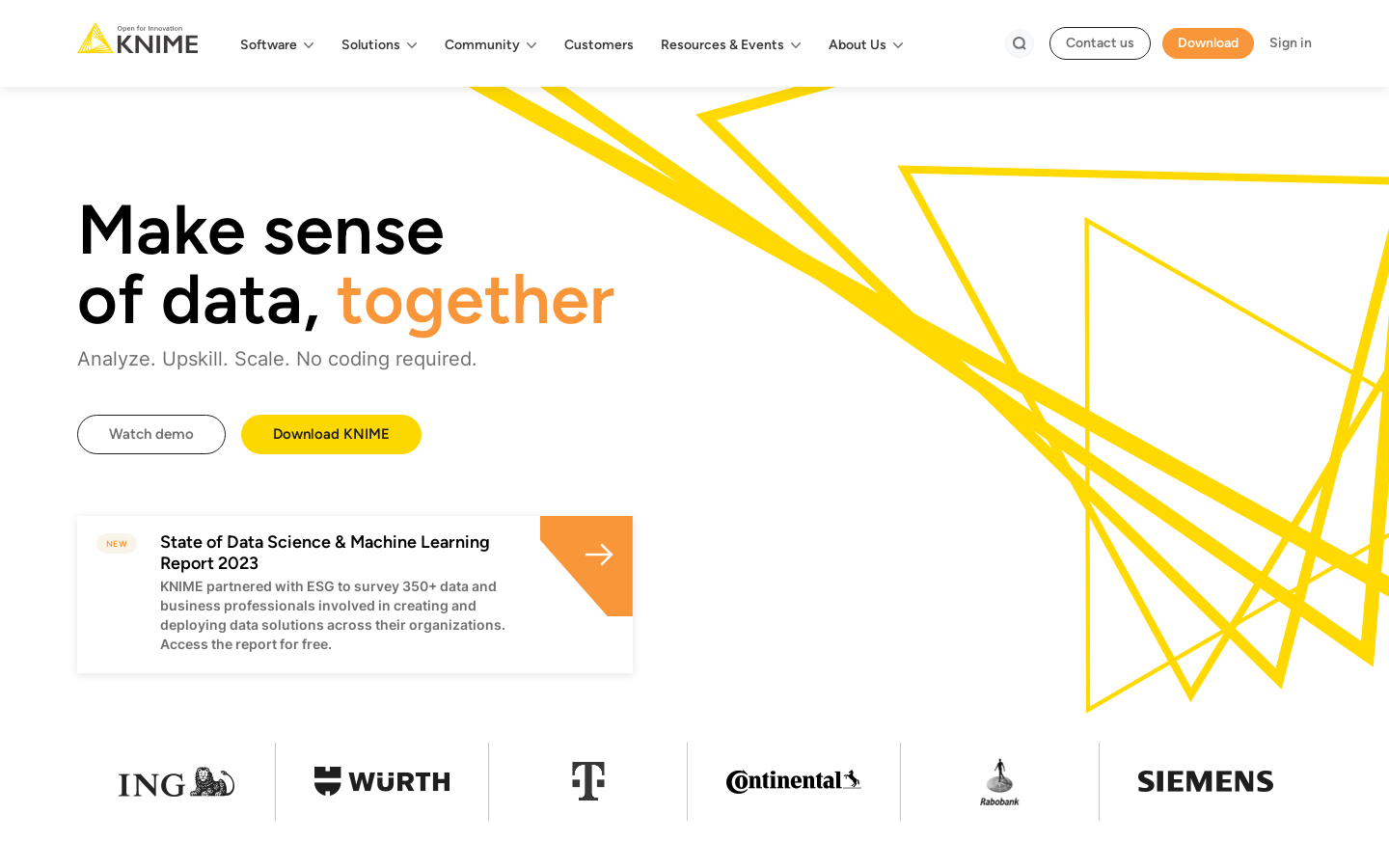
Screenshot archived from the listing page, for preview only.











