Kling O1
AI video generator and editorText, image, or video in, finished video out
Highlights
What you can do with it
- Create short social videos from a text idea
- Turn product photos into a promotional clip
- Apply VFX or style changes in post-production
How to use it
- 1 Open klingo1.app and choose a mode
- 2 Enter text, upload an image, or upload a video
- 3 Pick a model and a style prompt
- 4 Set quality, aspect ratio, and watermark options
- 5 Generate, edit, and export in the format you need
Who it is for
Pros
- Three generation modes in one tool
- Editing goes beyond simple clip trimming
- Multi-format export for different platforms
- Free trial available
Limitations
- Free trial only; pricing details are on a separate page
- AI video results need review, especially text and hands
- Rendering complex edits can take time and credits
What Kling O1 is
Kling O1 is an AI video platform that works in both directions: it generates video from text or images, and it edits video you already have. The generation side supports text-to-video, where you describe a scene and the model renders it, image-to-video, where a photo or concept art is animated, and video-to-video, where existing footage is reworked. On the editing side the site talks about extensive edits including visual effects, environment transformation, and new shot perspectives, plus style conversion into looks such as retro film, cyberpunk, or anime. Output exports in MP4, WebM, and GIF, sized for platforms like TikTok, Instagram, and YouTube. A free trial is available.
What you can do with it
- Turn a written idea into a video clip.
- Animate a still image or concept art.
- Rework existing footage with effects and style changes.
- Export in multiple formats for different platforms.
Who it is for
- Social media creators who need short videos quickly.
- Enterprise teams turning product images into promotional clips.
- Post-production editors exploring AI-assisted effects.
What to watch out for
The free trial is an evaluation window; full pricing lives on a separate page, so you will need to check current costs before building a workflow around it. AI video still struggles with details, especially on-screen text, hands, and fast motion, so review every clip rather than publishing straight from the generator. Heavy edits and high resolutions take longer to render and consume more of whatever allowance the plan includes, so test with a short clip before committing to a long one. Finally, generated footage should be checked against the licensing terms of the platform before commercial use.
FAQ
What can Kling O1 generate?
It supports text-to-video, image-to-video, and video-to-video generation.
What export formats are supported?
MP4, WebM, and GIF, with sizing optimized for TikTok, Instagram, and YouTube.
Is there a free trial?
Yes, a free trial is offered, with pricing details on a separate pricing page.
Why it is free
What the official page says: free trial
Free limits, trial length and features are decided by the official site and can change at any time.
Product preview
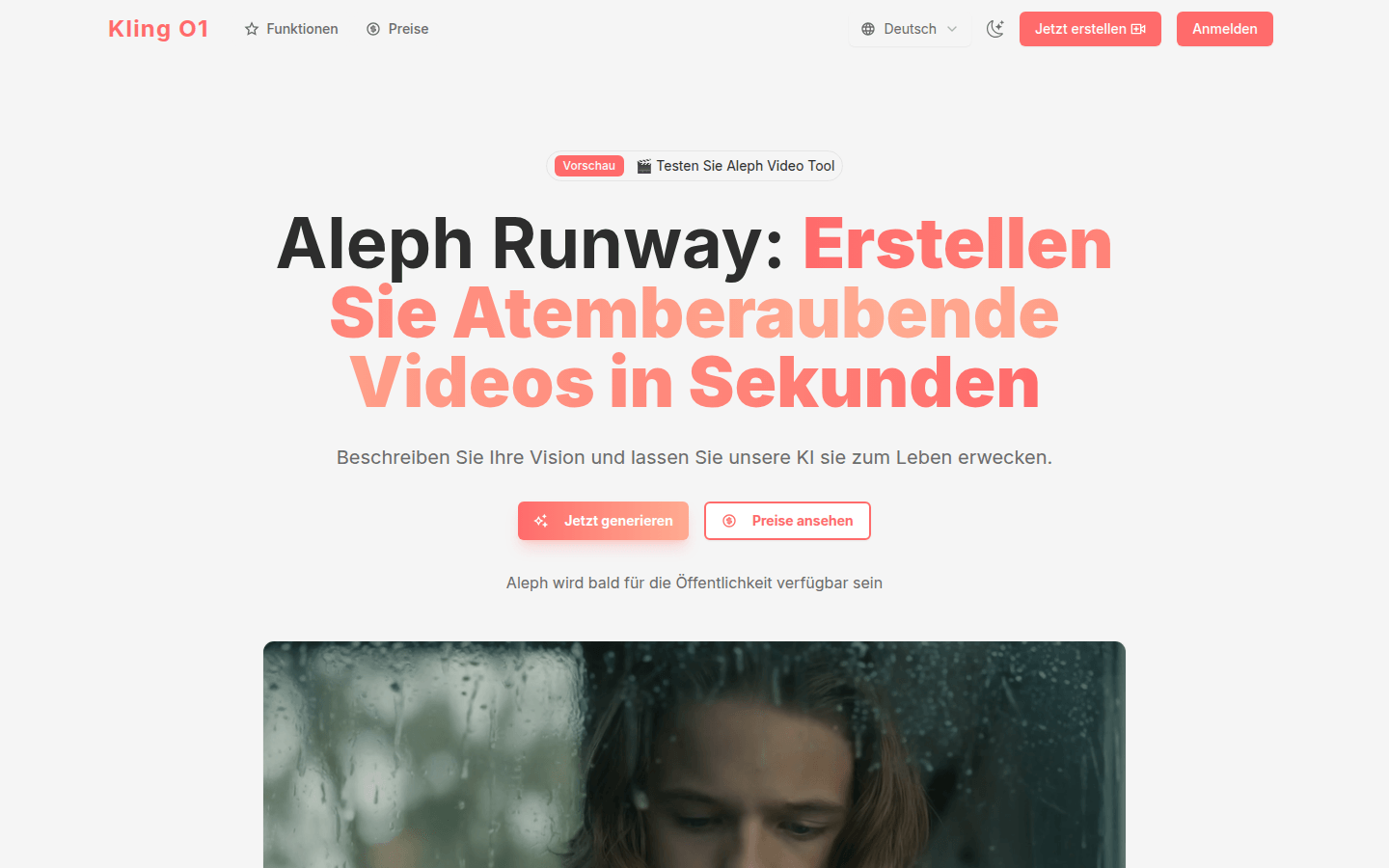
Screenshot archived from the listing page, for preview only.











