Kling AI 3.0 Motion Control
AI character video motion controlMotion capture for consistent characters
Highlights
What you can do with it
- Create ad video with a consistent character
- Animate a character for a short film
- Produce game character promotional clips
How to use it
- 1 Upload reference images to lock the character
- 2 Add a motion reference clip to transfer movement
- 3 Generate the multi-shot video and iterate
- 4 Export the 1080p clip or 4K image series
Who it is for
Pros
- Free trial before paying
- Strong focus on character consistency
- Both video and still outputs
Limitations
- Paid plans follow the free trial
- Consistency still needs good reference images
- Complex motion may need several attempts
- Trial terms and pricing can change
What Kling AI 3.0 Motion Control is
Kling AI 3.0 Motion Control is a video generation tool at klingmotioncontrol3.com. The site says it is the motion system inside Kling 3.0 and Kling 3.0 Omni, built to generate highly consistent character videos, and that it can produce 1080p clips in about 15 seconds along with a matching series of 4K images. The pitch is precise motion mapping for commercial short-video work, so characters keep stable identity features across different actions, angles, and occlusions. Listed features include high-precision motion capture and transfer, multi-reference identity locking, multi-shot narratives up to 15 seconds, a 4K image series mode, and rapid iteration with reusable references. A free trial is offered.
What you can do with it
- Transfer motion from a reference clip to a character
- Lock identity with one or more reference images
- Build multi-shot narratives up to 15 seconds
- Export video plus a 4K image series
Who it is for
- Commercial video production teams
- Creative designers animating characters
- Independent creators making character video
What to watch out for
A free trial is offered, but continued use requires payment, and trial terms and prices can change, so confirm the current offer on the official page. Consistency depends heavily on your reference images, so plan to shoot or select clean, multi-angle references rather than expecting the tool to fix weak input. Complex motion, occlusion, and fast camera moves may need several attempts and manual selection of the best take. Rendering runs on external infrastructure, so queue times, uptime, and output availability are outside your control. Start with a short test clip, review frames closely for identity drift, and treat the trial as a way to judge whether the consistency meets your production bar before committing to paid credits.
FAQ
Is Kling AI 3.0 Motion Control free?
It offers a free trial, with paid access after that.
What does it output?
1080p multi-shot character videos up to 15 seconds, plus a matching 4K image series.
How does it keep characters consistent?
You upload one or more reference images to lock identity, and motion is transferred from a reference clip.
What should I keep in mind?
Good references matter, complex motion may need iteration, and trial terms can change.
Why it is free
What the official page says: free trial
Free limits, trial length and features are decided by the official site and can change at any time.
Product preview
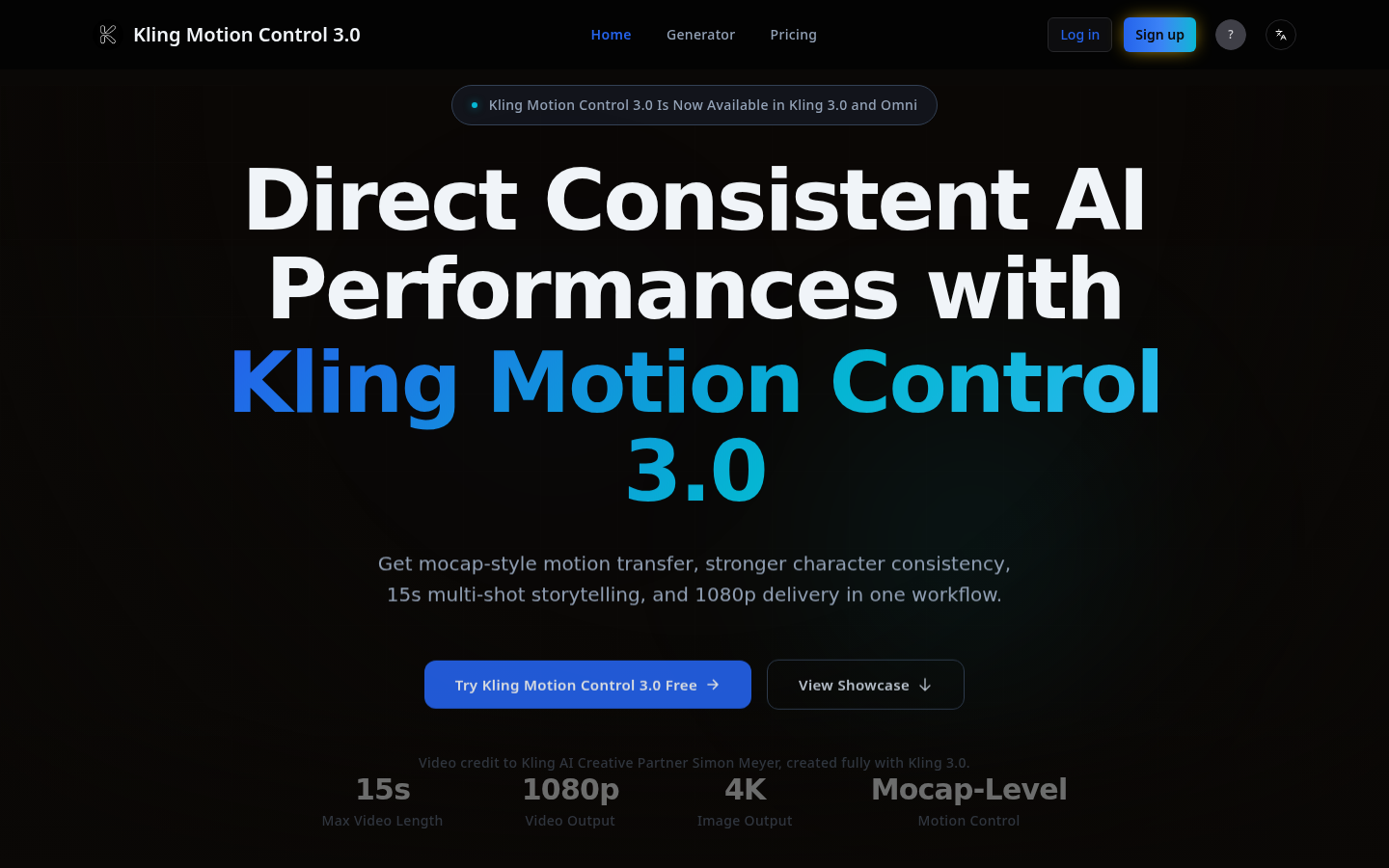
Screenshot archived from the listing page, for preview only.











