
Kling 4.0 tv
AI video generator with 4K and audioText or image to 30-second video
Highlights
What you can do with it
- A creator generates a 30-second 4K clip for a social platform
- A merchant animates a product photo into a rotating display for ads
- An animation studio turns sketch storyboards into dynamic previews
How to use it
- 1 Open kling4.tv and enter the creation studio
- 2 Choose text to video or image to video
- 3 Enter prompts describing subject, action, scene, and style, or upload a clear image
- 4 Select the model and set resolution, duration, and audio
- 5 Confirm credit use and generate, then check the queue
- 6 Preview, download the MP4, or copy the link to share
Who it is for
Pros
- Long clips for AI video, up to 30 seconds
- Audio is generated with the video
- Several models available in one place
- Free trial for new users
Limitations
- The Kling 4.0 brand name may not match the model actually used, and the site notes earlier models are what run
- High resolution and long clips consume more credits
- Queue times vary with demand
- Discounts and trial rules change frequently
What Kling 4.0 tv is
Kling 4.0 is an online AI video generation platform. You enter a text description or upload an image, and it produces a video with synchronized audio, which the site describes as ambient sound, character voices, and action effects added during generation. It advertises native 4K resolution and clips of up to 30 seconds, which is long for this category and suits e-commerce shorts, story clips, and rhythm-based content. The interface brings together several models, including Kling 3.0, Seedance, and Veo for video and GPT Image for stills, and it supports combined input from text, image, video, and audio. There is one important caveat the site states itself: the brand promotes the Kling 4.0 name, but the generators actually running may be earlier models, and final resolution depends on which model you pick. Pricing uses subscriptions and one-time credit packs, with free trials for new users and frequent limited-time discounts.
What you can do with it
- Turn a written prompt into a video with audio
- Animate a still image with plausible motion
- Generate clips up to 30 seconds at high resolution where the model allows
- Switch between several video and image models in one place
- Download MP4 files or share links directly
Who it is for
- Short video creators publishing at high frequency
- E-commerce and brand marketers making product clips
- Film and animation teams building previews and storyboards
- Designers, educators, and general users who want simple output
What to watch out for
Read the model selector carefully. The site itself notes that the Kling 4.0 name is the brand while the generators available may be earlier models, and resolution depends on the model chosen, so a 4K expectation is not automatic. Credit consumption rises with resolution and duration, and queue times vary with demand, so plan generation ahead of deadlines. Discounts and trial terms change often, which means today's price is not a reliable forecast. As with any generative video tool, review output for artifacts, and make sure you hold the rights to any image, audio, or likeness you feed in.
FAQ
Is the output really 4K?
The site advertises native 4K, but also notes that the available generators may be earlier models and that output resolution depends on the model you select, so check the settings before generating.
How long can a clip be?
Up to 30 seconds in a single generation, with duration selectable in the parameters.
Does it include audio?
Yes. The site says videos are automatically accompanied by ambient sound, character voices, and action effects, with no separate voiceover needed.
What does it cost?
Pricing uses subscriptions and one-time credit packs, with free trials for new users and frequent limited-time discounts, so confirm current rates on the site.
Why it is free
What the official page says: free trial
Free limits, trial length and features are decided by the official site and can change at any time.
Product preview
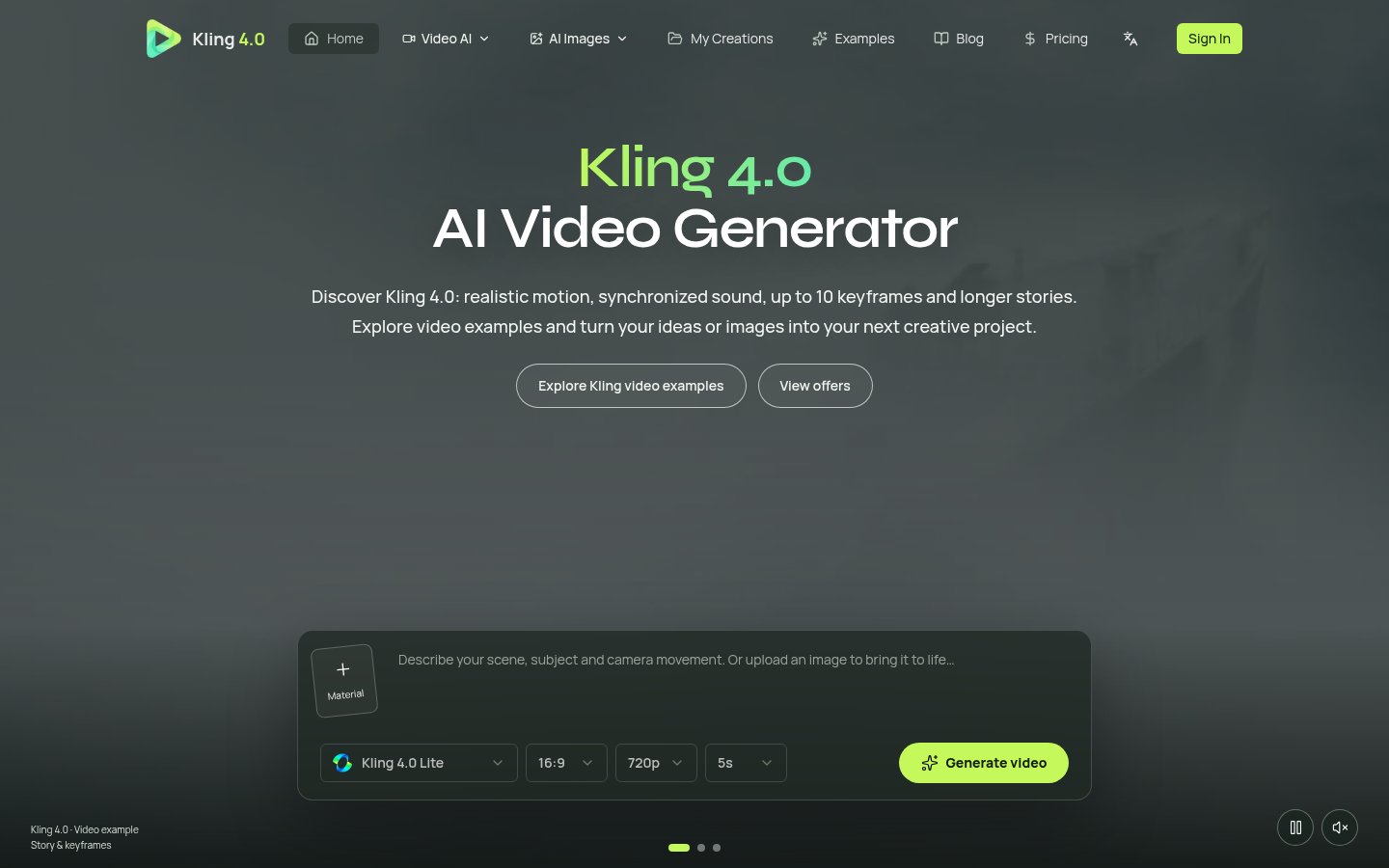
Screenshot archived from the listing page, for preview only.











