Kling 4.0 com
AI video generation workspaceText or frames into 5 to 30 second clips
Highlights
What you can do with it
- A brand turning a product image into a slow pull-back product shot
- A short-form creator using first and last frames for an atmosphere shift
- A pre-production team storyboarding a chase scene in segments
How to use it
- 1 Open the site, register and enter the generation workspace
- 2 Select Kling 4.0 from the model dropdown, or Kling 3.0 for comparison
- 3 Choose your input: a text prompt, a first-frame image, or a last-frame image too
- 4 Describe subject, action, scene, camera movement and lighting, plus sound if audio is on
- 5 Set duration, resolution and audio, check the credit cost, then generate
- 6 Preview and download from the results panel and iterate from there
Who it is for
Pros
- First and last frame control gives more direction than a prompt alone
- Multiple models are reachable in one interface
- Duration and resolution options suit different publishing targets
- Generated audio lets you judge sound and picture together
Limitations
- Free credits are trial-only and further generation needs paid credits
- 4K output requires the corresponding annual plan
- Generated motion can be inconsistent, so iteration is normal
- The advertised annual discount is promotional and can change
What Kling 4.0 com is
Kling 4.0 is an AI video generation model and creative workspace. A clip can start from a plain text prompt, from a first-frame image, or from a pair of first and last frames when you want to control where the motion ends up. Length runs from 5 to 30 seconds, and resolution options cover 720p, 1080p and 4K. Camera movement, scene transitions and duration sit in the same interface, so an idea can be turned into previewable footage without editing skills. Optional audio generation adds ambient sound, effects or dialogue, which helps you judge whether sound and picture work together before final export. The workspace also allows switching between Kling 4.0, Kling 3.0 and Seedance 2.0, so different models can be compared on the same brief. Access works through credits: new users usually receive free trial credits, and further use is purchased through subscription plans.
What you can do with it
- Generate video from a text prompt describing subject, action and camera
- Start from a still image and add motion
- Constrain the shot with a first and last frame pair
- Choose duration from 5 to 30 seconds and resolution up to 4K
- Generate audio alongside the picture, then compare models
Who it is for
- Independent creators producing short video shots quickly
- Advertising and marketing teams needing multiple ad versions
- Film and animation teams turning script beats into storyboards
- Social media operators publishing on a tight schedule
What to watch out for
Free credits are a trial allowance, and continued generation requires buying more, with 4K locked to the corresponding annual plan, so calculate cost per clip before you commit to a volume workflow. Generated motion is inconsistent by nature: expect several attempts per usable shot, especially with complex camera moves. The advertised annual discount is promotional and may not be available when you sign up. Finally, verify that your prompt does not reproduce a real person's likeness or a protected brand without permission, since responsibility for the output sits with you.
FAQ
Is Kling 4.0 free?
New users usually receive free trial credits. Beyond that the platform runs on purchased credits, and 4K output requires the corresponding annual plan.
How long can a clip be?
Between 5 and 30 seconds, with resolution options of 720p, 1080p and 4K.
Can I control the ending of a shot?
Yes. You can upload a last-frame image alongside the first frame to constrain how the motion resolves.
Why it is free
What the official page says: free trial
Free limits, trial length and features are decided by the official site and can change at any time.
Product preview
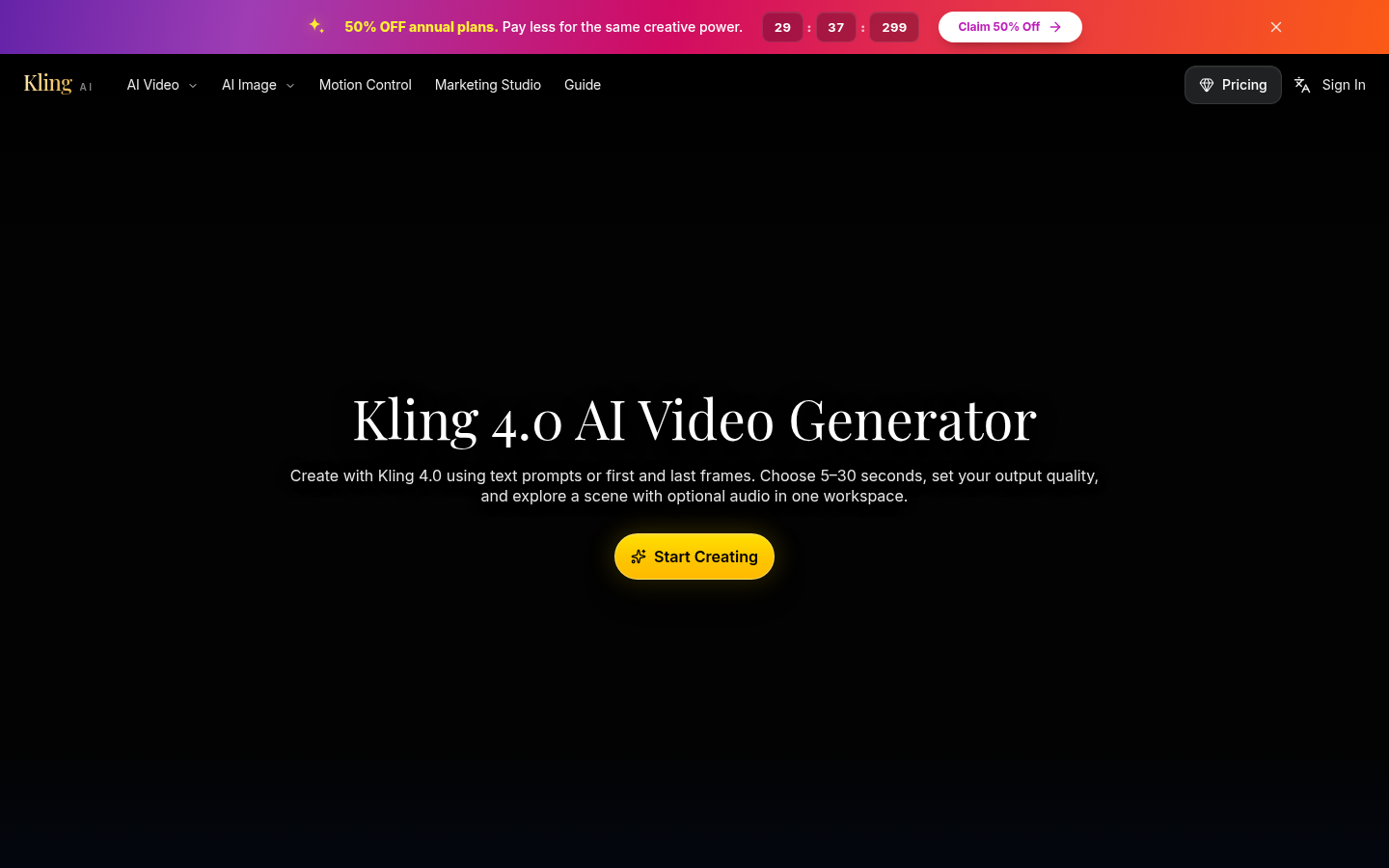
Screenshot archived from the listing page, for preview only.











