
Kling 3 AI – Text
Free AI video generatorText or image to video with motion control
Highlights
What you can do with it
- Story videos from a novel or script for social media
- Product promo video from a still image
- Short anime-style films for contests or portfolios
How to use it
- 1 Open the generator, no registration needed
- 2 Enter a text prompt or upload an image
- 3 Set style, duration, aspect ratio and motion control
- 4 Generate and download the MP4
Who it is for
Pros
- Free with no card required
- Motion control is unusual at this price point
- Several visual styles available
- Fast turnaround per clip
Limitations
- Free access on a third-party site can change
- Clip length and resolution are limited
- Output still needs review before publication
What Kling 3 AI is
Kling 3 AI is a free AI video generator accessed through a third-party site. It takes either a text prompt or an uploaded image and produces a video, with control over camera angle, object movement and scene dynamics. Several visual styles are available, including realistic, anime and film looks, and the vendor says clips finish in roughly thirty to ninety seconds. No credit card or subscription is required to start.
What you can do with it
- Turn a written description into a video clip.
- Animate a still image with realistic motion.
- Direct camera and object movement rather than accepting a default.
- Choose between realistic, anime, film and fantasy styles.
- Download the result as an MP4.
Who it is for
Content creators turning scripts or plots into social video, marketers making product promo clips from existing images, and film or animation enthusiasts experimenting with short pieces.
What to watch out for
Free access through a third-party site is not guaranteed to last, and this is not an official Kuaishou service, so read the terms before uploading anything you care about. Clips are short by design and will need editing for longer narratives. Review output before publishing, particularly where people or brands appear. When quality matters, export a small draft first to confirm the result before producing the final file. Generated suggestions are for reference only, so verify anything that affects professional judgment or important data. Processing speed depends on file size and network conditions, so retry later if a task stalls during peak hours. Run one full task end to end first, then expand once you are comfortable with the workflow and the result quality.
FAQ
Is Kling 3 AI free?
The site says it can be used free without a credit card or subscription. Because it is a third-party site, availability may change.
What inputs does it accept?
Text prompts and uploaded images, both of which can be turned into video.
What is motion control?
It lets you direct camera angle, object movement and scene dynamics in the generated video rather than accepting a fixed result.
How long does generation take?
The vendor says roughly 30 to 90 seconds per clip.
Why it is free
What the official page says: for free
Free limits, trial length and features are decided by the official site and can change at any time.
Product preview
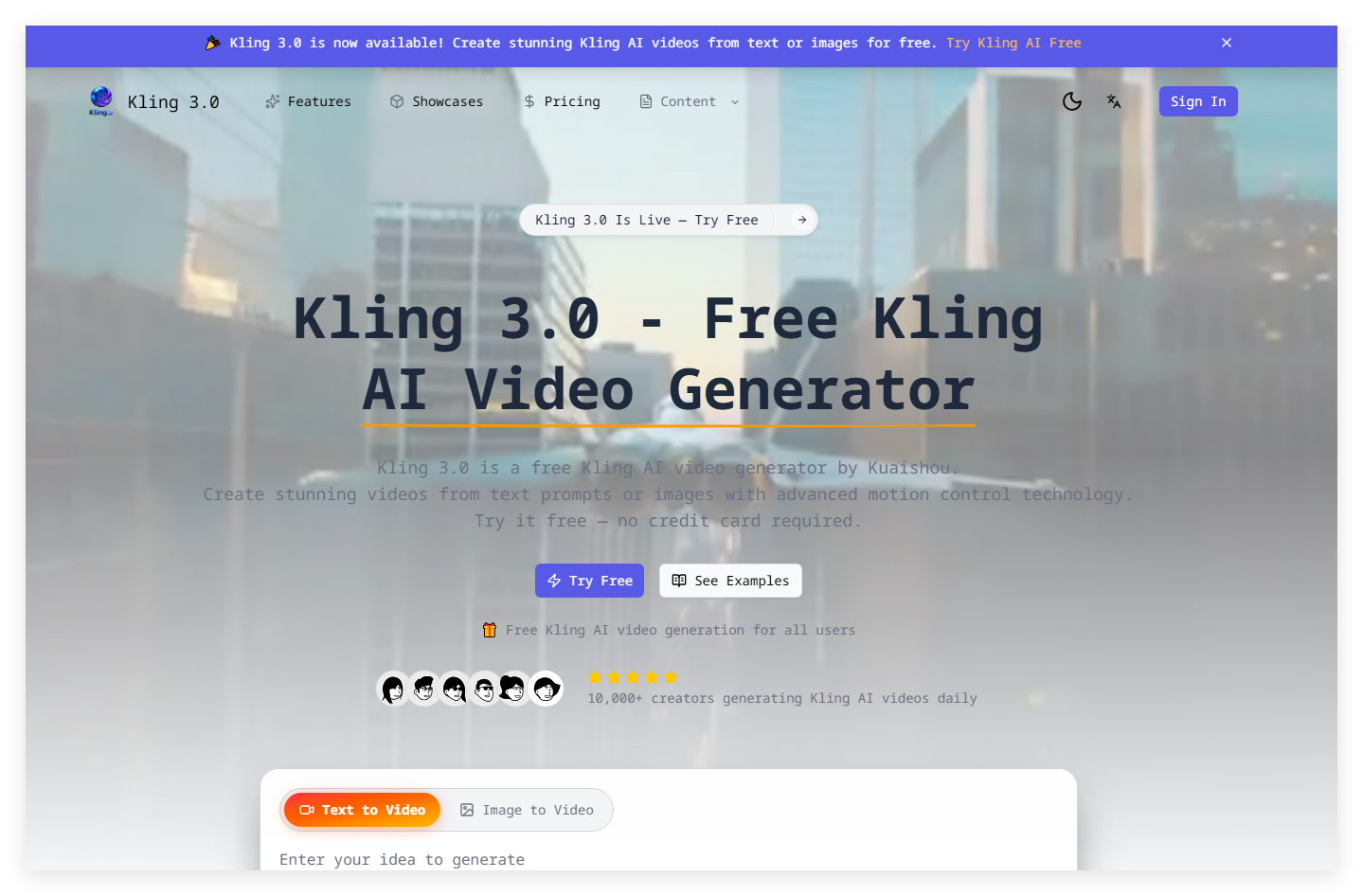
Screenshot archived from the listing page, for preview only.











