
Kling 3.0 Motion Control
AI motion transfer toolMove any image with actions from video
Highlights
What you can do with it
- Turn a dance clip into teaching videos for many characters.
- Bring a product photo to life in an advertising video.
- Add vivid motion to animation characters.
How to use it
- 1 Open the Motion Control page and sign in if you want more uses.
- 2 Add a source video by upload or URL.
- 3 Add the target character image by upload or URL.
- 4 Set a prompt, orientation, resolution, and duration.
- 5 Generate the video, then preview and download it.
Who it is for
Pros
- Free to use, with sign-in only for extra uses.
- Captures full-body and hand motion accurately.
- Fast draft mode speeds up iteration.
Limitations
- Free usage may be limited, and limits can change over time.
- Results depend on the quality of the source video.
- Motion transfer may not look perfect in every clip.
What Kling 3.0 Motion Control is
Kling 3.0 Motion Control is a video tool that extracts actions from short clips and applies them to still images. You feed it a 3 to 30 second reference video and a target image, and it animates the image with the captured motion. It supports full-body and hand capture, multi-shot output, and resolutions up to 1080p, and it aims to follow real physical laws. The tool is built on the Omni One architecture and uses 3D spatio-temporal joint attention with chain-of-thought reasoning, which the developer says keeps motion transfer consistent with physics. The product can be used for free. There is also a fast draft mode that generates previews much quicker than the regular mode, so you can iterate before a final render. It is aimed at video creators, ad producers, and animation designers.
What you can do with it
- Extract actions from a 3 to 30 second reference video.
- Apply the captured motion to a still target image.
- Capture full-body movement and delicate hand actions.
- Output at 720p or 1080p, with a fast draft mode for quick previews.
Who it is for
- Video creators who want motion on static images.
- Advertising producers making eye-catching clips.
- Animation designers adding action to characters.
What to watch out for
Free usage may be limited, and limits can change over time, so check the current terms before you rely on them. Results depend heavily on the quality of the source video, so shaky or low-quality clips can produce weak motion. Motion transfer may not look perfect in every case, and complex actions can still show artifacts, so plan to review and re-render. Because it runs online, a stable connection helps and generation time can vary with resolution and length. Sign in only if you need more than the free amount of use, and test a short clip before committing to a longer project.
FAQ
Is Kling 3.0 Motion Control free?
The product can be used for free. You only need to sign in if you want more usage than the free amount.
What video length does it accept?
It extracts actions from reference videos between 3 and 30 seconds long.
What can it capture?
It supports full-body action capture as well as delicate hand movements, and it can output at resolutions such as 720p and 1080p.
Why it is free
What the official page says: 免费使用免费
Free limits, trial length and features are decided by the official site and can change at any time.
Product preview
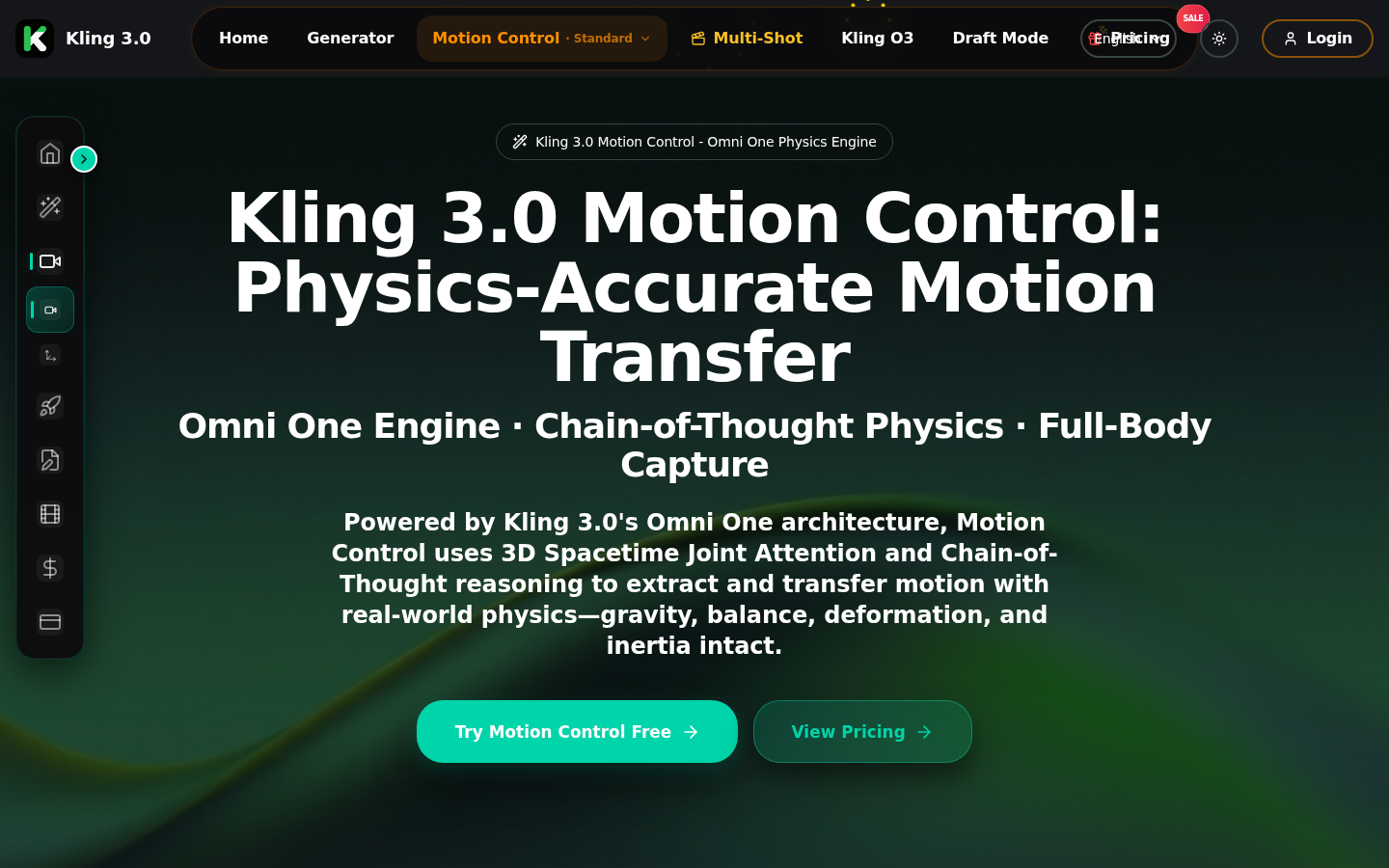
Screenshot archived from the listing page, for preview only.











