
Kling 2.5
AI video generator with physics effectsCreate cinematic videos faster and cheaper
Highlights
What you can do with it
- Marketers creating product promotional videos
- Content creators turning written content into video
- Film makers producing special effects scenes
How to use it
- 1 Visit the Kling 2.5 AI website at kling25.ai
- 2 Click Free Trial to get trial credits
- 3 Enter your video prompt and scene details
- 4 Select duration, resolution, and aspect ratio
- 5 Click Generate and wait for the video
- 6 Edit, adjust, and download the final video
Who it is for
Pros
- Free trial available
- Strong physics and character animation
- Lower cost and faster generation
Limitations
- Paid pricing after the trial ends
- Complex prompts need careful writing
- Results vary with prompt detail
What Kling 2.5 is
Kling 2.5 AI is an advanced video generation tool that creates professional videos from text or images. It uses advanced AI algorithms combined with Turbo technology to reduce generation costs by 30 percent and increase processing speed by 50 percent. The model includes physics simulation that produces realistic water and fluid effects, along with natural character and animal movement. It also offers cinematic lighting and dynamic visual effects while following complex prompts with precise timing control. A free trial lets users test the technology before buying a paid plan, with pricing based on clip length such as 0.30 dollars for a 5-second video.
What you can do with it
- Convert text prompts or images into video clips
- Create realistic water and fluid physics effects
- Animate characters and animals with natural motion
- Apply cinematic lighting and dynamic visual styles
- Control timing precisely for complex prompts
Who it is for
- Content creators producing videos at volume
- Marketing professionals making promotional content
- Film makers generating special effects scenes
What to watch out for
Paid pricing applies after the free trial, and costs scale with clip length and quality. Strong results depend on detailed, well-structured prompts, so vague requests will produce weaker video. Complex physics and motion scenes may still show artifacts or unnatural movement on close inspection. Always preview clips fully before using them in client or public-facing work. For team use, agree on naming and editing conventions in advance to avoid version conflicts or duplicated work. Name and archive exported files consistently so you can find and reuse them, and keep a backup copy of key data.
FAQ
What does Kling 2.5 AI do?
It converts text or images into professional videos with physics simulation and cinematic effects.
Is there a free trial?
Yes, users can enjoy a free trial before purchasing a paid plan.
How much faster is generation?
Video generation speed is 50 percent faster using Turbo technology.
Why it is free
What the official page says: free trial
Free limits, trial length and features are decided by the official site and can change at any time.
Product preview
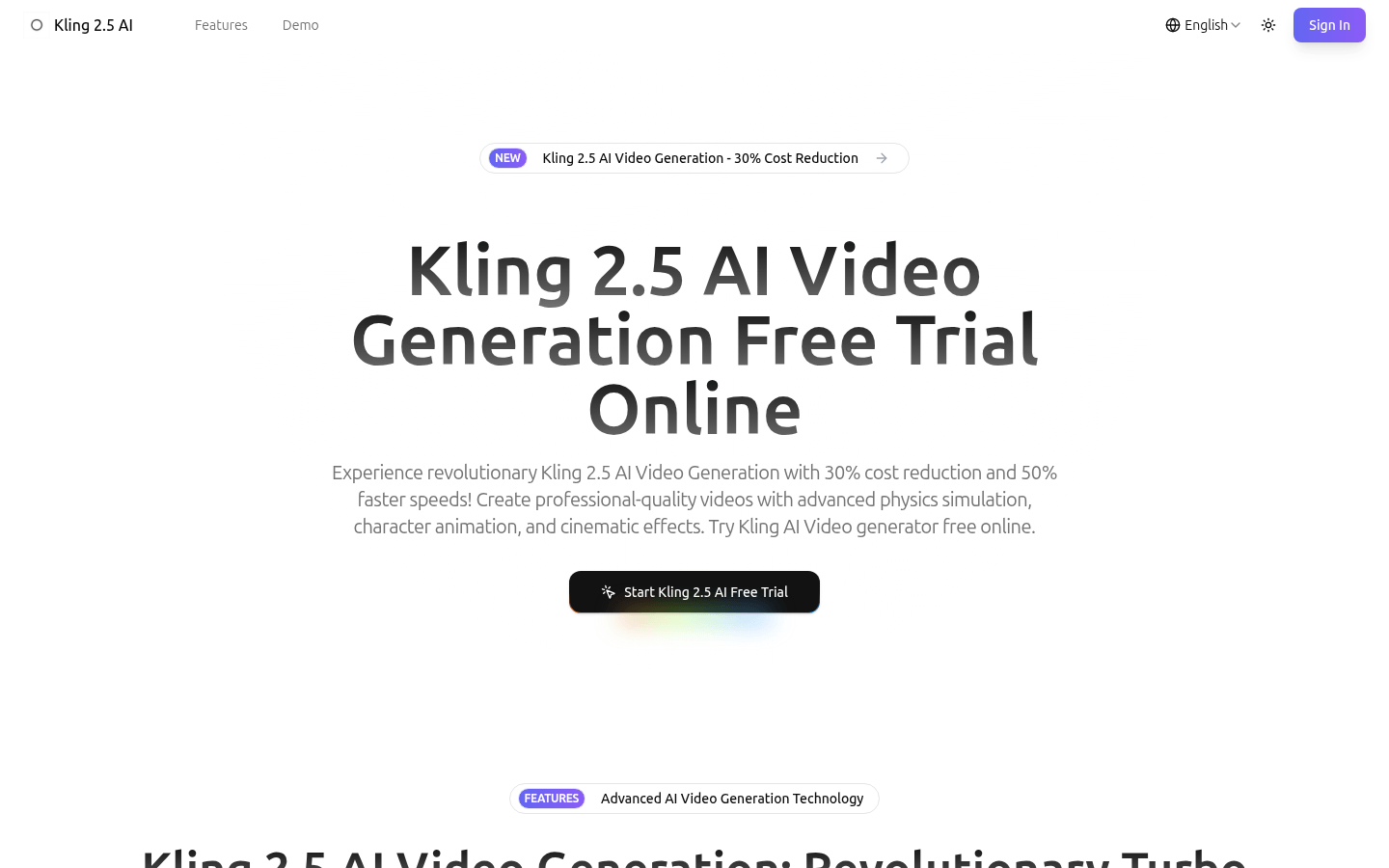
Screenshot archived from the listing page, for preview only.











