Klariqo AI Voice Assistants
AI voice and chat assistant for businessAnswer calls and chats 24/7 with AI
Highlights
What you can do with it
- A plumbing or dental business stops missing inbound calls
- A restaurant takes more bookings after hours
- A SaaS or fintech team handles routine questions automatically
How to use it
- 1 For phone: connect an existing number or get a new one
- 2 Describe your business so the AI can adopt the right voice
- 3 For web chat: paste one line of code into your site
- 4 Let the AI answer, book, and screen leads, then review transcripts
Who it is for
Pros
- Setup is quick and needs no technical knowledge
- Runs around the clock so fewer calls go unanswered
- Can be customized to your brand voice and colors
Limitations
- Automated calls and messages can fall under telecom and consent rules; any misuse and its consequences are yours to bear
- After the trial you move to a monthly plan, with tiers from about $99
- Voice AI still struggles with unusual or emotional calls
What Klariqo AI Voice Assistants is
Klariqo is an AI assistant built for business phone calls and website chats. It can handle many calls and chat sessions at once, respond instantly, and run 24 hours a day so fewer potential customers are missed. It books appointments from the conversation, screens leads by asking questions, and can adopt your brand voice, accent, and chat colors. Setup is described as simple, with no technical knowledge needed. There is a 30-minute free trial and a 3-day test that needs no credit card.
What you can do with it
- Answer inbound phone calls and website chats at the same time, around the clock.
- Book appointments automatically and screen leads before staff follow up.
- Match the AI voice, tone, and chat window to your brand.
- Read full transcripts and insights for every conversation.
Who it is for
- Local businesses such as restaurants, clinics, and home services that lose calls.
- SaaS and online companies with a steady flow of routine questions.
- Fintech and other teams that want after-hours coverage without extra staff.
What to watch out for
Automated calling and messaging can fall under telecom and consent rules in your region, so use it lawfully and respect opt-outs; any misuse and its consequences are your own responsibility. After the trial you move to a monthly plan, with tiers from about $99. Voice AI still struggles with unusual, emotional, or complex calls, so keep a human path for those cases. For team use, agree on naming and editing conventions in advance to avoid version conflicts or duplicated work. Name and archive exported files consistently so you can find and reuse them, and keep a backup copy of key data.
FAQ
How can I try it?
There is a 30-minute free trial and a 3-day test that needs no credit card.
What does it do?
It answers calls and website chats, books appointments, and screens leads 24/7.
Do I need tech skills?
No, the source says setup is simple and needs no technical knowledge.
Why it is free
What the official page says: free trial
Free limits, trial length and features are decided by the official site and can change at any time.
Product preview
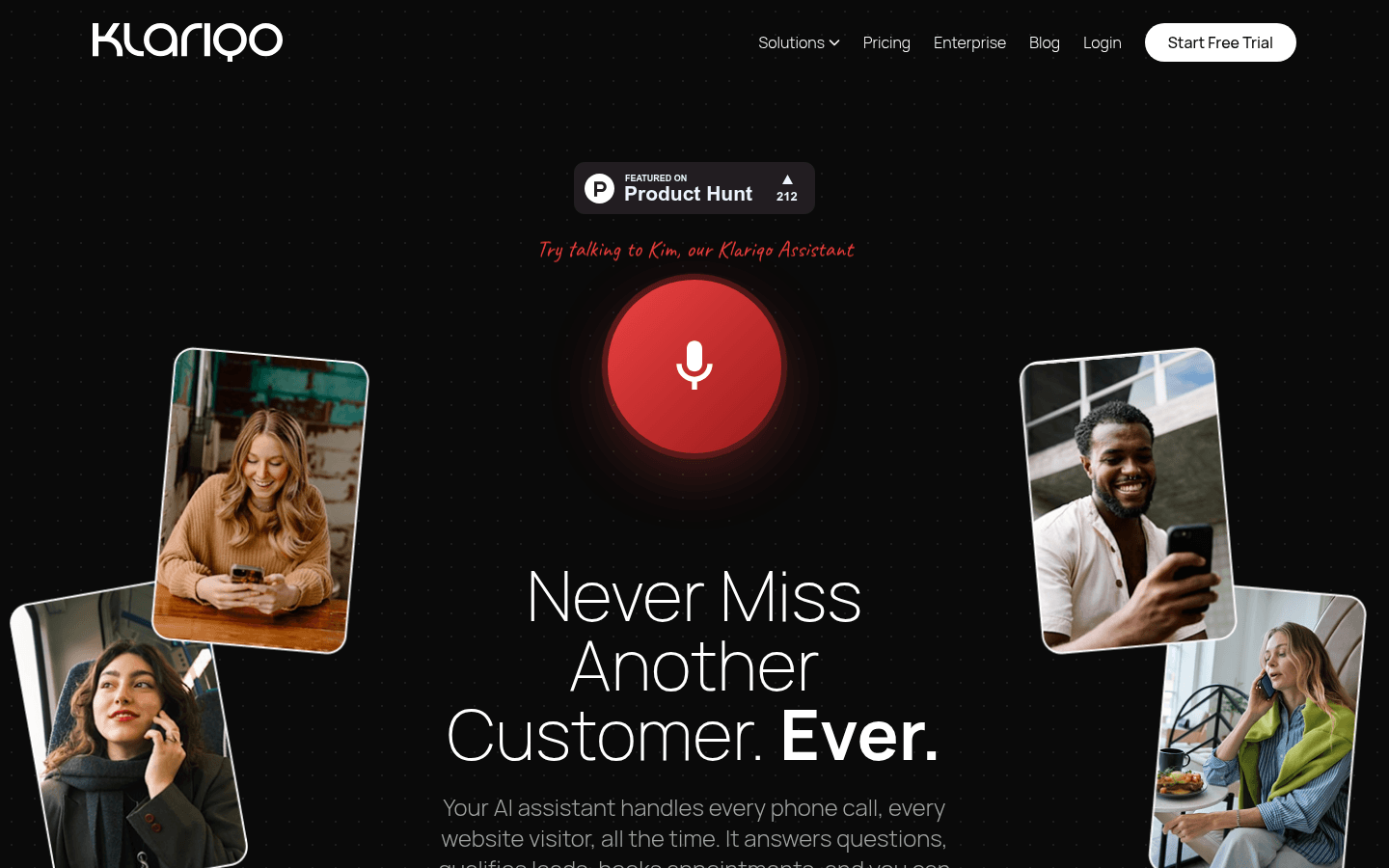
Screenshot archived from the listing page, for preview only.