
Kira Ai
All in one AI assistant platformOne assistant for tasks, calls, and calendar
Highlights
What you can do with it
- Getting step by step help with a homework problem
- Automating email replies and calendar scheduling
- Turning an idea into an image for content work
How to use it
- 1 Register or log in on the Kira AI site.
- 2 Pick the feature you need from the menu.
- 3 Enter your prompt or upload the file.
- 4 Use voice commands if you prefer hands free control.
- 5 Authorize integrations for the tools you use.
Who it is for
Pros
- Replaces several single purpose tools with one account
- Broad integration list for existing workflows
- Voice control allows hands free operation
Limitations
- Pricing is unclear and a free trial may be limited
- Automated calling features carry regulatory risk
- AI answers can be wrong and need checking
What Kira AI is
Kira AI is presented as an all in one AI assistant that pulls several agents into a single platform. Rather than subscribing to separate tools, you get image generation, document summarization, homework assistance, a smart calendar, an email agent, voice commands, and an AI call agent in one place. The stated advantage is consolidation, so data and context live together instead of across a pile of subscriptions. It claims connections to more than 60 productivity tools such as Slack, Drive, and Notion, and it supports voice control for hands free use.
What you can do with it
- Generate images from a written idea.
- Summarize and interpret documents.
- Get step by step help with homework problems.
- Schedule meetings and keep a conflict free calendar.
- Draft and send email replies automatically.
- Control the assistant with voice commands.
- Connect it to the productivity tools you already use.
Who it is for
- Students who want detailed walkthroughs on assignments.
- Creators who need visual material without a design tool.
- Professionals managing calls, email, and scheduling in one day.
- Teams already working inside tools like Slack and Notion.
What to watch out for
Pricing is not clearly stated in the listing, and any free trial may be limited, so confirm costs before relying on it for daily work. The AI call agent can place and receive calls on your behalf, and automated calling is regulated in many places, with consent and telemarketing rules that vary by region, so make sure your use complies and that recipients know they are talking to an automated system. AI answers and summaries can be wrong, particularly on factual or mathematical questions, so verify anything important. Connecting many tools also means granting broad access, so review permissions carefully.
FAQ
What can Kira AI do?
It covers image generation, document summaries, homework help, calls, calendar, email, and voice commands.
How many tools does it connect to?
The listing says more than 60 common productivity tools.
Is pricing published?
The page does not specify pricing clearly, so check the site for current plans.
Why it is free
What the official page says: free trial
Free limits, trial length and features are decided by the official site and can change at any time.
Product preview
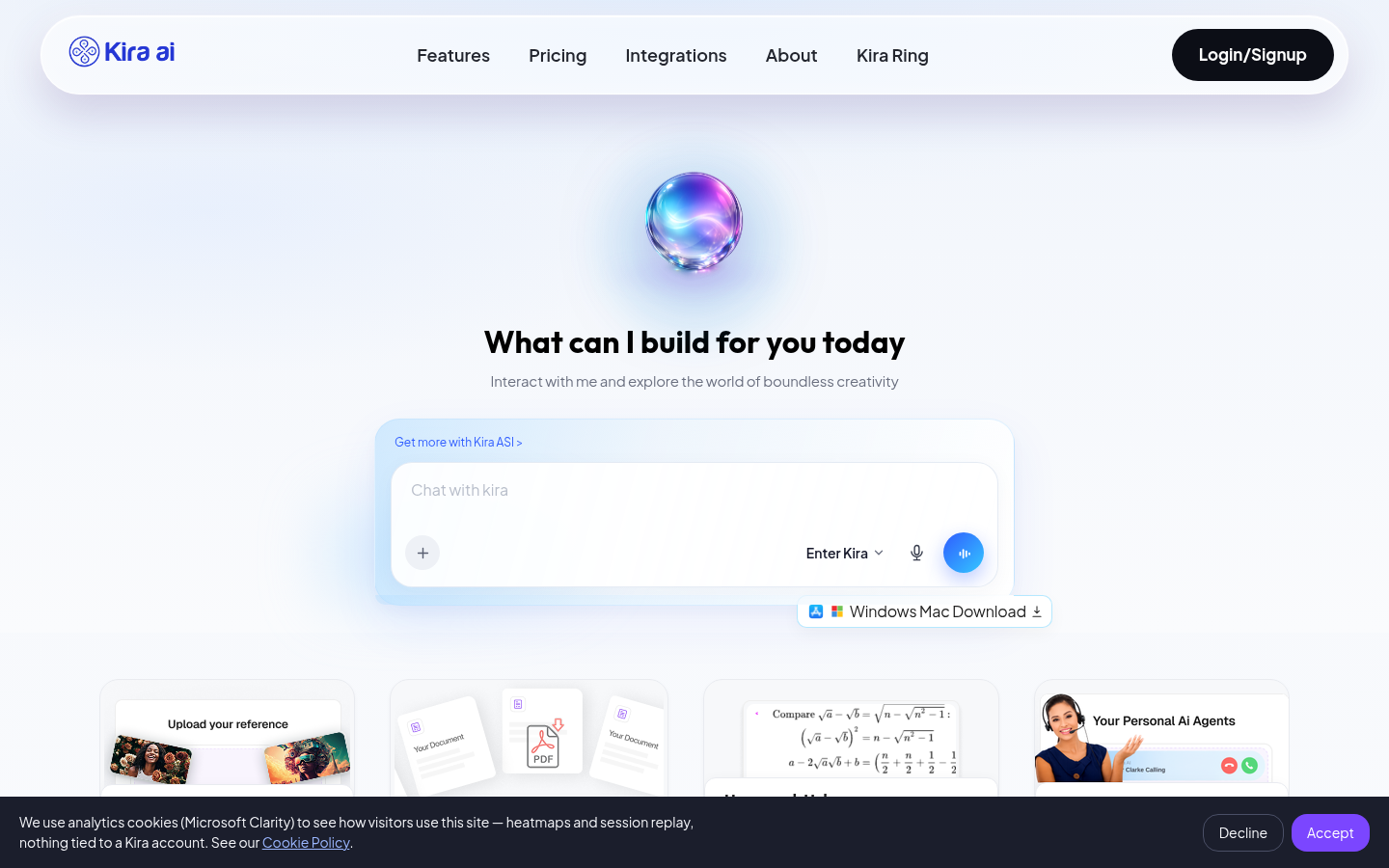
Screenshot archived from the listing page, for preview only.











