
kinovi
AI video generator with Seedance 2.0200 free credits, up to 2K, no watermark
Highlights
What you can do with it
- Advertising teams produce UGC style creative quickly
- Individual creators make short videos from text prompts
- Enterprises produce promotional video with consistent brand characters
How to use it
- 1 Visit the Kinovi website
- 2 Register an account and claim 200 free credits
- 3 Select an input mode such as text-to-video or image-to-video
- 4 Prepare your input files and assign roles in the prompt
- 5 Set resolution and aspect ratio, then generate
- 6 Edit with natural language and download the video
Who it is for
Pros
- 200 free credits and no watermark for new users
- Up to 2K output with many aspect ratios
- Audio is generated with the video instead of in post
- Camera control and character consistency support repeatable shots
Limitations
- Clips are short, 4 to 15 seconds, so longer videos need stitching
- Free credits run out, and further use needs credit purchases
- Generation time grows with video complexity
- Free credit amounts and no-watermark terms can change at any time
What kinovi is
Kinovi is an AI video generation platform built on the Seedance 2.0 model. It accepts several kinds of input, including text, image, audio, and video extension, and you can combine up to 12 files in a single generation. Output goes up to 2K resolution with aspect ratios such as 16:9, 9:16, 4:3, 1:1, and 21:9, and each clip runs 4 to 15 seconds. Native audio is generated at the same time as the video, including Foley effects, environmental sound, and lip sync in eight languages. New users get 200 free credits with no watermark, and further use runs on purchased credit packs.
What you can do with it
- Generate video from text, images, audio, or an existing clip
- Lock a character's face, clothing, and proportions across shots
- Control camera moves such as zoom, pan, tilt, tracking, and orbit
- Edit a clip by describing the change in natural language
- Export for commercial projects or personal sharing
Who it is for
- Individual creators who want free credits to experiment
- Advertising practitioners who produce creative at volume
- Professional video producers who need consistency across shots
What to watch out for
Clips are only 4 to 15 seconds, so anything longer means stitching multiple generations and hoping the cuts line up. The 200 free credits are a starting allowance, and continued use requires buying credit packs. Generation time rises with complexity, which can slow iteration on tight deadlines. Free credit amounts and the no-watermark terms are promotional and can change, so confirm current conditions before you build a project around them. When quality matters, export a small draft first to confirm the result before producing the final file.
FAQ
What do new users get?
New users get 200 free credits, and the site states there is no watermark.
What resolution does it support?
It generates up to 2K resolution and supports aspect ratios including 16:9, 9:16, 4:3, 1:1, and 21:9.
Is audio generated too?
Yes, native audio is generated with the video, covering Foley effects, environmental sounds, and lip sync in eight languages.
How long can a clip be?
Each clip runs 4 to 15 seconds, so longer pieces need several generations joined together.
Why it is free
What the official page says: free credits
Free limits, trial length and features are decided by the official site and can change at any time.
Product preview
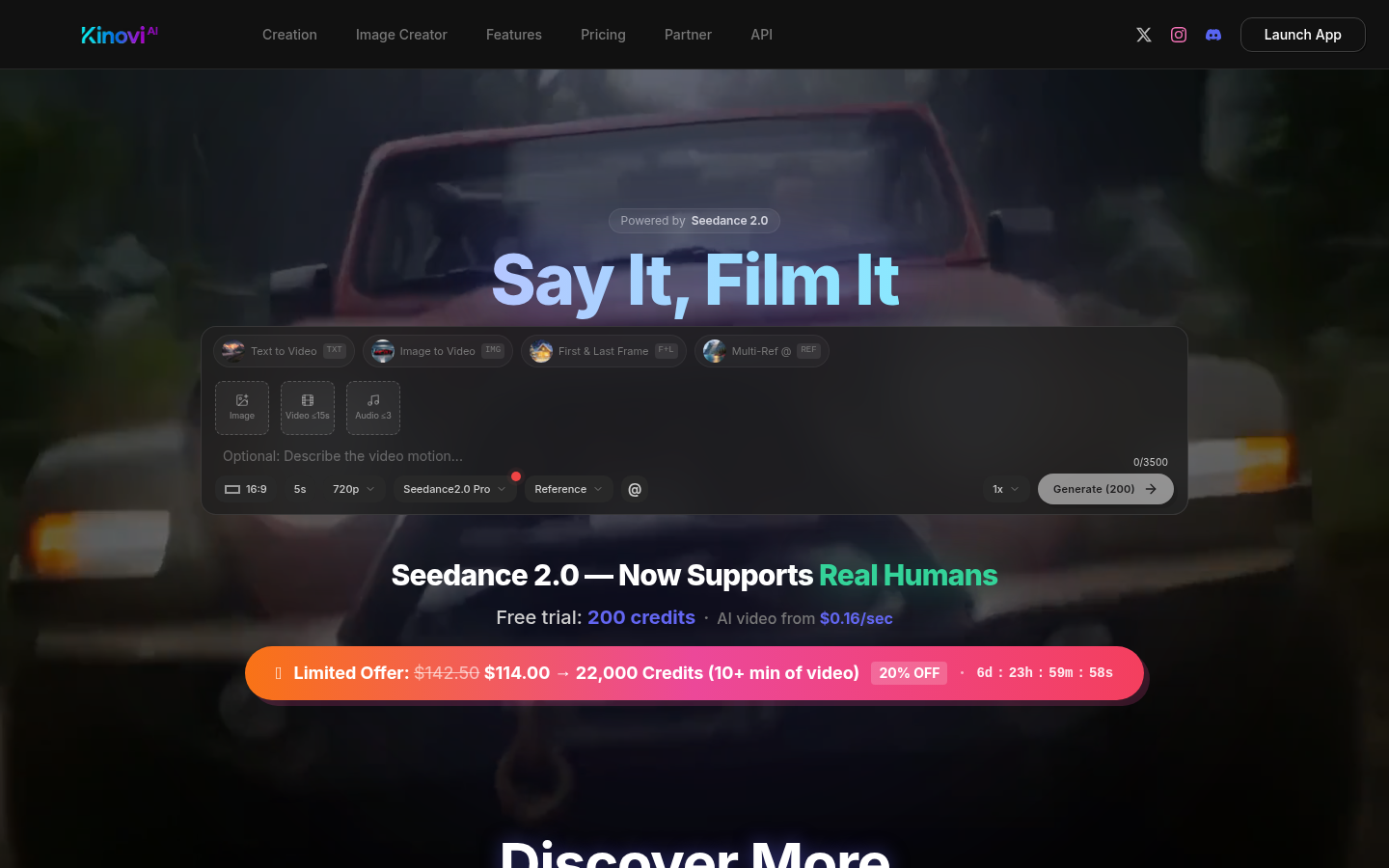
Screenshot archived from the listing page, for preview only.











