
kavel ai
Free AI image and video studio30+ one-click tools; first image free, no account
Highlights
What you can do with it
- Generate design material from creative copy for ads
- Turn a text script into video content for social media
- Repair a damaged old photo to preserve a memory
How to use it
- 1 Visit the Kavel site; the first image is free with no account
- 2 Register for free trial credits if you want more tools
- 3 Pick a function such as image generation, video, or editing
- 4 Enter a prompt or upload references, check the credit cost, then generate
- 5 Preview, edit, and download the result
Who it is for
Pros
- First image free with no account required
- Clear credit preview avoids surprise charges
- Failed generations are not charged
Limitations
- Beyond the free first image, generation uses paid credits and terms can change
- Credit costs vary by model, resolution, and length
- Editing faces or outfits should respect consent and platform rules
What kavel ai is
Kavel is an online AI image and video studio that brings more than 30 one-click tools into one place. It covers image generation, video generation, video with native audio, and image editing such as changing clothes or repairing damaged photos. Before you generate anything, you can see the exact credit cost, and the page states that failed generations are not charged. The first image is free with no account required, and you can register to get free trial credits for more. Beyond that, generation is billed by credit, with costs that vary by model, resolution, and length.
What you can do with it
- Generate images from text or combine reference photos
- Create video from a prompt or reference images, with native audio
- Edit images, such as changing clothes or repairing old photos
- Preview the credit cost before you commit to a generation
Who it is for
- Creative workers like designers and video editors
- Content creators making social media videos
- Casual users editing photos for fun or to keep memories
What to watch out for
Only the first image is free with no account; beyond that, generation uses paid credits, and terms and costs can change, so confirm current pricing. Credit use scales with model, resolution, and length, so heavy video work adds up fast. Features that edit faces or outfits should respect consent and platform rules, and you carry responsibility for how you use them. Failed generations are not charged, but successful ones still consume credits. Generated suggestions are for reference only, so verify anything that affects professional judgment or important data. Start with a small sample to confirm the output meets your expectations before processing the full batch.
FAQ
Is the first image really free?
Yes. The first image is free and no account is required to try it.
How is generation billed?
Generation uses credits, and the cost varies by model, resolution, length, and input type; you can preview it first.
Are failed generations charged?
No. The page states there is no charge for failed generations.
Why it is free
What the official page says: free trial
Free limits, trial length and features are decided by the official site and can change at any time.
Product preview
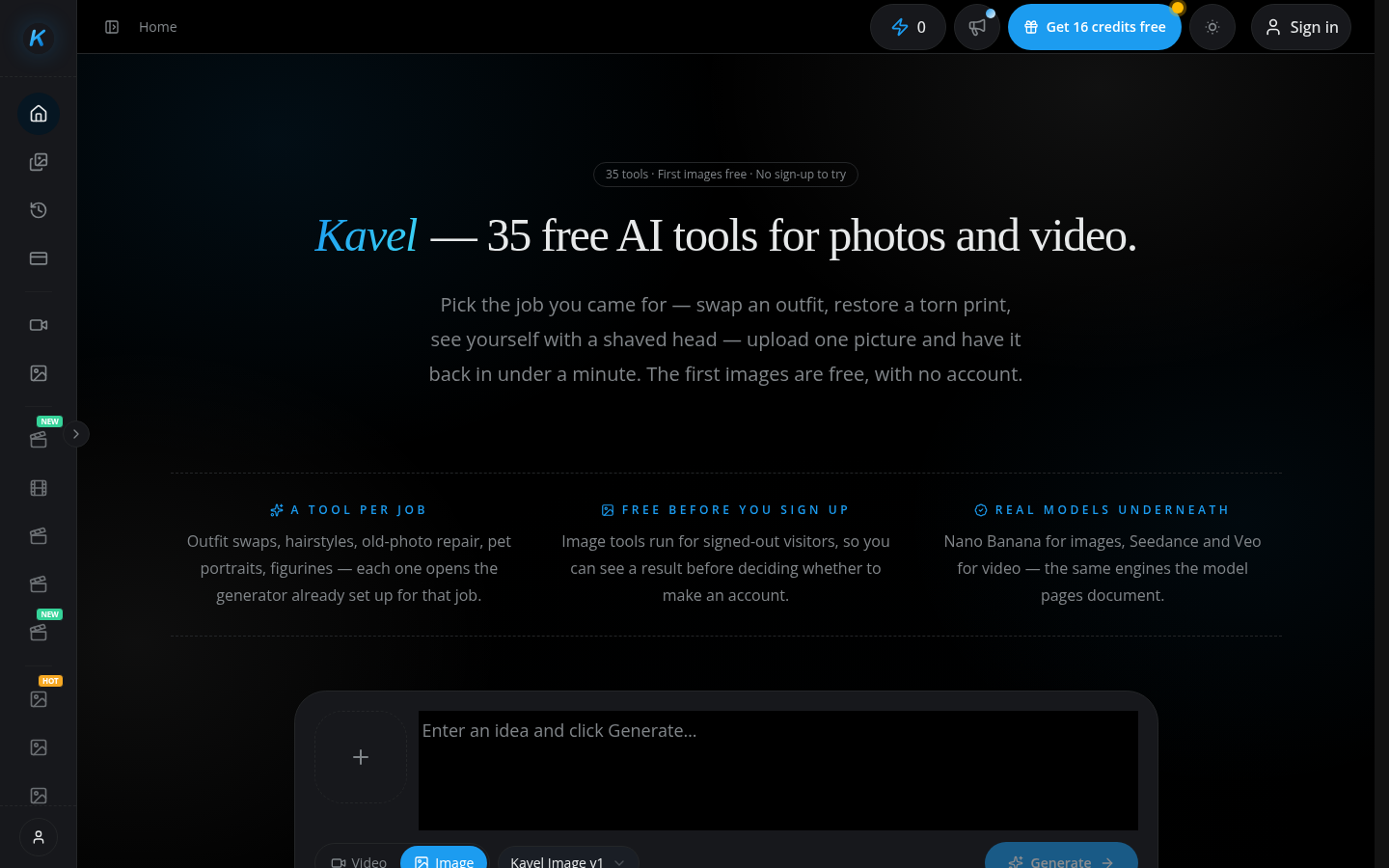
Screenshot archived from the listing page, for preview only.











