
Katalyst
AI sales agent for Salesforce teamsEvery call becomes a next step in CRM
Highlights
What you can do with it
- A Justworks representative says it gives him everything he needs before a meeting
- An enterprise representative at Rapid AI says it does her call preparation for her
- A sales director at Aniai says it works in the background and surfaces what competitors would spot
How to use it
- 1 Start the free trial or watch the demo from the Katalyst website
- 2 Register and connect Salesforce plus email, meeting recorder, and calendar
- 3 Let the AI agent learn your business and go-to-market strategy
- 4 Review the automatic summaries and Salesforce updates after each interaction
- 5 Act on the next steps, account plans, and follow-up drafts it produces
- 6 Use natural language search for account detail when prioritizing deals
Who it is for
Pros
- Removes manual CRM data entry after every call
- Next steps come from your own playbooks and history
- Deep search pulls company facts from several sources
- Free trial and demo available
Limitations
- It requires Salesforce and connected communication tools to work
- Generated next steps and drafts still need review before you rely on them
- Full use requires payment
- Trial terms and data access rules may change
What Katalyst is
Katalyst is an AI sales agent built for teams that run on Salesforce. The repetitive part of selling is not the conversation, it is everything after: writing notes, updating fields, and remembering what to do next. Katalyst reads meetings, notes, emails, and calls, summarizes each customer interaction, and updates the relevant deal fields in Salesforce automatically. It then turns that interaction into a concrete next step, using your sales playbooks, deal history, and the surrounding context, and records the action so nothing is dropped. Beyond that, it builds account plans from company, technical, and behavioral data, drafts follow-up emails in your mail app after each call, and supports natural language search that pulls specific facts from the web and other tools. A free trial and a demo are offered, and the site says fast-growing B2B teams trust it.
What you can do with it
- Turn calls and emails into Salesforce updates without typing them
- Get specific next steps derived from your own playbooks
- Build account plans from combined company and behavioral data
- Draft follow-up emails that already list the agreed actions
- Search for account facts in plain language across several sources
Who it is for
- Enterprise sales representatives who lose hours to CRM hygiene
- Sales leaders who want pipeline data they can actually trust
- Executives who need account narratives grounded in data
- B2B teams already standardized on Salesforce
What to watch out for
The tool only works if Salesforce and the communication tools it reads are connected, which means administrator effort and clear data access rules before you see value. Generated next steps and email drafts are suggestions, not decisions: read them before they reach a customer, especially on sensitive deals. Full use requires payment, and trial terms and data handling rules may change. As with any tool that records meetings and email, make sure your use complies with your company policy and the consent rules that apply where you and your customers are.
FAQ
What does Katalyst do with my calls?
It summarizes the interaction, updates the relevant deal fields in Salesforce, and converts what was said into specific next-step recommendations.
Where do the recommendations come from?
They are built from your sales playbooks, deal history, and the context of each interaction, so the advice reflects how your team already sells.
Can it find information about an account?
Yes. Natural language search can pull specific data from the web and other tools, such as funding, revenue, filings, and hiring information.
Is there a free trial?
Yes. The site offers a free trial and a demo, and states it is trusted by fast-growing B2B teams.
Why it is free
What the official page says: free trial
Free limits, trial length and features are decided by the official site and can change at any time.
Product preview
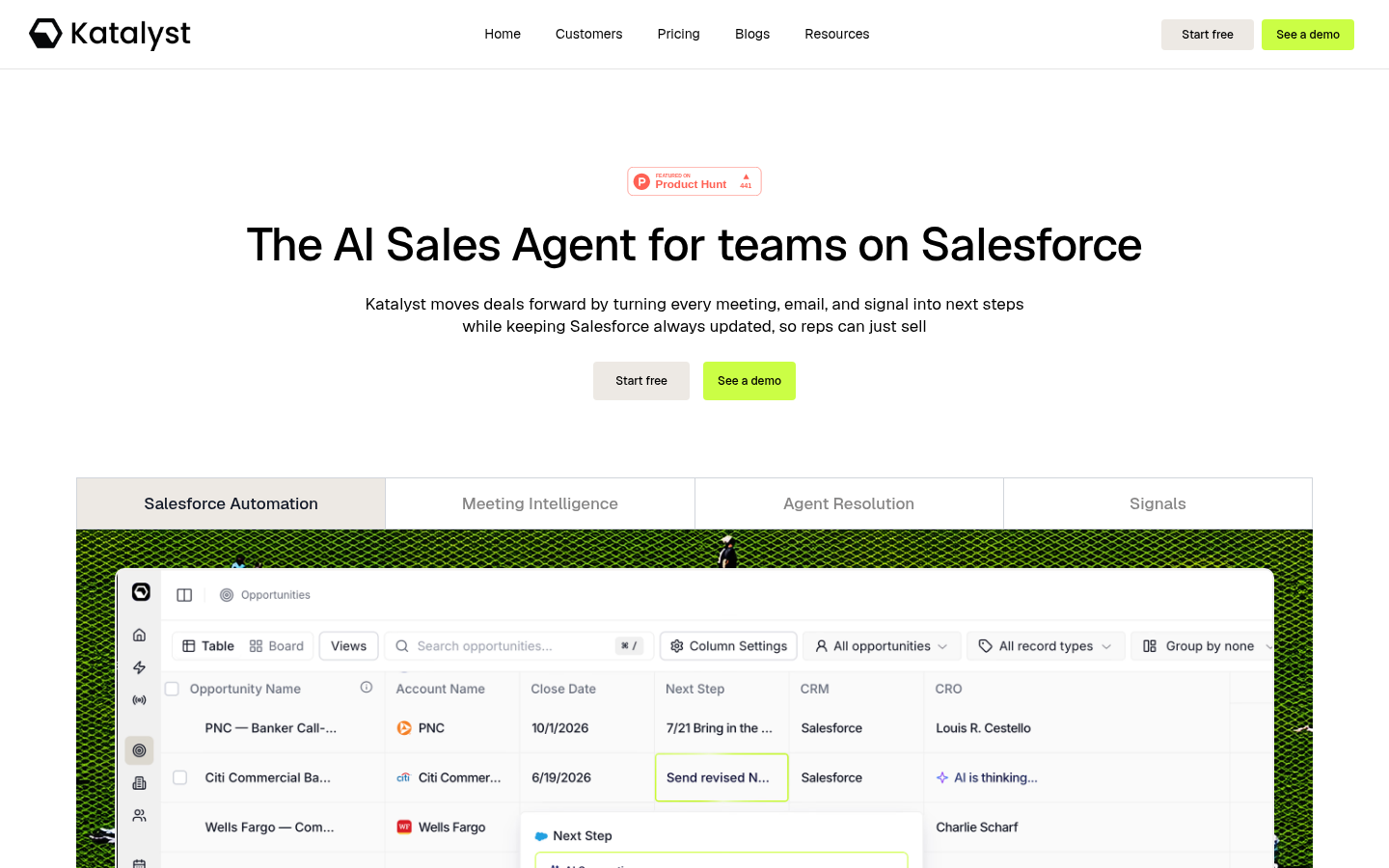
Screenshot archived from the listing page, for preview only.











