
Katalist
AI storyboard generator with consistent charactersTurn scripts into visual storyboards fast
Highlights
What you can do with it
- Filmmakers turn scripts into visual storyboards
- Ad agencies visualize creative concepts for clients
- Content creators generate visual assets from scripts
How to use it
- 1 Start the free trial on the Katalist site.
- 2 Import your script or paste the text.
- 3 Let the AI extract characters, scenes, and actions.
- 4 Generate storyboard frames and adjust elements.
- 5 Customize details and export for your team.
Who it is for
Pros
- One-click storyboard generation from a script
- Keeps characters and scenes consistent
- No AI expertise is required
- Aims to speed up pre-production
Limitations
- Free trial is limited and full use needs a paid plan
- Generated frames need review and adjustment
- Complex scenes may not match your vision exactly
- Depends on the vendor platform staying available
What Katalist is
Katalist is an online tool for filmmakers, advertisers, and content creators. Using generative AI, it helps you visualize creative concepts and create storyboards, video ideas, and creative pitches. It analyzes a script, automatically extracts characters, scenes, and actions, and generates matching visual assets with one click. It keeps characters and scenes consistent throughout the storyboard, and you can switch between elements and customize details. No AI expertise is required, and the tool aims to speed up pre-production. It offers a free trial, and it is aimed at creative teams, though output still needs review.
What you can do with it
- Turn an imported script into storyboard frames with one click.
- Keep characters and scenes consistent across frames.
- Switch between character and scene elements quickly.
- Customize visual details for pitches and planning.
Who it is for
- Filmmakers planning a shoot.
- Advertising agencies pitching concepts to clients.
- Content creators preparing videos.
- Teams that need fast, consistent visual storyboards.
What to watch out for
The free trial is limited, and full use needs a paid plan, and pricing can change over time. Generated frames need review and adjustment, and complex scenes may not match your vision exactly, so plan to iterate. Because it relies on generative AI, results can vary between runs. As a hosted tool, availability can vary, so export important storyboards and confirm current terms on the official site before relying on it. When quality matters, export a small draft first to confirm the result before producing the final file. Generated suggestions are for reference only, so verify anything that affects professional judgment or important data.
FAQ
What is Katalist?
It is an online tool that uses generative AI to create storyboards, video ideas, and creative pitches.
Is there a free trial?
Yes. Katalist offers a free trial.
How does it keep consistency?
It keeps characters and scenes consistent throughout the storyboard, and you can switch between elements.
Who is it for?
It is aimed at filmmakers, advertisers, and content creators.
Why it is free
What the official page says: free trial
Free limits, trial length and features are decided by the official site and can change at any time.
Product preview
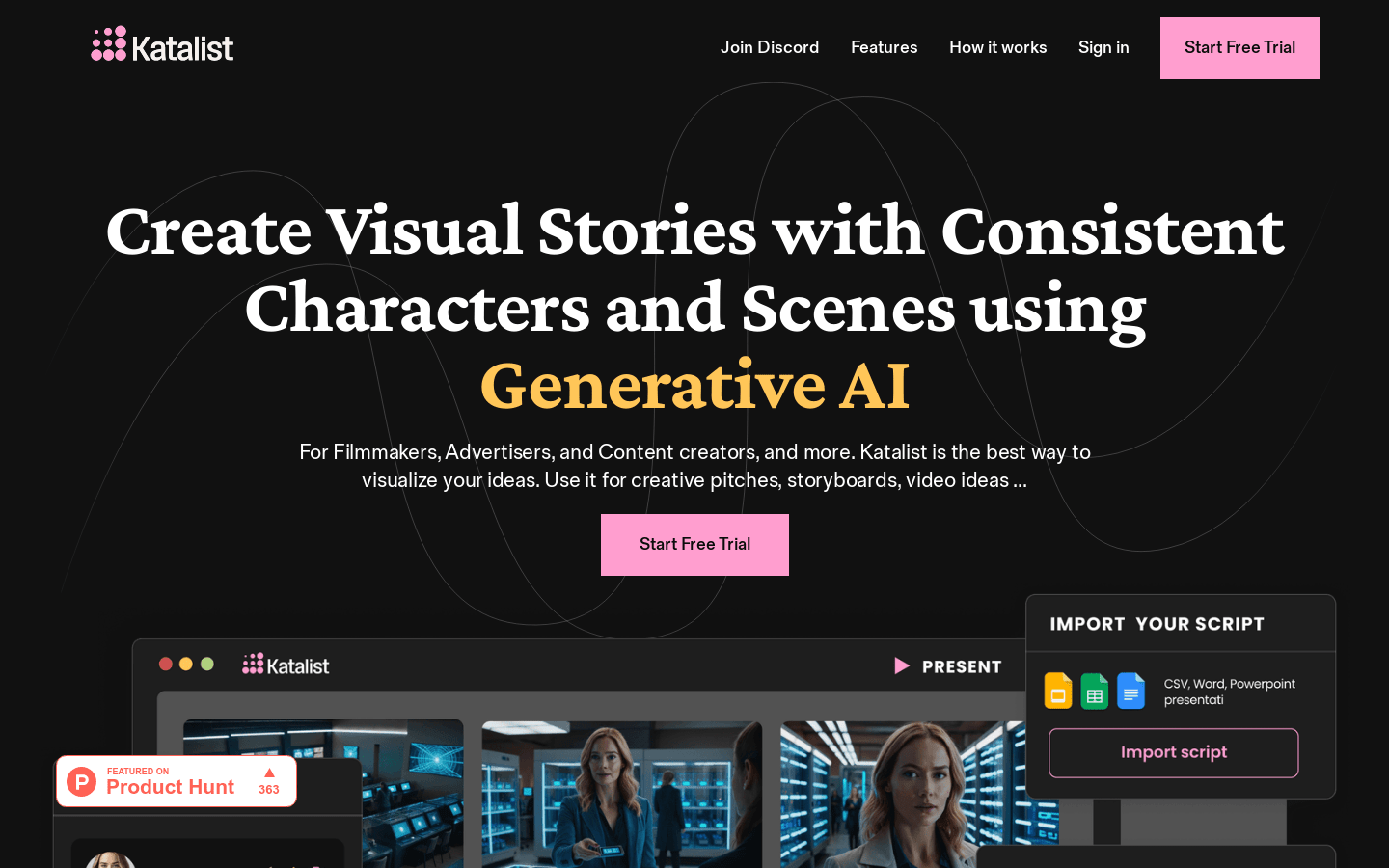
Screenshot archived from the listing page, for preview only.











