
KaraVideo
AI video generatorText or photo in, video out
Highlights
What you can do with it
- Turning a written script into a social clip
- Making an anime style short from a concept
- Converting product photos into a promo video
How to use it
- 1 Open karavideo.ai and start the free trial
- 2 Pick text to video or image to video
- 3 Describe the scene or upload your photo
- 4 Choose a model, style and output settings
- 5 Generate, preview, then export the video
Who it is for
Pros
- Several generation modes in one place
- Character consistency tools for series work
- One paid plan covers multiple models
Limitations
- Free trial only, then a paid plan
- Video generation is heavy, so rendering takes time
- AI video still needs editing before it is publishable
What KaraVideo is
KaraVideo is an AI platform for text to video and image to video generation. The core loop is fast: describe a scene in words, or upload a photo with an optional end frame and a short prompt, and the platform returns a video in seconds. Around that it adds character consistency, where you upload three to five reference images of the same character and lock the style so they hold across shots, an AI anime generator with master styles, roughly 40 AI driven special effects, and native audio generation through Veo 3 that covers sound effects, environmental noise and dialogue. Pricing is a free trial plus a unified paid plan that unlocks multiple models under one credit system.
What you can do with it
- Turn a written description into a cinematic style video.
- Animate a still photo, optionally with an end frame.
- Keep a character consistent across multiple clips.
- Add anime styles or one of 40 special effects, with generated audio.
Who it is for
- Social media creators who need regular video output.
- Animation fans making short anime style films.
- Marketing teams turning product photos into promo clips.
What to watch out for
There is a free trial and then a paid plan, so budget for it if you plan to publish regularly. Video generation is computationally heavy, so rendering can take time and queue position matters, especially for longer or higher resolution outputs. Treat every result as raw material: AI video often needs trimming, re timing and fact checking before it is publishable, and characters can drift between shots even with style locking on. Generated suggestions are for reference only, so verify anything that affects professional judgment or important data.
FAQ
What does KaraVideo generate?
Text to video and image to video, plus anime style clips and special effects, with native audio through Veo 3.
Is there a free trial?
Yes, a free trial is offered, with a unified paid plan for multiple models.
Can I keep a character consistent across clips?
Yes, upload three to five reference images, enable character style locking and add a short action prompt.
Why it is free
What the official page says: free trial
Free limits, trial length and features are decided by the official site and can change at any time.
Product preview
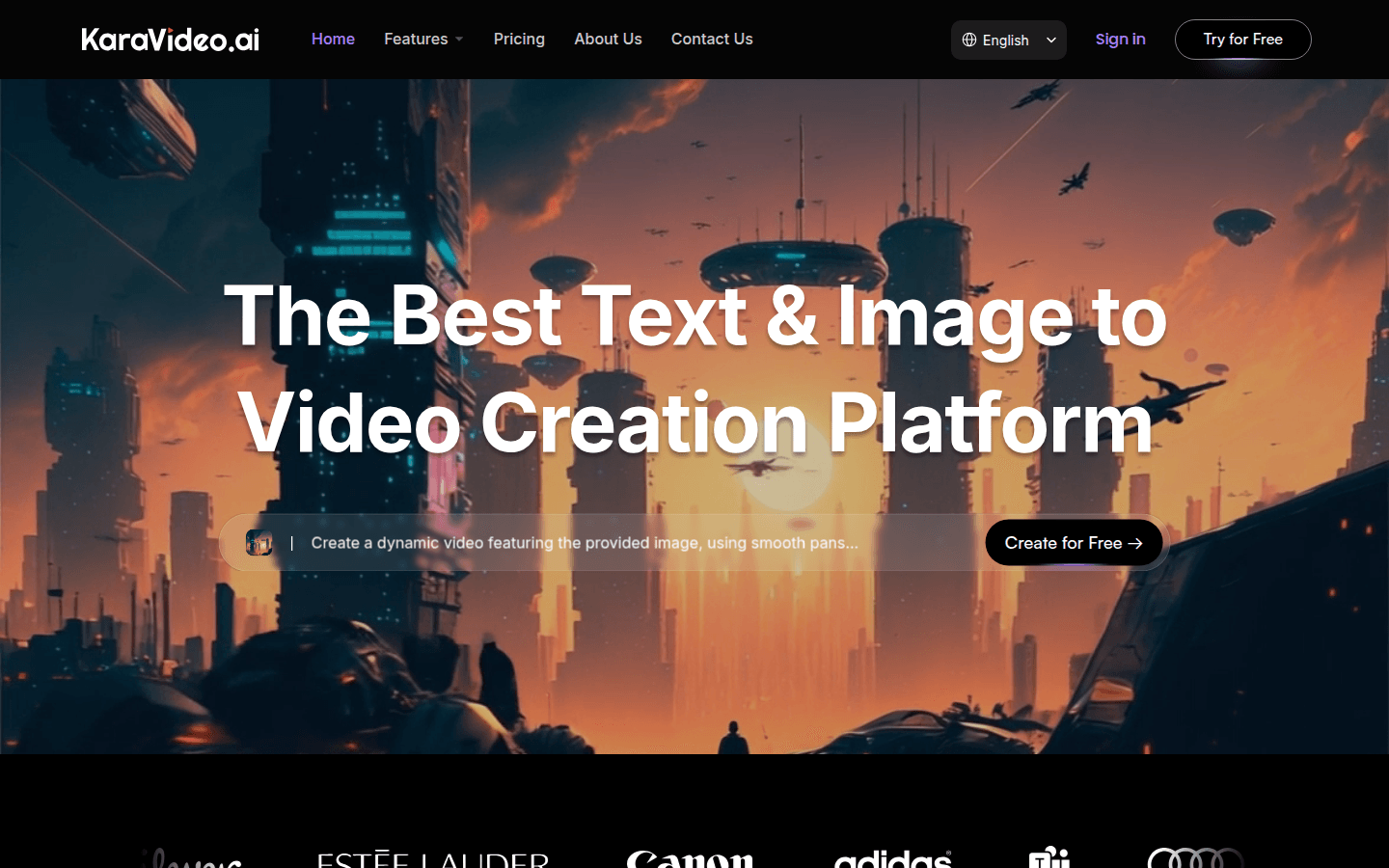
Screenshot archived from the listing page, for preview only.











