
Kane CLI By TestMu AI
Natural-language browser test automationDescribe a test in plain words and run it locally
Highlights
What you can do with it
- Run a checkout flow locally before pushing new code.
- Test the same app in staging and production.
- Handle large-scale automated testing for a team.
How to use it
- 1 Install Kane CLI with npm.
- 2 Describe your test steps in natural language.
- 3 Run the command, review pass or fail results, then fix or export as needed.
Who it is for
Pros
- No complex selectors or frameworks to learn first.
- Self-healing and smart waits reduce flaky tests.
- Free plan lets you try it before paying.
Limitations
- Free plan limits and paid pricing could change.
- Some setup and command-line comfort is expected.
- It focuses on browser flows, not every test type.
What Kane CLI By TestMu AI is
Kane CLI by TestMu AI is a command-line tool that makes browser testing feel like describing a task out loud. Instead of writing complex frameworks and selectors, you type the steps in plain language, such as opening a site, clicking login, and entering credentials. The tool then runs those steps in a real local browser, verifies each one as it goes, and surfaces deep errors that simple checks miss. It is made by TestMu AI, formerly known as LambdaTest, and it is aimed at teams that want fast, repeatable end-to-end coverage without a heavy setup.
What you can do with it
It lowers the barrier to real browser automation.
- Describe a test flow in natural language and run it in a local browser.
- Reuse the same flow across staging and production by changing the URL.
- Rely on self-healing and smart waits to cut down flaky, unstable tests.
- Export the flow as a native Playwright script when you need full control.
Who it is for
It fits people who test in the browser but dislike heavy setup.
- Testers who want automation without deep framework knowledge.
- Developers who need a quick flow check before pushing code.
- Enterprises that run large, repeatable test suites across environments.
What to watch out for
Kane CLI offers a free plan, but the free limits and the paid tiers at 19 and 99 dollars a month could change, so check current pricing before you rely on it. There is still some learning cost: you work from a command line and install the tool through npm, so total beginners may need time to get comfortable. It targets browser flows specifically, so it will not cover every kind of test, and complex projects may still need custom Playwright work after export. Start with a short flow to see how it reads your steps before you script a long suite.
FAQ
Do I need to know selectors?
No, you describe steps in natural language and Kane CLI runs them.
Can I test different environments?
Yes, you can run the same flow in staging or production by changing the URL.
Can I keep the test as code?
Yes, you can export the flow as a native Playwright script.
Why it is free
What the official page says: 免费免费套餐
Free limits, trial length and features are decided by the official site and can change at any time.
Product preview
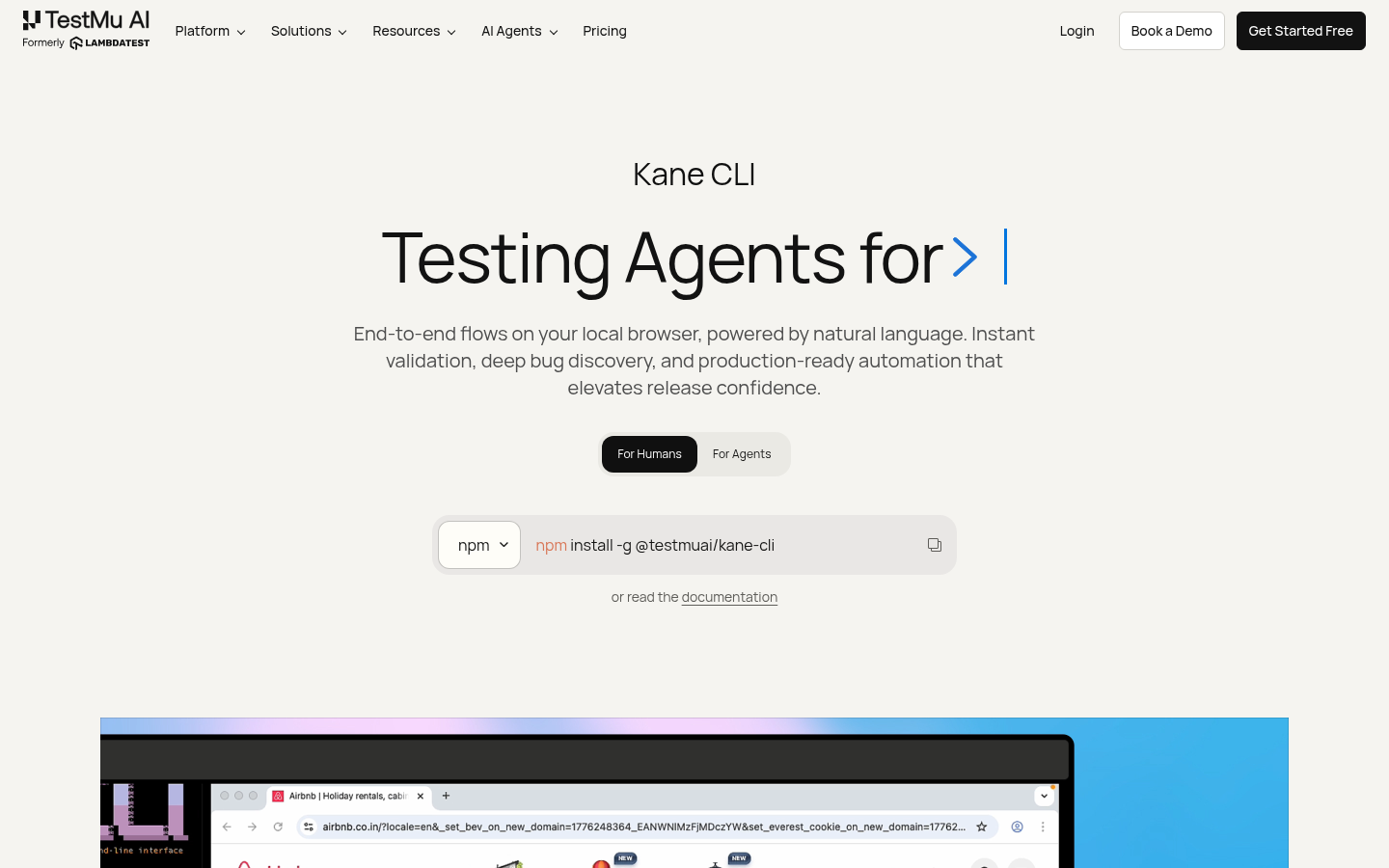
Screenshot archived from the listing page, for preview only.











