Kagi
Private, ad-free search and AI toolsAd-free search with privacy first
Highlights
What you can do with it
- Search the web without ads or tracking
- Use an AI assistant on top of search results
- Read private briefings and summarized articles
How to use it
- 1 Visit the Kagi website
- 2 Try it free with up to 150 searches
- 3 Sign up and choose a subscription plan
- 4 Use search, assistant, browser, translate, and news
- 5 Customize settings like filtering to your needs
Who it is for
Pros
- Ad-free, privacy-focused search
- A bundle of tools including assistant, browser, and translate
- 150 free searches to test before paying
Limitations
- Only 150 free searches and full use needs a paid plan
- A paid subscription is required for the full service
- Search and AI quality depend on upstream sources
What Kagi is
Kagi is a platform built around privacy and control on the web. Its core is ad-free search with strong anti-tracking, and it adds an AI assistant that can use multiple models without tracking you. It also includes the Orion browser with ad blocking and anti-tracking, translation across 240 languages, a noise-free news service, and article summaries. Individual and family plans are offered at a monthly rate, and you can run 150 free searches before deciding to subscribe. It is aimed at people and teams that value privacy and search quality.
What you can do with it
- Search the web without ads or tracking
- Use an AI assistant on top of search results
- Browse with Orion's ad blocking and extensions
- Translate 240 languages and summarize long articles
Who it is for
- People who value privacy and dislike ads
- Teams that want ad-free, untracked search
- Libraries helping readers find reliable sources
What to watch out for
Only 150 searches are free, and the full service needs a paid plan, so confirm current pricing. Search and AI answers depend on upstream sources, so coverage and quality can vary. Some tools like Orion or extensions are separate from core search, so check what your plan includes. As a paid service, terms and features can change over time. When quality matters, export a small draft first to confirm the result before producing the final file. Generated suggestions are for reference only, so verify anything that affects professional judgment or important data. Save a backup of the original file before large batch jobs, and keep an exported copy of key results in case the page or service becomes temporarily unavailable.
FAQ
Is Kagi free?
You can run 150 free searches, but the full service needs a paid plan. Confirm current pricing on the site.
What does it include?
It includes ad-free search, an AI assistant, the Orion browser, translation, news, and summaries.
How many languages can it translate?
It can translate across 240 languages.
Why it is free
What the official page says: 免费
Free limits, trial length and features are decided by the official site and can change at any time.
Product preview
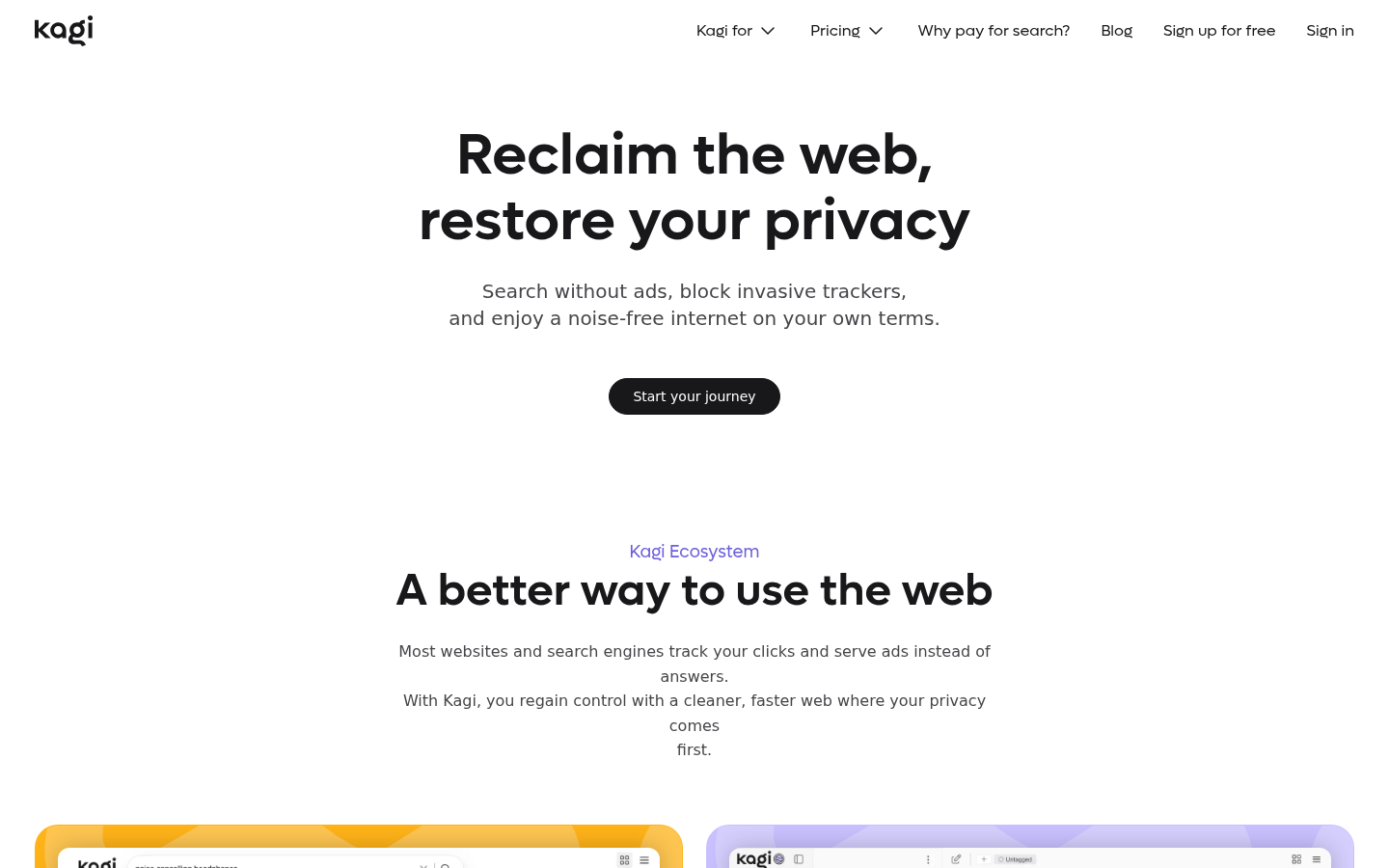
Screenshot archived from the listing page, for preview only.