
Kafkai Advance Mode
AI article writing toolSEO-ready drafts in a few clicks
Highlights
What you can do with it
- Drafting a blog article on a target keyword
- Producing supporting content for a site
- Overcoming a writing block on a topic
How to use it
- 1 Sign up for the free trial on kafkai.com
- 2 Choose the Advance Mode writing option
- 3 Enter your topic or keywords
- 4 Generate a first draft
- 5 Edit, fact-check and publish
Who it is for
Pros
- Free trial before paying
- Fast first drafts
- Positioned for SEO rather than generic prose
- Simple, low-friction workflow
Limitations
- Free trial only; continued use is paid
- Generated articles need fact-checking and editing
- AI-written content can read generically without a human pass
What Kafkai is
Kafkai is an AI writing assistant trained to produce unique, SEO-friendly articles. You give it a topic and it returns a first draft in a few clicks, with the stated aim of ranking on Google and helping you scale content marketing without writing every piece by hand. A free trial is offered at signup.
What you can do with it
- Generate a first article draft from a topic or keyword.
- Use the Advance Mode option for longer, more developed output.
- Produce supporting content for an existing site.
- Get past a writing block by reacting to a generated draft.
Who it is for
Bloggers and content marketers, SEO teams that need article volume, and writers who would rather edit a draft than face a blank page.
What to watch out for
The free trial is a trial and ongoing use is paid. Generated articles need fact-checking and a real editorial pass before publication, both for accuracy and because AI prose can read generically. If you publish AI-written content, be aware that some platforms and clients require disclosure. Generated suggestions are for reference only, so verify anything that affects professional judgment or important data. Start with a small sample to confirm the output meets your expectations before processing the full batch. Processing speed depends on file size and network conditions, so retry later if a task stalls during peak hours. Run one full task end to end first, then expand once you are comfortable with the workflow and the result quality. Generated suggestions are for reference only, so verify anything that affects professional judgment or important data. Start with a small sample to confirm the output meets your expectations before processing the full batch.
FAQ
Is Kafkai free?
It offers a free trial. Beyond that, use is paid, so check current pricing before committing.
What does it generate?
Unique, SEO-friendly blog articles and first drafts based on the topic or keywords you provide.
What is Advance Mode?
It is the writing mode referenced for generating longer, more developed article drafts within the tool.
Can I publish the output as is?
You should not. Generated drafts need editing and fact-checking before publication, both for accuracy and for tone.
Why it is free
What the official page says: free trial
Free limits, trial length and features are decided by the official site and can change at any time.
Product preview
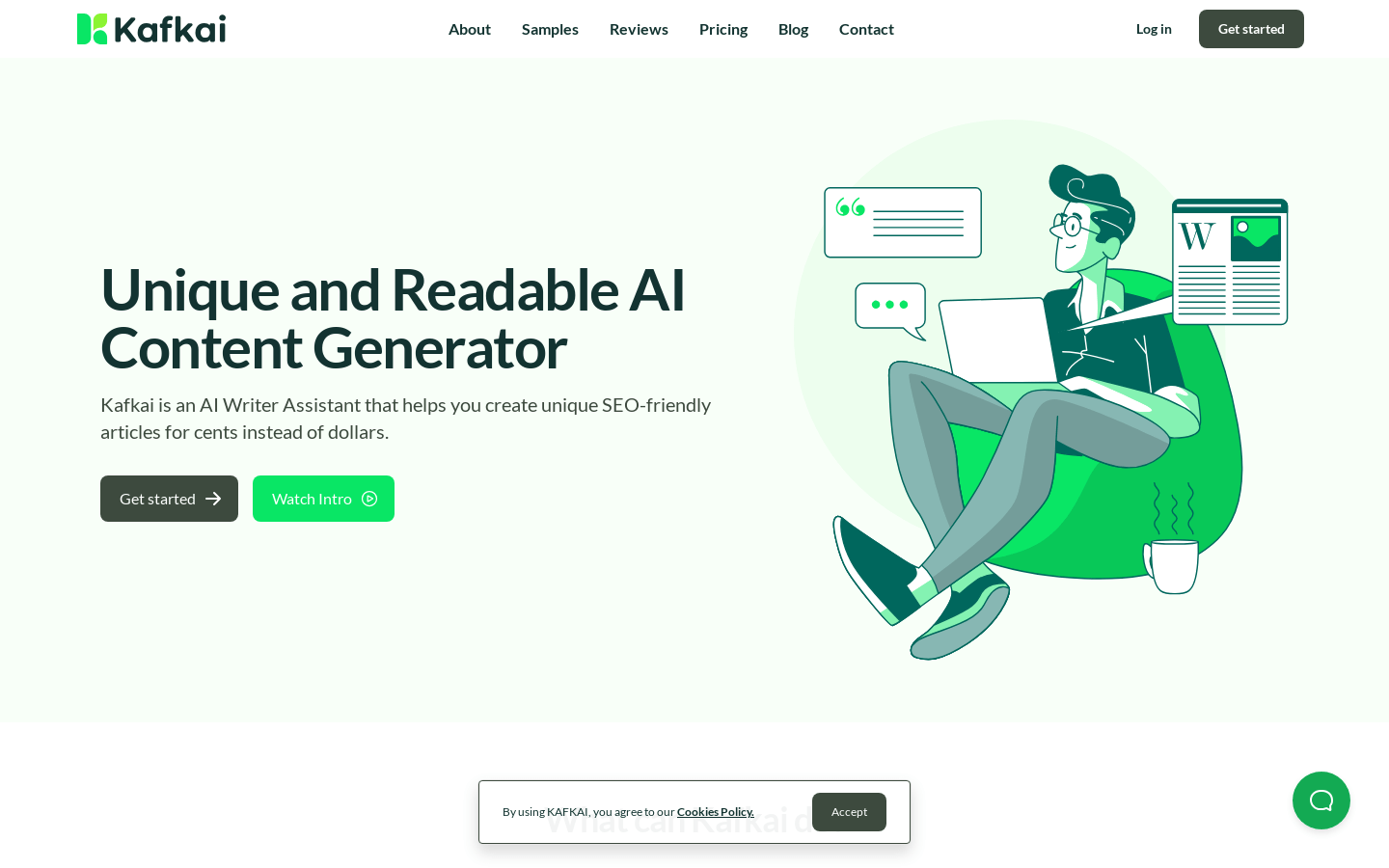
Screenshot archived from the listing page, for preview only.











