
Kadabra
No code AI workflow automation platformDescribe a task and Kadabra builds the workflow
Highlights
What you can do with it
- Marketing teams automating social replies and CRM records
- Operations teams automating order confirmation and task assignment
- Data teams building cleaning and reporting pipelines
How to use it
- 1 Visit getkadabra.com and start for free without a card
- 2 Describe the task you want automated in plain language
- 3 Review the workflow the AI agent drafts on the canvas
- 4 Edit nodes, parameters, and integrations as needed
- 5 Test the run, then deploy it to work automatically
Who it is for
Pros
- You can start for free without a credit card
- Natural language drafting lowers the starting barrier
- Wide integration list covers common business tools
Limitations
- Advanced controls like Python calls assume some technical comfort
- Free plan limits can change over time
- Automations depend on the connected tools staying available
What Kadabra is
Kadabra is an AI automation platform for building data, marketing, and operations workflows without heavy engineering work. The core idea is simple: describe the task in plain language, and the AI agent drafts a workflow that appears on a visual canvas. From there you refine it with drag and drop editing, connect the tools you already use, and run it. The platform also provides data tables for tracking and exploring data, so the same workspace handles both the automation and the data it touches.
What you can do with it
- Turn a plain language task description into a working workflow
- Edit and deploy workflows on a node based visual canvas
- Connect tools like Airtable, Slack, Gmail, Google Drive, WhatsApp, LinkedIn, Facebook, and Reddit
- Track and explore data in built in data tables
- Add deeper control with inline Python API calls and database connections
- Wrap a finished workflow in a simple shareable interface
Who it is for
- Marketing teams that want social replies and records handled automatically
- Operations teams that need order confirmation, task assignment, and inventory updates
- Data teams building cleaning, transformation, and reporting pipelines
- Individual users who want small daily tasks automated
What to watch out for
The free start is genuine, with no credit card required, but free plan limits can change, so check current terms before building something critical. While basic workflows need no code, the deeper options such as inline Python and direct database connections assume some technical comfort. Every automation leans on the tools it connects to, so if a connected service changes its API or has an outage, your workflow can be affected. Test runs before you deploy, and keep an eye on the workflows that matter.
FAQ
Do I need coding skills?
No for basic workflows. Deeper controls such as inline Python API calls are optional and aimed at advanced users.
Which tools can it connect to?
It integrates with common tools including Reddit, Facebook, LinkedIn, WhatsApp, Airtable, Slack, Gmail, and Google Drive.
Is there a free option?
Yes. You can start for free without providing credit card information.
Why it is free
What the official page says: for free
Free limits, trial length and features are decided by the official site and can change at any time.
Product preview
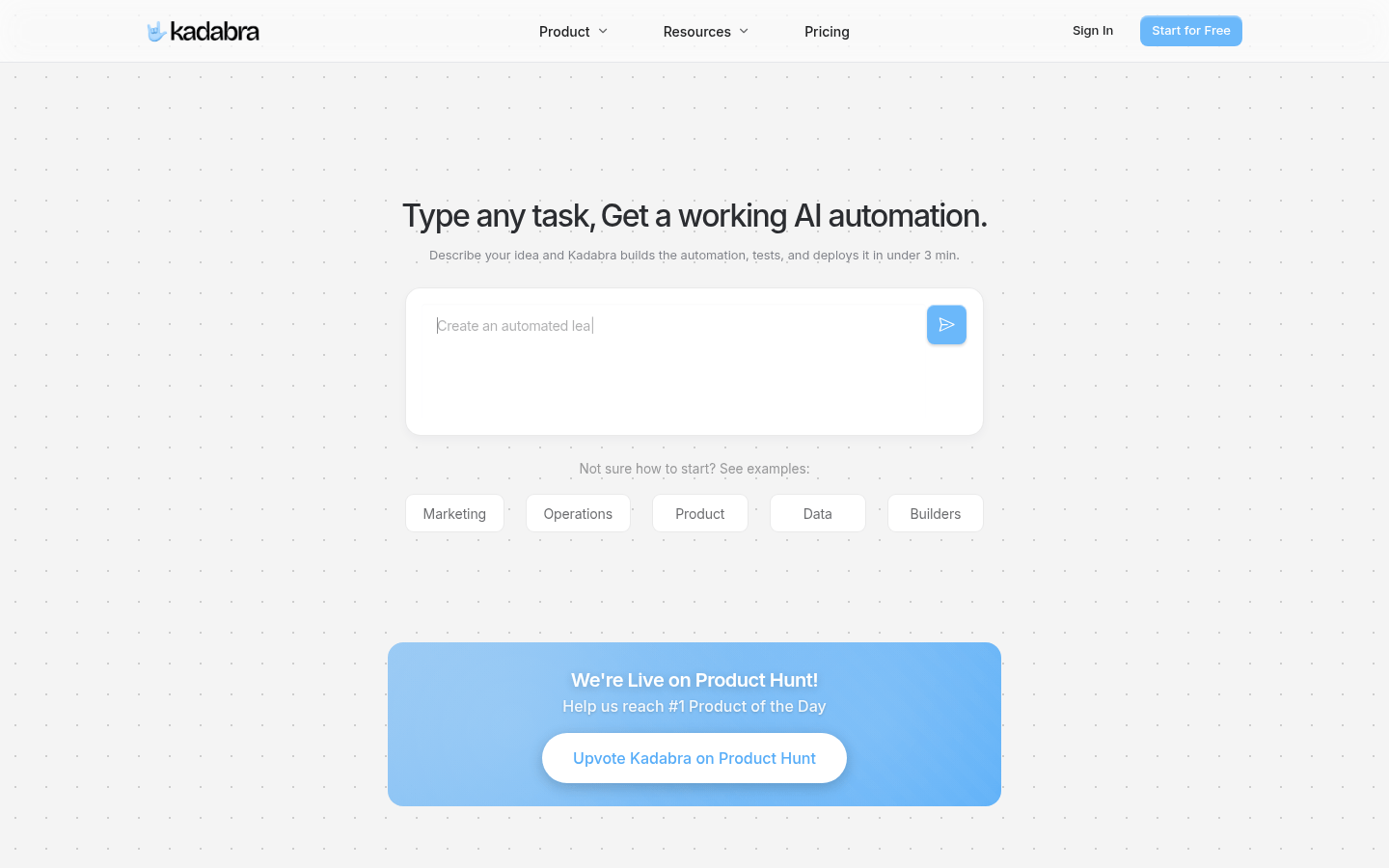
Screenshot archived from the listing page, for preview only.











