Juy Ai
Free online AI photo enhancer and upscalerSharper, clearer photos and bigger images for free
Highlights
What you can do with it
- Improve photo quality as a photographer before delivery
- Restore clarity to old or damaged photos as a designer
- Optimize images for social media to boost engagement
How to use it
- 1 Upload single or multiple images to juy.ai
- 2 Choose enhancement, enlargement, or both
- 3 Let the AI process and optimize the images automatically
- 4 Download the high-quality results
Who it is for
Pros
- Free to use, as stated on the page
- Handles enhancement and upscaling in one place
- Supports batch processing to save time
Limitations
- Free access and any limits could change over time
- Heavy upscaling depends on the original image quality
- Focused on photos, so it is not a full photo editor
What Juy Ai is
Juy Ai is a free online AI photo enhancer and image enlarger. According to the page, it uses AI to automatically improve image quality, repair blur and noise, and bring out more detail in a photo, all through a simple browser tool. Beyond basic cleanup, it can intelligently enlarge an image without losing quality, which is useful when you need a bigger version of a small picture. It also offers to restore old photos by removing noise and imperfections, and it supports batch processing so you can enhance several images in one pass. The enhancement options can be customized, and the whole experience is presented as a free one, with no cost mentioned on the page. It is aimed at people who want quick, automatic photo improvements without opening a full editing suite.
What you can do with it
- Improve overall photo quality automatically with AI
- Enlarge images to a higher size without losing detail
- Restore old photos by removing noise and flaws
- Batch process multiple photos and tune enhancement options
Who it is for
- Photographers who want to lift image quality before delivery
- Designers cleaning up or restoring older photographs
- Social media creators optimizing images for more engagement
- Anyone who needs a quick, free way to sharpen a picture
What to watch out for
Juy Ai is focused on enhancement and upscaling, so it is not a full photo editor and will not replace layered editing work. Results depend heavily on the original file; a very small, blurry, or heavily compressed image may only improve so much, and extreme upscaling can still look soft. The page presents the tool as free but does not spell out limits, so access or features could change later. For print or professional use, check the output resolution and quality before you rely on an enlarged file.
FAQ
Is Juy Ai free?
Yes. It is described as a free online AI photo enhancer and image enlarger.
What can it do?
It improves quality, removes blur and noise, restores old photos, and enlarges images.
Can I process many photos at once?
Yes. It supports batch processing of multiple images.
Why it is free
What the official page says: 免费
Free limits, trial length and features are decided by the official site and can change at any time.
Product preview
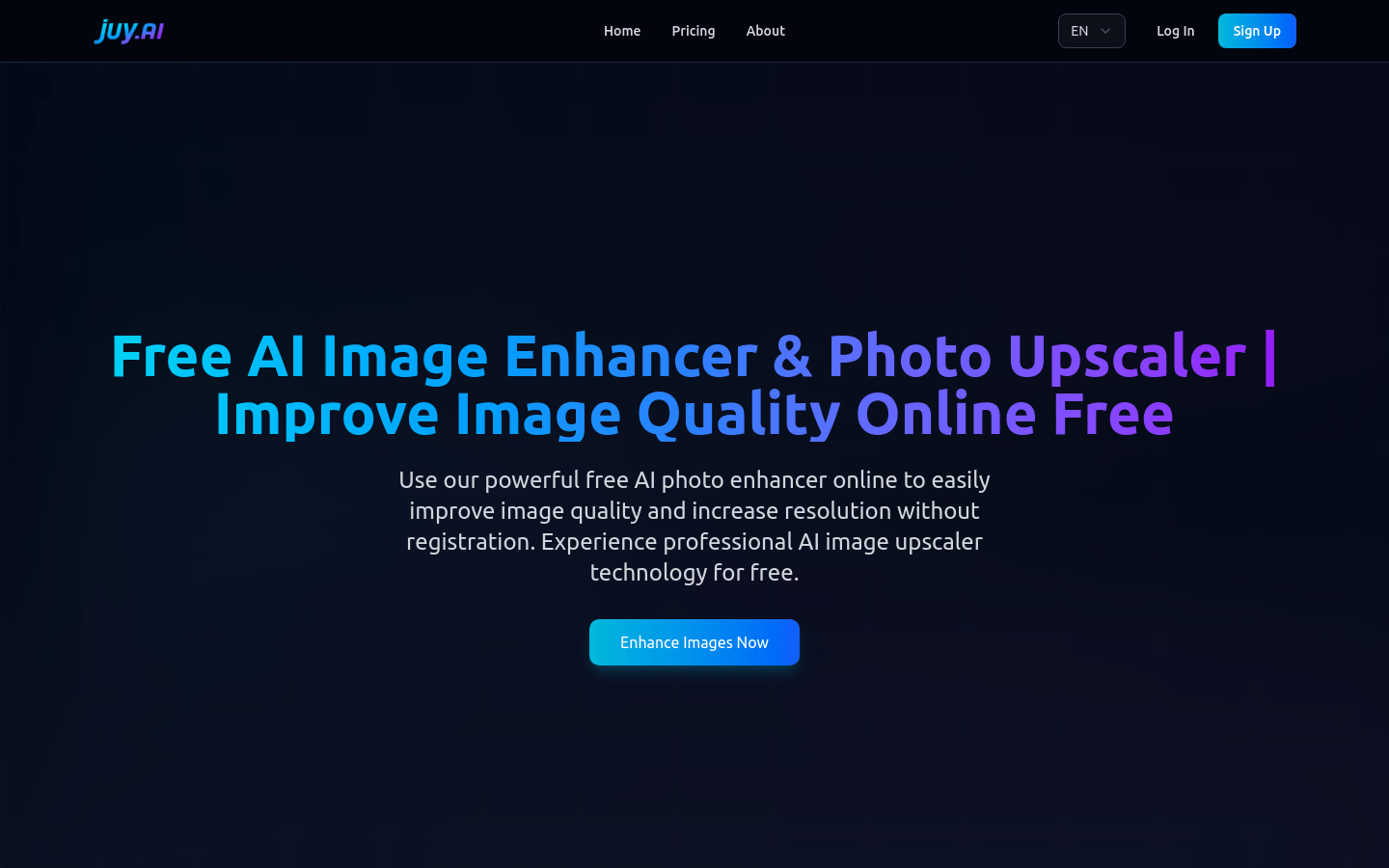
Screenshot archived from the listing page, for preview only.











