
jpgHD
AI old photo restoration toolRestore and colorize old photos
Highlights
What you can do with it
- Restore a decades-old family photo
- Enhance a landscape photo for a realistic look
- Repair and optimize an illustration
How to use it
- 1 Open the jpgHD website
- 2 Select the old photo or image to repair
- 3 Choose the restoration mode and function
- 4 Wait for processing and download the result
Who it is for
Pros
- Restores, colorizes, and animates old photos
- Free version available
- Batch processing improves efficiency
Limitations
- More features and priority need the paid version
- The site returned an error status when last checked, so access may be unreliable
- Heavy restoration cannot invent missing detail
What jpgHD is
jpgHD is a tool that uses AI to restore old photos to lossless high definition. Along with restoration it offers old photo coloring and magic dynamic photo features. The product has a free version and a paid version, and the paid version supports more features and priority processing. It can work on various image types, including landscape photos, portraits, and illustrations, and it provides different restoration modes such as super clear portraits and super clear landscapes. It also supports batch processing, which helps when you have many files to fix at once.
What you can do with it
- Restore an old or damaged photo to high definition
- Add color to a black-and-white photo
- Create a magic dynamic photo
- Batch process many images at once
Who it is for
- People restoring old family photos
- Photographers enhancing image quality
- Designers repairing and optimizing illustrations
What to watch out for
The free version covers basic use, but more features and faster, priority processing need the paid version, and pricing can change. The site returned an error status when it was last checked, so access may be unreliable and you should confirm it is up. Restoration can sharpen and clean a photo, but it cannot invent detail that was never captured, so very damaged images have limits. Colorization is an estimate, so colors may not match the real scene. When quality matters, export a small draft first to confirm the result before producing the final file. Generated suggestions are for reference only, so verify anything that affects professional judgment or important data. Save a backup of the original file before large batch jobs, and keep an exported copy of key results in case the page or service becomes temporarily unavailable.
FAQ
Is jpgHD free?
There is a free version, with a paid version for more features and priority processing.
What can it restore?
It restores old photos, adds color, and creates dynamic photos, and it handles portraits, landscapes, and illustrations.
Can I process many at once?
Yes. It supports batch processing tasks to improve efficiency.
Why it is free
What the official page says: free version
Free limits, trial length and features are decided by the official site and can change at any time.
Product preview
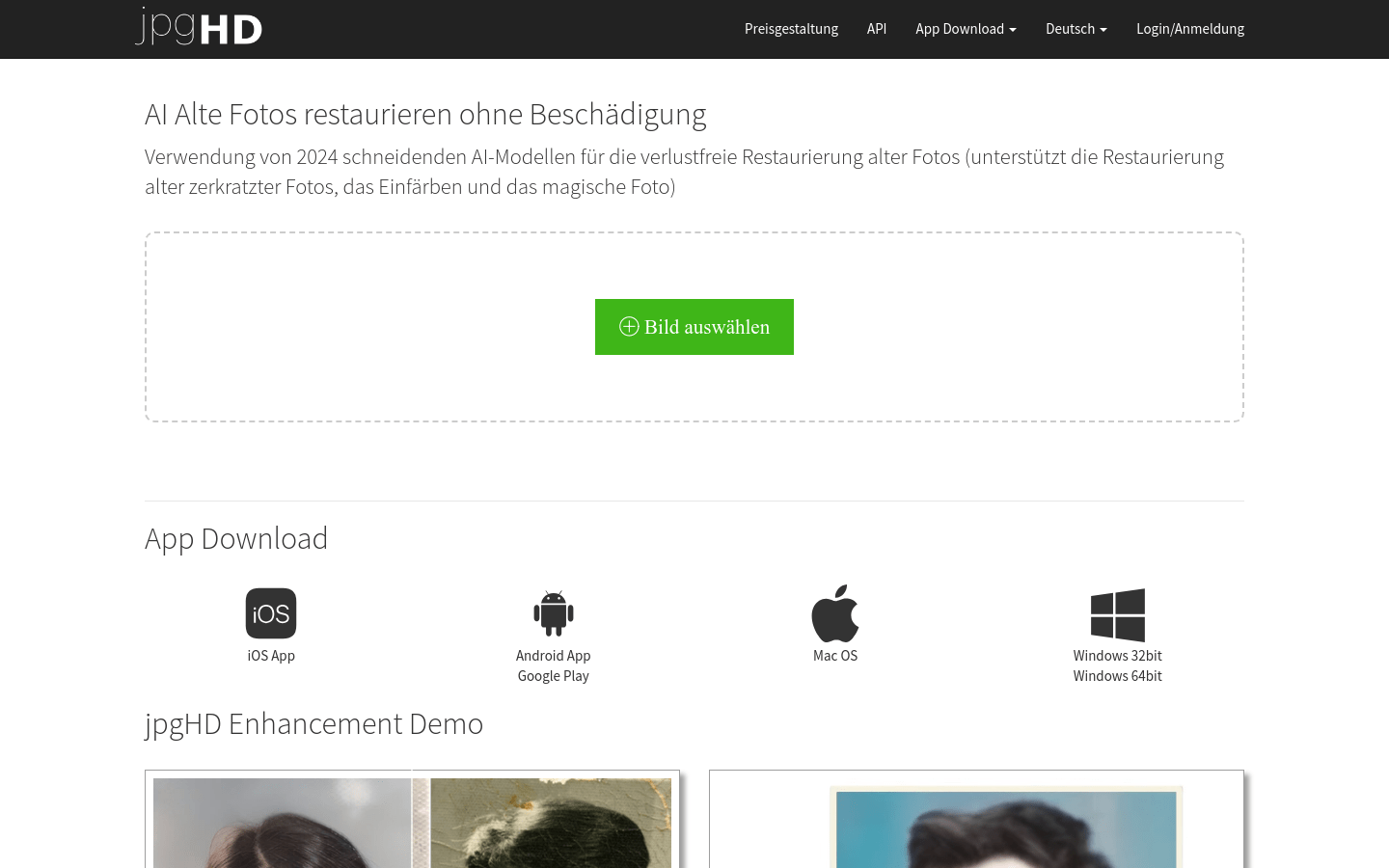
Screenshot archived from the listing page, for preview only.











