
Jewelry Model AI
AI jewelry model photo generatorShow jewelry on models in about a minute
Highlights
What you can do with it
- Jewelry brands building product page imagery
- Sellers creating social media ad creative
- Stores updating catalogs across many SKUs
How to use it
- 1 Select the jewelry type
- 2 Upload a clear photo and choose a model
- 3 Choose manual or automatic placement
- 4 Preview after about 60 seconds and download
Who it is for
Pros
- Free starting credit without a credit card
- Fast turnaround versus traditional shoots
- Detail preservation from the source photo
- Manual placement for precise control
Limitations
- Credit-based pricing means volume costs money
- Commercial use must follow the terms of service
- Source photo quality strongly affects results
What Jewelry Model AI is
Jewelry Model AI is a tool that turns a photo of a jewelry product into an image of a model wearing it. Traditional jewelry photography is expensive and slow, and this tool is built to shorten that cycle. You select the jewelry type, which sets the available model presets and placement options, then upload a clear product photo and choose a preset AI model or your own. The system uses your uploaded photo as the core reference so product detail is preserved, and you can place the item manually for precise control or let the AI position it automatically. Results appear in the preview panel after about 60 seconds. New users receive free credit at registration and can try it without a credit card.
What you can do with it
- Convert ring, necklace, earring, and bracelet photos into worn shots
- Choose preset AI models or upload your own
- Place jewelry manually or automatically
- Preserve product detail from the source image
- Download images for product pages and social ads
Who it is for
- Jewelry sellers who want to avoid costly photo shoots
- E-commerce practitioners who need wearable product visuals
- Marketers producing social advertising creative
What to watch out for
The pricing is credit-based, so volume costs money once the free starting credit runs out, and paid plans include monthly credit with the option to add more. Commercial use is allowed for paid output but must follow the terms of service, so read them before publishing. Source photo quality strongly affects the result: clear, well-lit product images give the AI more to work with. Generated models should not be presented as real endorsements by actual people, and standard advertising rules about accurate product depiction still apply. Check that metal color, stone size, and proportions in the render match the real item before customers rely on the image to buy.
FAQ
Is there a free option?
New users get free credit when registering and can try the tool without a credit card.
How long does generation take?
Most image generation processes are designed to finish in about 60 seconds.
Which jewelry types are supported?
Rings, necklaces, earrings, and bracelets, each with dedicated placement controls.
Can I use the images commercially?
Images generated through paid use are intended for product pages and ads, but the terms of service must be followed.
Why it is free
What the official page says: 免费
Free limits, trial length and features are decided by the official site and can change at any time.
Product preview
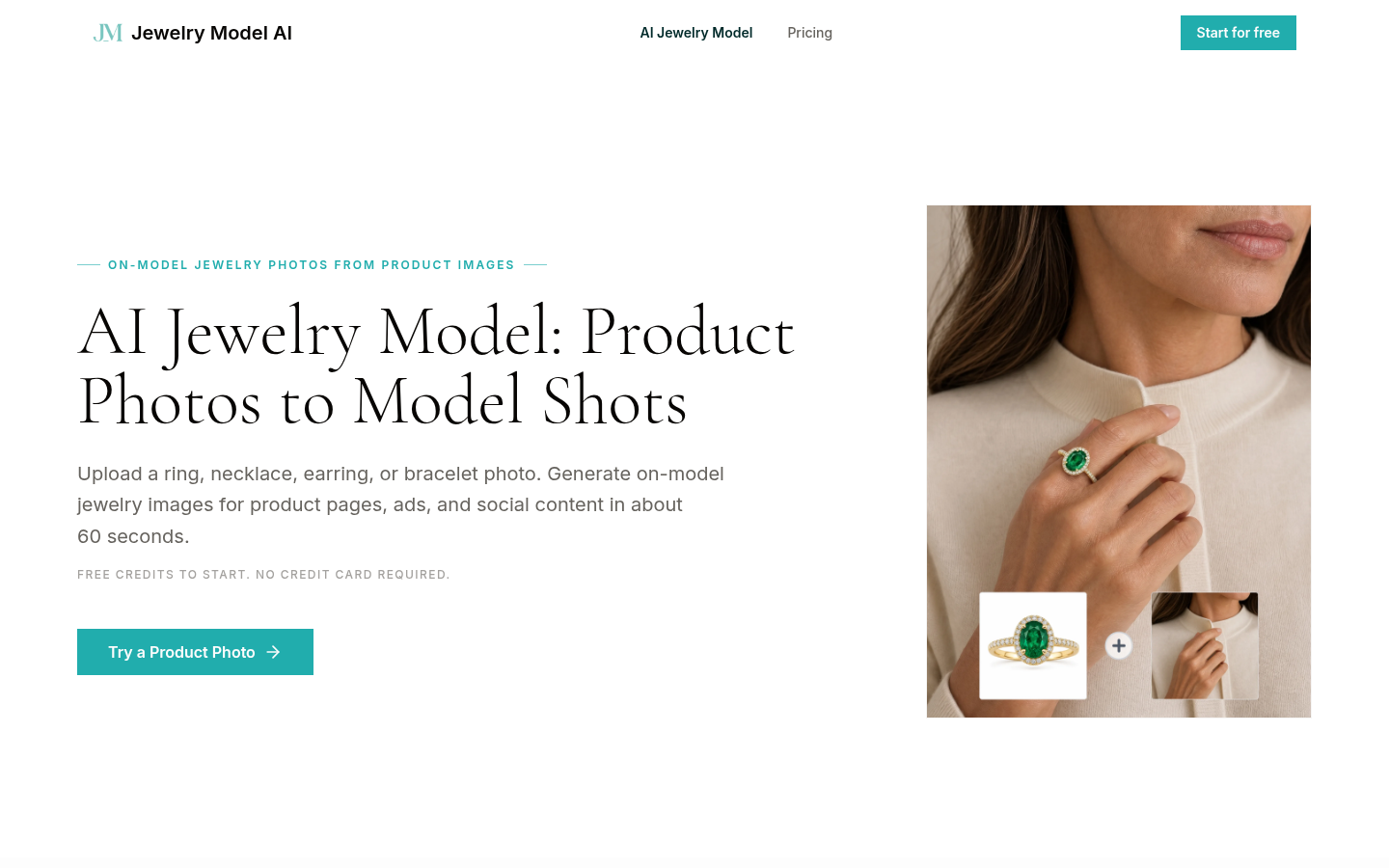
Screenshot archived from the listing page, for preview only.











