
JBOX
AI builder for full-stack Next.js appsOne prompt to a production-ready Next.js app
Highlights
What you can do with it
- Founders validating a product idea quickly
- Product managers mapping flows before development starts
- Developers scaffolding a full-stack app without boilerplate
How to use it
- 1 Register on jboxai.com and claim the free credits.
- 2 Enter a prompt describing features, roles, and processes.
- 3 Review and edit the design system, paths, and edge cases on the canvas.
- 4 Export the project to GitHub.
- 5 Deploy to Vercel with one click.
- 6 Buy more credits when you run out.
Who it is for
Pros
- 100 free credits with no monthly commitment
- System-level thinking catches edge cases early
- Clean, readable exported code you can actually edit
Limitations
- Credits run out and paid packs are needed for real work
- Generated code still needs review before production
- Focused on the Next.js, Supabase, Vercel stack, so it is not universal
- Complex products need significant prompt and review effort
What JBOX is
JBOX is an AI product builder aimed at full-stack Next.js applications. Instead of designing screen by screen and hoping the pieces fit, it works at the system level: you enter a prompt describing your product, and it lays out the design system, the user paths, the roles, and the edge cases on a single canvas before any code exists. That upfront mapping is the pitch, because problems that surface after launch are far more expensive than problems you see on a canvas. When the design is settled, the project exports to GitHub with one click and deploys to Vercel, which handles the preview URL, domain, environment variables, and edge functions. Registration comes with 100 free credits, and after that you buy credit packs with no monthly fee commitment.
What you can do with it
- Describe a product and get a full system plan, not just screens
- See roles, user paths, and edge cases mapped in one place
- Export clean Next.js code to GitHub
- Deploy straight to Vercel with configuration handled
- Iterate on the canvas before committing to code
Who it is for
- Developers who want a full-stack starting point without boilerplate
- Product managers who need flows and edge cases visible before build
- Startup teams validating an idea on a tight budget
What to watch out for
Credits are the constraint. The 100 free credits get you a look at the workflow, and real projects need paid packs, so budget accordingly and expect to spend before you get something you can ship. Generated code is a starting point, not a finished product, and anything touching authentication, payments, or personal data needs proper review and testing rather than a quick glance. The stack is specific to Next.js, Supabase, and Vercel, so if you work elsewhere this is not your tool. Finally, output quality tracks the detail in your prompt, so vague descriptions produce vague systems, and the canvas is only useful if you actually review what it maps out.
FAQ
What do the free credits cover?
Registration gives you 100 free credits. After that, credits are sold in packs rather than through a monthly subscription.
What stack does it target?
Next.js for the app, Supabase for the backend, and Vercel for deployment, with one-click export to GitHub.
Is the code usable?
The product describes the exported code as clean, readable, and production ready. Review it yourself before you ship anything real.
Can it handle complex products?
It plans roles, processes, and edge cases up front, which helps, but complex products still need detailed prompts and real review work.
Why it is free
What the official page says: free credits
Free limits, trial length and features are decided by the official site and can change at any time.
Product preview
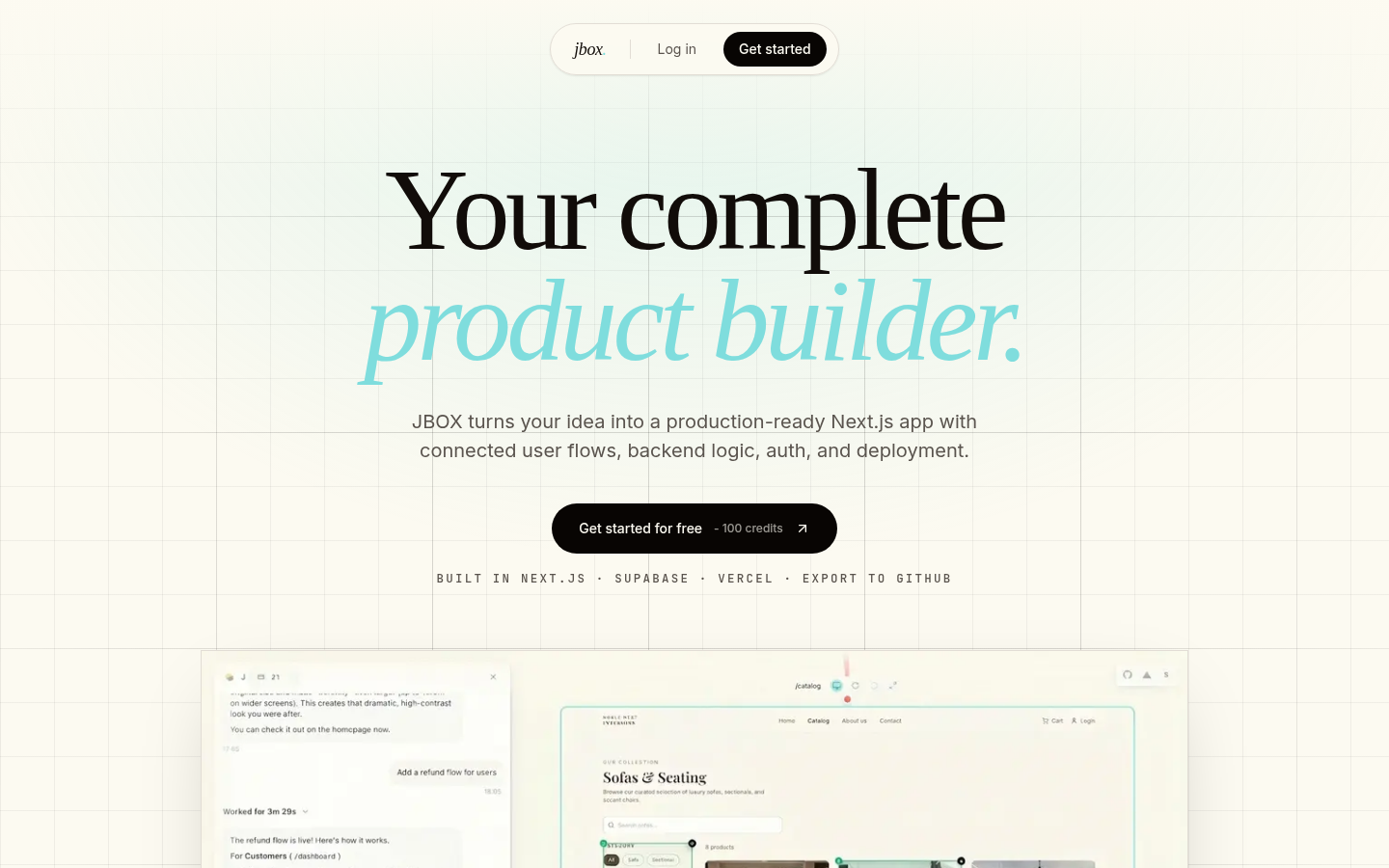
Screenshot archived from the listing page, for preview only.











