
Highlights
What you can do with it
- Stream or appear on camera as a virtual character
- Use a virtual avatar in video calls and meetings
- Record avatar-driven video clips without extra hardware
How to use it
- 1 Open Janus in a browser and allow camera access
- 2 Pick or create the character you want to become
- 3 Let the site render the 3D avatar driven by your face and movement
- 4 Use it for live streaming, calls, or recorded video
- 5 Upgrade to Pro if you need 60fps streaming or green screen
Who it is for
Pros
- No special hardware or complex setup required
- Free version includes credits and unlimited live streaming time
- Runs in the browser and supports streaming across platforms
Limitations
- Pro features such as 60fps streaming and green screen cost $4.99 per month
- Performance depends on your camera and your machine
- Real-time avatar tools can be misused for impersonation, which may break platform or school rules and leaves consequences with the user
What Janus is
Janus is a real-time character animation platform built around one idea: with just a camera, you can become any character. It renders 3D avatars directly in the browser and drives them with your facial expressions and movements, so there is no special hardware or complicated setup involved. The product is aimed at scenarios such as live streaming and video conferencing, where people want a virtual avatar instead of their own face. There is a free version that includes credits for creating avatars and videos plus unlimited live streaming time, and a Pro version at $4.99 per month that adds professional features such as 60fps streaming and green screen support.
What you can do with it
- Appear as a virtual character on stream or on camera in real time.
- Use an avatar in video calls and online meetings.
- Record avatar-driven clips without buying capture hardware.
- Move from free streaming to Pro features like 60fps and green screen when needed.
Who it is for
- Streamers who want a character on camera without a suit or tracking gear.
- People who prefer an avatar over their real face in meetings.
- Creators producing avatar-based video content.
What to watch out for
Because the avatar copies your expressions from a camera, results depend on lighting, camera quality, and your machine's performance, and a weak setup will show in the output. Free credits cover avatar and video creation, but Pro features such as 60fps streaming and green screen support require the monthly fee, and free terms can change. Real-time character tools can also be misused to impersonate others or create misleading content, which may violate streaming platform or school rules, and any consequences fall on the user, so use it openly and responsibly.
FAQ
Do I need special hardware?
No. Janus renders 3D avatars directly in the browser and is driven by your camera, without special hardware or setup.
What does the free version include?
Credits for creating avatars and videos, plus unlimited live streaming time.
What does Pro add?
The Pro version costs $4.99 per month and adds professional features such as 60fps streaming and green screen support.
Why it is free
What the official page says: 免费版免费
Free limits, trial length and features are decided by the official site and can change at any time.
Product preview
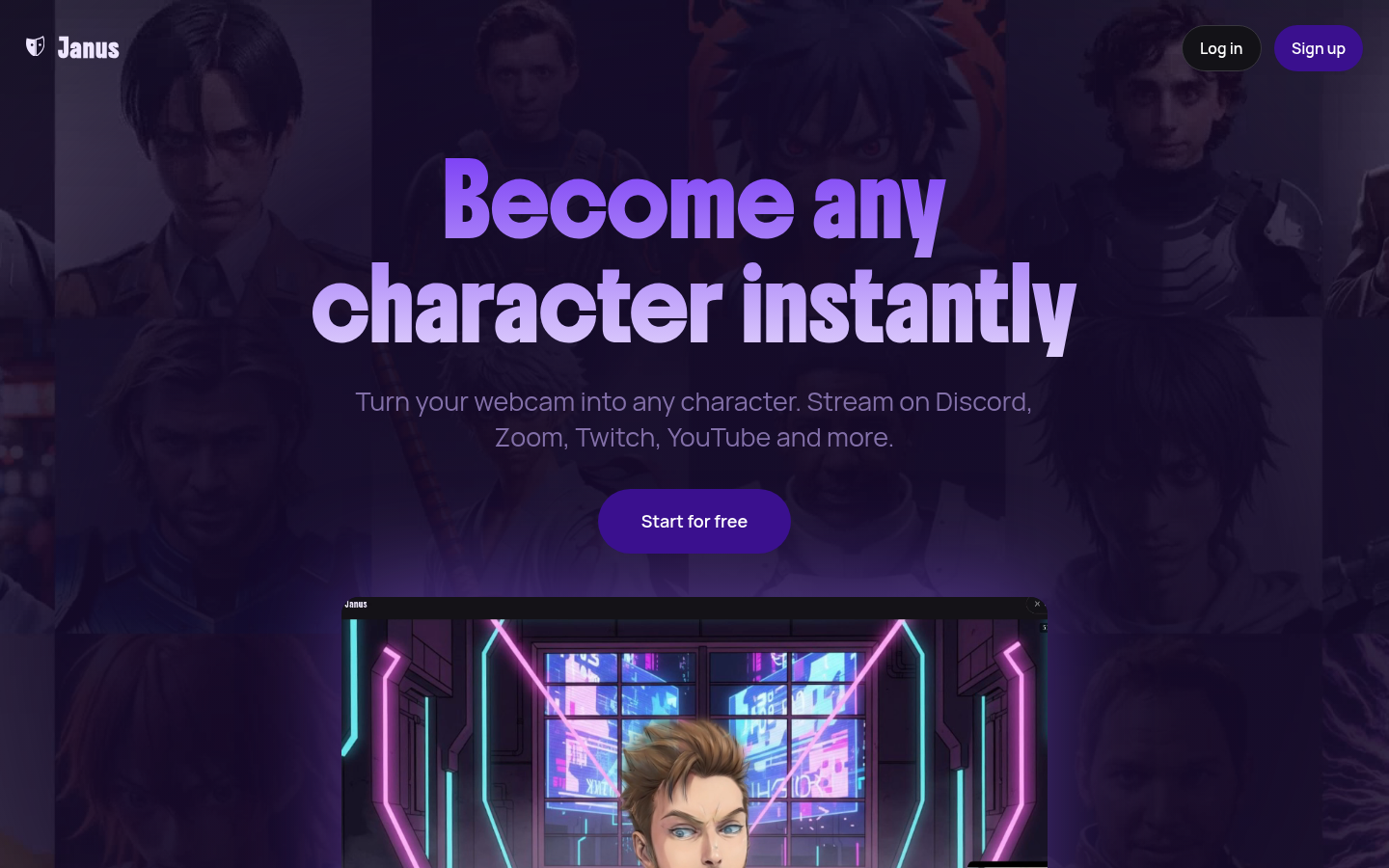
Screenshot archived from the listing page, for preview only.