
Items Design
Free AI-generated design resources updated weeklyFree AI graphics, icons, and 3D renders for commercial projects
Highlights
What you can do with it
- Visual design for commercial projects and presentations
- Visual design for advertising campaigns
- Interface design for mobile applications and websites
How to use it
- 1 Visit items.design in your browser.
- 2 Browse the resource collection by type or category.
- 3 Download the elements that fit your project.
- 4 Place them into your design and adjust as needed.
Who it is for
Pros
- Free to use, including in commercial projects according to the site
- New resources arrive every week
- Covers several asset types such as graphics, icons, and 3D renders
Limitations
- The free usage statement could change, so check the site before publishing paid work
- Weekly updates mean the catalog changes and an asset may not stay available
- Not every project will find a matching element
- Assets may need adjustment to fit a specific brand style
What Items Design is
Items Design is a website that provides AI-generated design resources. The collection covers various graphics, icons, 3D renders, and similar visual elements, and the site says new resources are added every week. Designers can use the resources freely in commercial projects, advertisements, mobile applications, and websites for any purpose. There is no mention of a paid plan, so the library is presented as a free collection for people who need ready-made visual elements without generating them from scratch or commissioning custom work.
What you can do with it
- Browse a growing library of AI-generated graphics, icons, and 3D renders.
- Download elements and drop them into commercial projects, ads, apps, or websites.
- Check back weekly for fresh resources instead of building every asset by hand.
- Use the elements for any purpose, according to the usage statement on the site.
Who it is for
- Designers who need quick visual elements for client or commercial work.
- Advertising creatives looking for ready-made graphics for campaigns.
- Mobile app developers who want icons and interface visuals without a long design cycle.
- Teams that need supporting visuals for reports, decks, or product pages.
What to watch out for
Because the assets are AI-generated, you may still need to adjust colors, proportions, or styling so they fit your brand. The free usage statement could change, so check the site before using an element in a paid deliverable. Weekly updates mean the catalog changes, and an asset you saw once may not be there later, so download what you need when you find it. Always verify the current terms on items.design before publishing work that depends on these files.
FAQ
Are the resources free for commercial use?
The site states that designers can freely use the resources in commercial projects, advertisements, mobile applications, and websites for any purpose.
How often are new resources added?
The site says new resources are added every week.
What kinds of assets are available?
The collection includes various graphics, icons, 3D renders, and similar design elements.
Do I need an account to download?
The page does not mention registration. Visit the site to confirm current access and download terms.
Why it is free
What the official page says: 免费
Free limits, trial length and features are decided by the official site and can change at any time.
Product preview
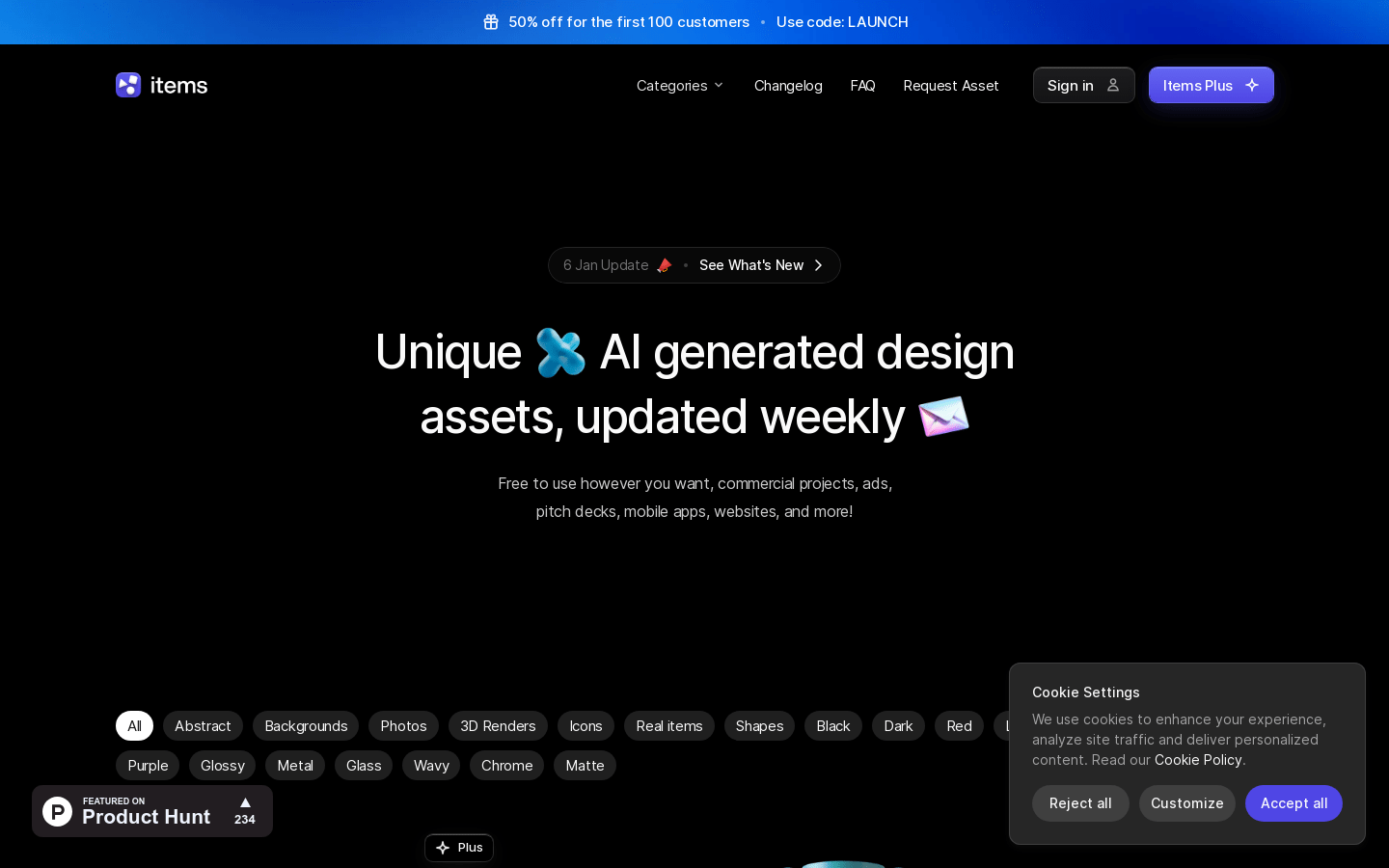
Screenshot archived from the listing page, for preview only.











