
iPage.AI
AI coloring pages from text or photosPrintable coloring pages, made to order
Highlights
What you can do with it
- Educators creating coloring books for students
- Sellers listing new coloring pages on marketplaces
- Parents setting up family coloring activities
- Producing printable activity packs in bulk
How to use it
- 1 Visit the iPage.ai website
- 2 Choose text to coloring page or photo to coloring page
- 3 Upload your text or image and set the parameters
- 4 Click generate and wait for processing
- 5 Download the page and print or share it
Who it is for
Pros
- Both text and photo inputs are supported
- Batch generation covers high volume needs
- High-resolution PDF and PNG output
Limitations
- Free generation has limits
- The commercial license should be read carefully before selling
- Line art quality varies with the input
- Bulk output still needs review before printing
What iPage.AI is
iPage.AI is an AI coloring page generator. It converts text and images into printable coloring pages, and the site pitches it at both children and adults. Two features matter for volume work: batch mode, which lets you upload once and generate hundreds of pages, and high-resolution PDF and PNG output that is ready to print. The site states a commercial license so users can publish their work on marketplaces without worrying about rejection, and it includes a library of free coloring pages, email support, and privacy for generated pages so only you can see them. Free generation is offered, and the tool is aimed at creators and educators.
What you can do with it
- Turn a text description into a coloring page
- Turn a photo into line art for coloring
- Generate hundreds of pages in one batch
- Download print-ready PDF and PNG files
- Build a personal library of coloring pages
Who it is for
- Educators creating materials for a classroom
- Sellers listing coloring pages on marketplaces
- Parents setting up family coloring activities
- Anyone producing printable activity packs in volume
- Creators who need line art on demand
What to watch out for
Free generation has limits, so check what the free level covers before you plan a large batch. The commercial license is the other thing to read carefully: the site says you can publish without worrying about rejection, but the exact terms decide what you can actually sell and where, and marketplace rules still apply on top of them. Line art quality varies with the input, so a busy photo or a vague prompt may produce a page that is hard to color or too detailed for young children. Finally, bulk output still needs a human review pass before it goes to print or to a listing, because one bad page in a pack of a hundred is still a refund.
FAQ
Is iPage.AI free?
It offers free generation and a free coloring page library. Check the site for current limits and pricing.
Can I sell the pages I make?
The site states a commercial license so you can publish work without worrying about rejection. Read the terms before selling.
What formats can I download?
High-resolution PDF and PNG, both suited to printing.
Can I generate many pages at once?
Yes. Batch mode lets you upload once and generate hundreds of coloring pages.
Why it is free
What the official page says: for free
Free limits, trial length and features are decided by the official site and can change at any time.
Product preview
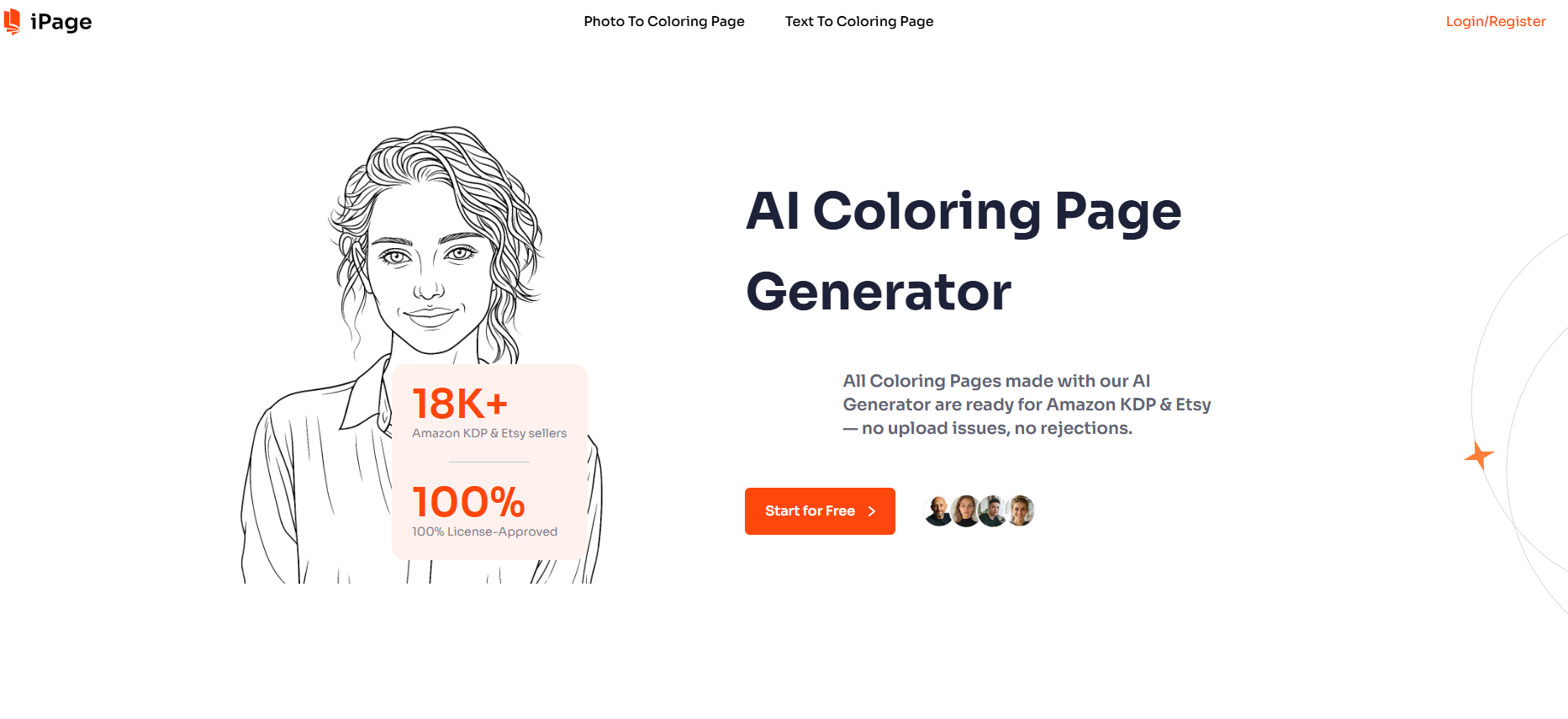
Screenshot archived from the listing page, for preview only.











