
IOPaint
Open-source image repairErase, fill, and extend images free
Highlights
What you can do with it
- Removing unwanted objects or watermarks from photos
- Adding new elements to an existing image
- Enlarging images with outpainting
How to use it
- 1 Visit the IOPaint website
- 2 Select a function model such as Erase or Inpainting
- 3 Upload the image you want to edit
- 4 Brush over the area you want to change
- 5 Preview and save the modified image
Who it is for
Pros
- Free and open-source
- Runs locally, keeping images private
- Many editing modes in one tool
- Native macOS app available
Limitations
- Self-hosting needs some technical setup
- Model downloads can be large
- Results vary by model and input image
- An open-source project can change over time
What IOPaint is
IOPaint is a free, open-source image repair and fill tool built on advanced AI models. It can erase unwanted objects, inpaint new content into a selected area, outpaint beyond the edges to enlarge an image, replace objects with something else, and even generate text inside a picture. There is also a Paint By Example mode where you show the tool a sample and it draws something similar. Because the project is fully self-hosted, everything runs on your own machine, which keeps your images private. The team also ships OptiClean, a native macOS app for quick removal work.
What you can do with it
- Erase unwanted objects, watermarks, or blemishes
- Inpaint new content into a selected region
- Outpaint to extend an image beyond its borders
- Replace an object with an AI-generated one
- Generate text inside an image
Who it is for
- Users who need a free object removal tool
- Anyone who wants private, local image editing
- Creators who need to extend or rebuild images
What to watch out for
Self-hosting means you need to install and configure the software yourself, and the AI model files can be large, so plan for disk space and some setup time. Output quality changes depending on which model you choose and how complex the edit is, so results are not always perfect on the first try. As an open-source project, features and model support can change between releases. If you prefer a simple hosted web editor, this tool may feel more technical than commercial alternatives, but it gives you full control and privacy in return. Free tiers and usage limits can change, so check the current rules on the official page before relying on it long term.
FAQ
Is IOPaint free?
Yes, it is free and open-source.
What can it remove?
Unwanted objects, watermarks, and blemishes.
Can I run it privately?
Yes, it is fully self-hosted, so files stay on your machine.
What is OptiClean?
A macOS native application from the IOPaint team for removing content.
Why it is free
What the official page says: 免费
Free limits, trial length and features are decided by the official site and can change at any time.
Product preview
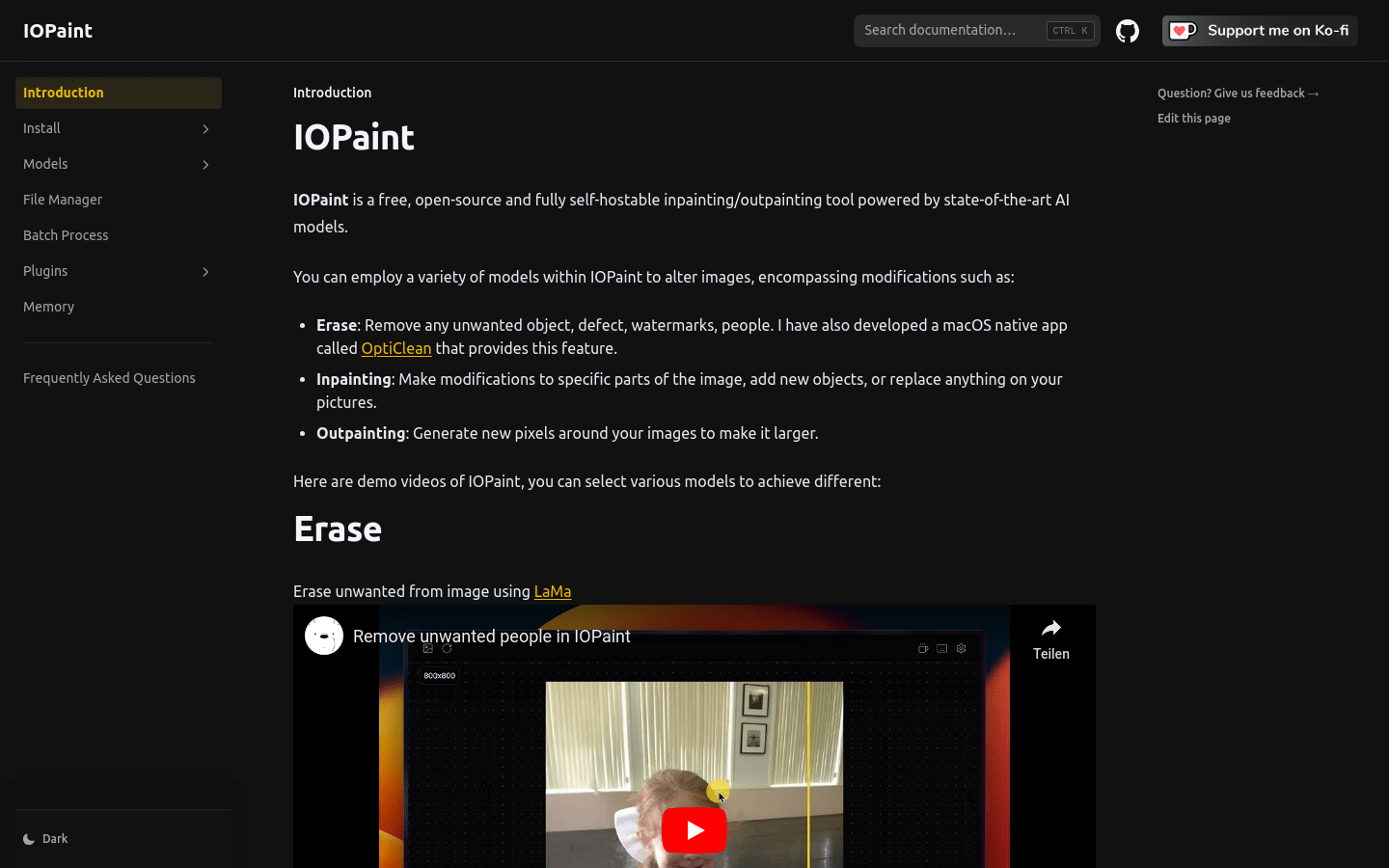
Screenshot archived from the listing page, for preview only.











