
Invoice Mama
Free invoice generator for small businessCreate and send professional invoices fast
Highlights
What you can do with it
- Send a client invoice the day work is finished
- Track which invoices are outstanding
- Keep small business finances organized
How to use it
- 1 Go to the Invoice Mama website.
- 2 Choose a free plan or buy lifetime access.
- 3 Create an invoice with the simple interface.
- 4 Send it to your client and track payment.
- 5 Use the dashboard to manage your finances.
Who it is for
Pros
- Free plan available
- Fast invoice creation
- Analytics dashboard included
- Lifetime updates rather than a subscription
Limitations
- The page mixes free and paid options, so check what the free plan actually covers
- Payment processing and tax handling are not described
- Invoice requirements vary by region and currency
- Lifetime access depends on the vendor staying in business
What Invoice Mama is
Invoice Mama is an invoice generator built for people who bill clients and would rather not spend the evening on paperwork. You create an invoice in seconds, send it to the client, and track whether it has been paid, which is the part that actually affects cash flow. The page lists professional templates with customization options, an analytics dashboard so you can see the state of the business at a glance, bank-level security, transparent pricing with no hidden fees, priority support, and lifetime updates rather than a subscription. It is positioned as a financial management tool for freelancers and small businesses.
What you can do with it
- Create a professional invoice in seconds.
- Customize templates to match how you work.
- Send invoices and track payment status.
- Use the analytics dashboard to see outstanding amounts.
Who it is for
- Freelancers billing clients per project.
- Small businesses sending invoices on a regular cycle.
- E-commerce operators tracking orders alongside payments.
What to watch out for
The page mixes free and paid options, so check exactly what the free plan covers before you rely on it for client work. Payment processing and tax handling are not described, which matters because invoicing rules, required fields, and tax treatment vary a lot by region and currency, and a template that works in one place may not satisfy another. The analytics dashboard is a summary, not accounting software, so reconcile against your bank records. And a lifetime purchase only lasts as long as the vendor does, so keep copies of everything you send. Run one full task end to end first, then expand once you are comfortable with the workflow and the result quality.
FAQ
Is it free?
A free plan is offered, and lifetime access can be purchased.
Who is it for?
Freelancers, small businesses, and e-commerce operators who invoice clients.
What is included?
Templates, customization, an analytics dashboard, priority support, and lifetime updates.
Why it is free
What the official page says: for free
Free limits, trial length and features are decided by the official site and can change at any time.
Product preview
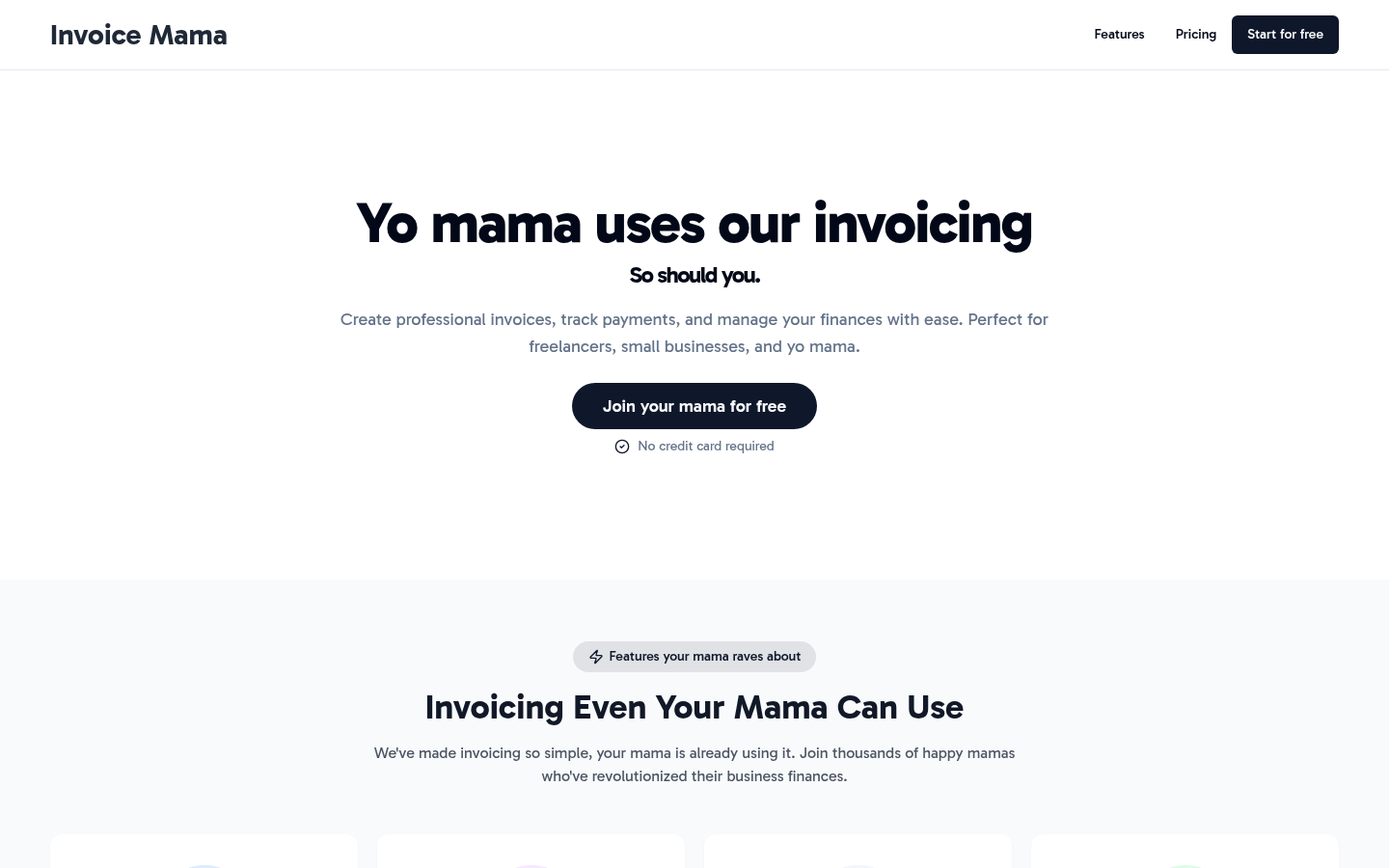
Screenshot archived from the listing page, for preview only.











