
intoCHAT
No-code AI chatbot builder for businessAutomate support and capture leads
Highlights
What you can do with it
- Automate 24/7 answers to common customer questions
- Qualify leads in a real estate chat
- Answer student questions on an education platform
How to use it
- 1 Register at intochat.ai
- 2 Design the chatbot personality and knowledge base
- 3 Train it with your data and test it
- 4 Integrate it into your site or app
- 5 Monitor performance and improve over time
Who it is for
Pros
- No-code setup
- Multiple advanced models
- Multilingual coverage
- Free version to start
Limitations
- Paid plans needed for higher volume
- Setup still takes real content work
- Chatbot answers need monitoring
- Pricing and limits can change
What intoCHAT is
intoCHAT is a platform for building AI chatbots without writing code. You design the bot's appearance, knowledge base, and conversation flow in a visual interface, then connect it to your website or app. It runs on advanced models including GPT-4, Claude, and Gemini, so you can pick the model that fits the use case and budget. It supports more than 80 languages with automatic translation, and integrates with tools such as Slack and WhatsApp. The platform advertises high availability and large message capacity, and a free version is available with paid plans above it.
What you can do with it
- Build a chatbot visually without code.
- Choose between advanced models for each use case.
- Answer customers in more than 80 languages.
- Connect the bot to Slack, WhatsApp, or your site.
- Automate support and capture leads in conversation.
Who it is for
- Small and medium businesses without a development team.
- E-commerce stores that need multilingual support.
- Support teams that want round-the-clock coverage.
What to watch out for
No-code does not mean no work. The knowledge base and conversation flow still need real content, and a bot trained on thin material answers thinly. Chatbot output needs monitoring, because a wrong answer in front of a customer is a public mistake. Higher volume needs a paid plan, and pricing and limits can change. Start with a small sample to confirm the output meets your expectations before processing the full batch. Free tiers and usage limits can change, so check the current rules on the official page before relying on it long term. Save a backup of the original file before large batch jobs, and keep an exported copy of key results in case the page or service becomes temporarily unavailable.
FAQ
Is there a free version?
Yes, intoCHAT offers a free version with paid plans above it.
Which models does it use?
Advanced models including GPT-4, Claude, and Gemini.
Do I need to code?
No, chatbots are built through a visual interface.
Why it is free
What the official page says: free version
Free limits, trial length and features are decided by the official site and can change at any time.
Product preview
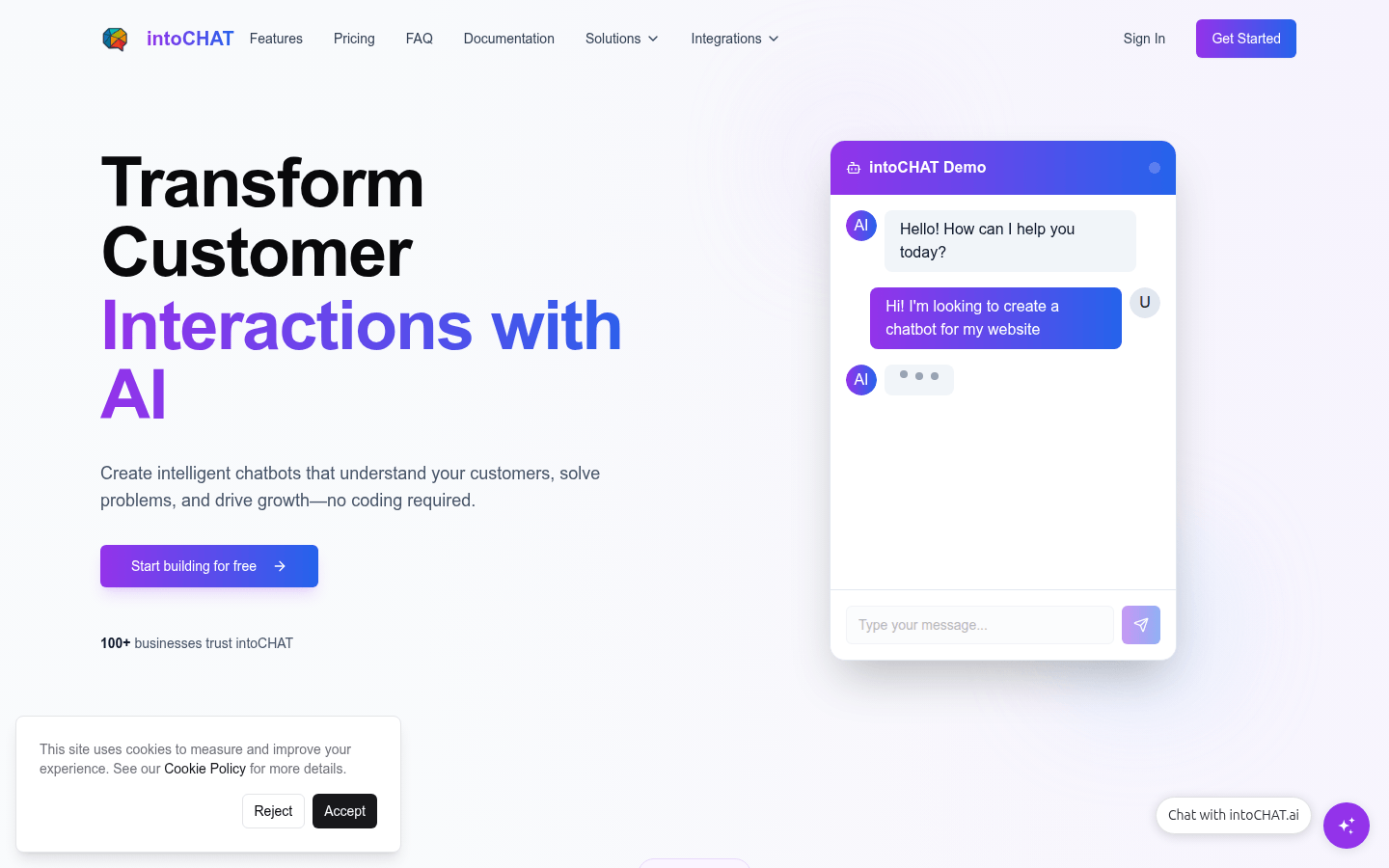
Screenshot archived from the listing page, for preview only.











