
Interior Render AI
AI interior renders from a room photoUpload a photo, pick a style, get a rendering
Highlights
What you can do with it
- Redecorating a living room before buying furniture
- Showing a client a restaurant concept
- Testing office layouts quickly
How to use it
- 1 Register at interiorrenderai.com
- 2 Upload your room photo
- 3 Choose a rendering style
- 4 Generate and download the result
Who it is for
Pros
- Five free renders on signup
- Fast turnaround, around ten seconds
- Commercial licence for client work
Limitations
- Beyond the free renders you need a subscription
- Renders are a visualisation, not a build plan
- Results vary with the quality of your photo
What Interior Render AI is
Interior Render AI is a platform powered by artificial intelligence that quickly reimagines and designs interiors. The workflow is short: you upload a photo of your room, choose a rendering style, and the AI produces a high-quality rendering in roughly ten seconds. It covers a range of styles and room types, and it offers two modes, one for re-designing what is already there and one for pure imagination. Users get five free renders on registration, with monthly and yearly subscriptions available after that.
What you can do with it
- Upload a room photo and get a rendering in seconds
- Switch between re-design and imagination modes
- Try different styles across many room types
- Use the output commercially under the stated licence
- Start with five free renders before subscribing
Who it is for
- Homeowners planning a change before they spend money
- Designers showing a client several directions at once
- Anyone who wants a quick visual of how a room could look
What to watch out for
A rendering is a visualisation, not a construction drawing. Scale, lighting, real material finishes, and how the room actually feels will differ from the image, so use it to choose a direction and then verify with samples and measurements. The five free renders are enough for a first look, and continued use needs a monthly or yearly subscription, so check current pricing before a project. Photo quality matters more than people expect: a dark, cluttered, or oddly angled upload will produce a weaker result, and the licence terms should be read before you use output in client work. Behavior may vary across browsers and devices, so test before production use and consult the help docs if errors appear.
FAQ
How fast is it?
The site says the AI generates high-quality renderings in about ten seconds.
Do I get anything free?
Yes, users receive five free renders upon registration.
Can I use the output commercially?
The platform states it provides commercial usage licences.
Why it is free
What the official page says: 免费
Free limits, trial length and features are decided by the official site and can change at any time.
Product preview
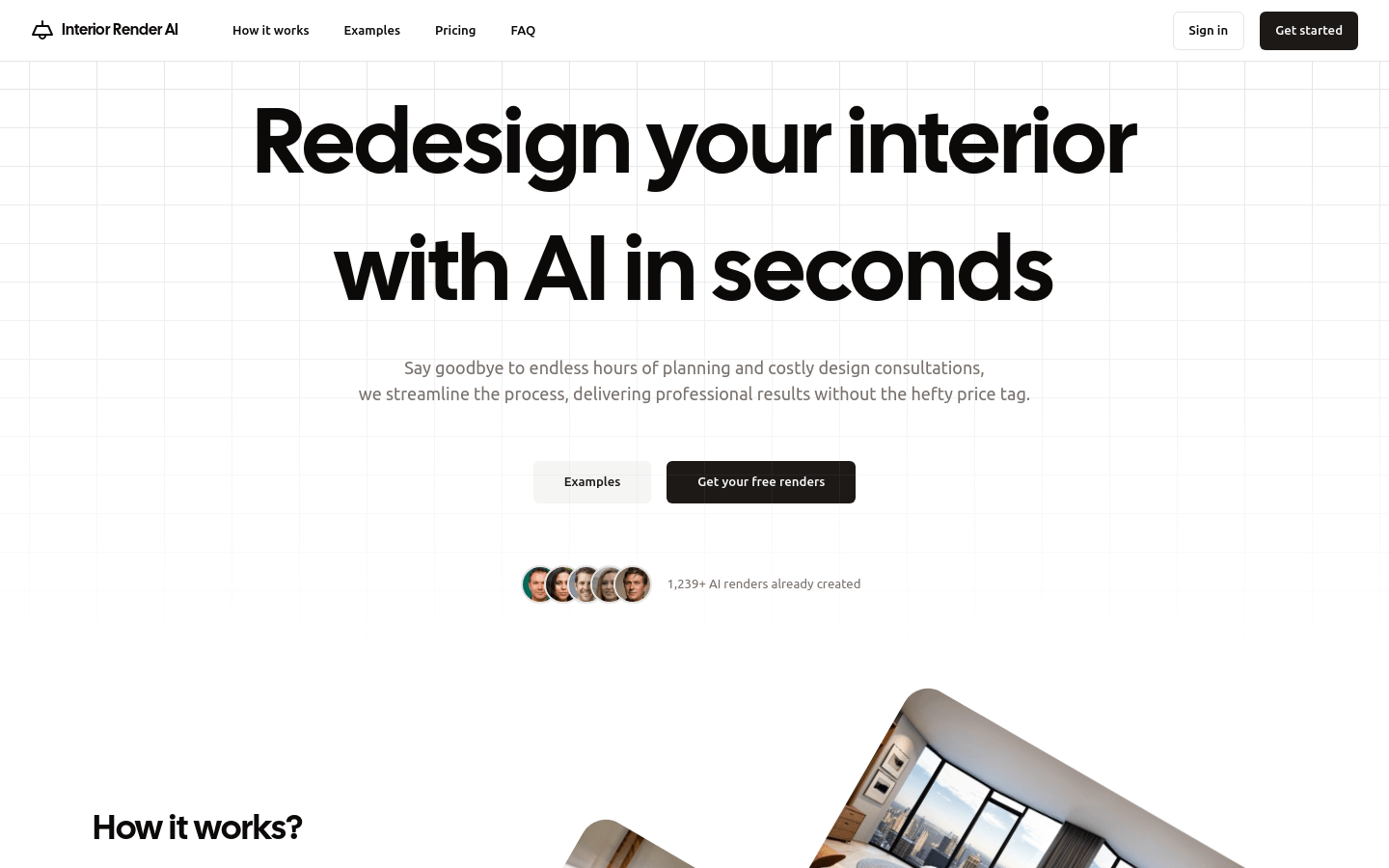
Screenshot archived from the listing page, for preview only.











