
Instant Portrait
Free AI portraits from a selfieUpload a selfie, get a portrait, no login
Highlights
What you can do with it
- Turn a selfie into a stylized portrait for a profile picture
- Artists generate portrait concepts for clients
- Share a generated portrait on social media
How to use it
- 1 Open instant-portrait.com
- 2 Upload a well-lit, close-up selfie
- 3 Pick the portrait style you want
- 4 Wait for the AI to generate the portrait
- 5 Download or share the result
Who it is for
Pros
- No account needed
- Free to use
- Results come fast
- Several style options
Limitations
- Photo quality matters; dark or distant selfies give weaker results
- A free tool like this can change or stop without notice
- You upload a photo of yourself, so check the site's privacy terms first
What Instant Portrait is
Instant Portrait is an AI application that generates a portrait from a selfie you upload. There is no account to create and no payment: the site describes it as fast, free, and login-free. You pick the portrait style you want, upload a photo, and the AI produces a stylized portrait based on it. The site is clear about the input that works well, namely a well-lit, close-up selfie, because the model needs a clear view of the face to produce a usable result.
What you can do with it
- Turn a selfie into a portrait in a chosen style.
- Generate profile pictures for social or work accounts.
- Create portrait concepts to show clients.
- Share the generated image directly.
Who it is for
- Anyone who wants a quick, different profile picture.
- Artists who make portraits for clients and want a fast starting concept.
- Social media users experimenting with new visuals.
What to watch out for
Input quality drives output quality. A dark photo, a full-body shot, or a face partially covered will produce a weaker portrait than a clean, close-up, well-lit selfie. Since the tool is free and requires no login, treat it as a convenience rather than a service you depend on: free tools can change their rules, add limits, or disappear without warning. Also, you are uploading a photo of your own face, so read the site's privacy terms before you do, and avoid using photos of other people without their permission. Run one full task end to end first, then expand once you are comfortable with the workflow and the result quality. Behavior may vary across browsers and devices, so test before production use and consult the help docs if errors appear.
FAQ
Is Instant Portrait free?
Yes. The site describes it as fast, free, and requiring no login.
What kind of photo works well?
A well-lit, close-up selfie gives the strongest results.
Can I choose the style?
Yes, you have freedom to choose the portrait style before generating.
Why it is free
What the official page says: 免费
Free limits, trial length and features are decided by the official site and can change at any time.
Product preview
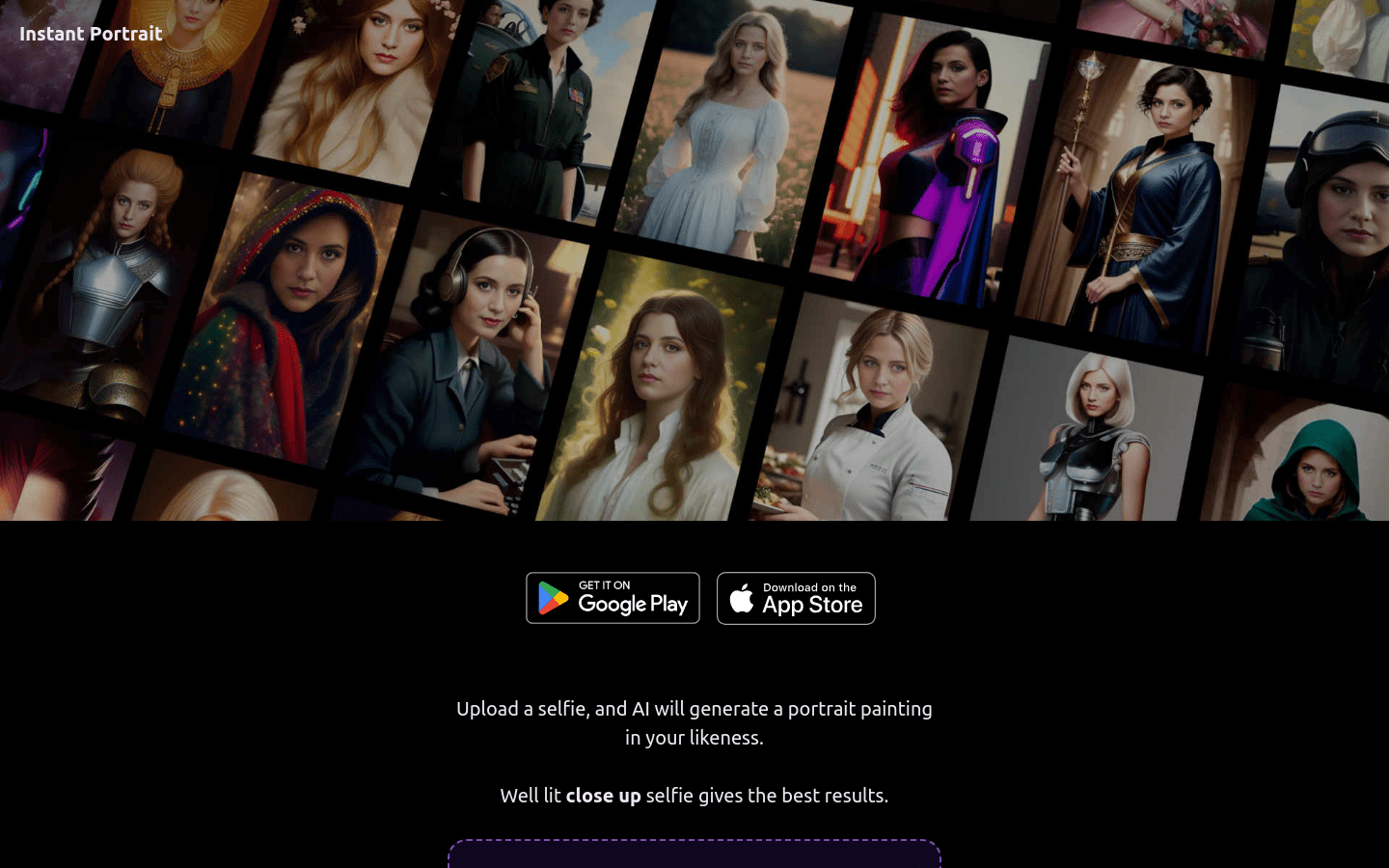
Screenshot archived from the listing page, for preview only.











