
InsMelo
Free AI song generatorTurn lyrics into songs in 400 styles
Highlights
What you can do with it
- Turn written lyrics into a finished song
- Create background music for a video or podcast
- Generate battle and exploration music for a game
How to use it
- 1 Open insmelo.com
- 2 Choose lyrics to song, text to song, or image to music
- 3 Enter your lyrics, text, or upload an image
- 4 Pick a style and set voice and mood
- 5 Generate, then adjust rhythm, pitch, or voice if needed
- 6 Download the track as MP3 or WAV
Who it is for
Pros
- Free to start with two songs and a free account
- No music production experience required
- Royalty free output usable commercially
- Over 400 styles and voice options
Limitations
- Free creation is capped at two songs, more needs an account or payment
- Free account features and limits are not detailed in the source
- Generated music still needs review before commercial release
- Quality depends on the style and input you choose
What InsMelo is
InsMelo is a free AI song generator that creates original songs from lyrics, text, or images. You type lyrics and pick a style, describe a mood in plain text, or upload a photo and the AI turns it into a track. The site says more than 400 music styles are available and that no music production experience is needed, which lowers the entry bar for people who have ideas but cannot play or mix. There is also a lyrics generation helper for when you have a style in mind but no words yet. Generated music is royalty free and the site says it can be used personally or commercially. You can create two songs for free, and registering a free account opens up more features.
What you can do with it
- Turn written lyrics into a complete song with melody and vocals
- Convert a text description into music in seconds
- Upload an image and get a royalty free track from it
- Customise rhythm, pitch, and male or female voice after generation
- Download the result as MP3 or WAV depending on the quality you need
Who it is for
- Content creators who need background music for videos or podcasts
- Game developers who want many styles in one place
- Amateur musicians who have lyrics but no production setup
- Anyone who wants a quick demo of an idea before hiring a studio
What to watch out for
Free use is capped at two songs according to the site, so anything beyond that needs a free account or a paid plan, and the exact limits of the free account are not spelled out in the material we have. Generated tracks should be reviewed before you use them commercially, since AI output is not automatically cleared for every use case and rights questions can depend on the service terms. Because the tool covers lyrics, text, and image inputs plus customisation, there is a learning curve if you want a specific sound. Free features, style counts, and download rules can change at any time, so check the site before you build a project around them.
FAQ
Is InsMelo free?
The site says you can create 2 songs for free and can register a free account for more features.
What can I turn into a song?
Lyrics, text descriptions, or images.
Can I use the music commercially?
The site says generated music is royalty free and can be used for personal or commercial purposes.
What formats can I download?
MP3 and WAV.
Why it is free
What the official page says: for freefree account
Free limits, trial length and features are decided by the official site and can change at any time.
Product preview
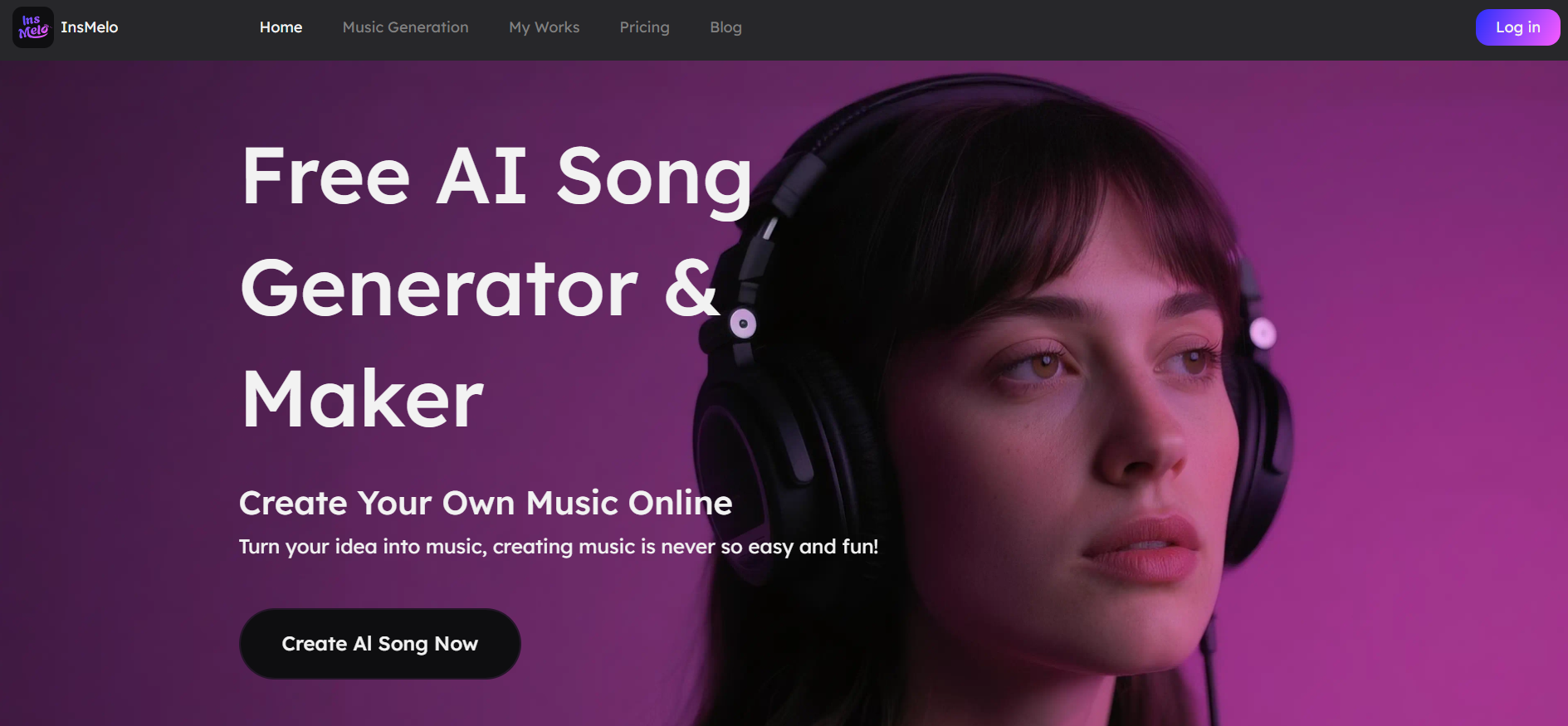
Screenshot archived from the listing page, for preview only.











