
Inkr
Fast audio and video transcription toolTranscribe hours of audio in minutes
Highlights
What you can do with it
- Students transcribe class recordings into study notes
- Companies turn meeting recordings into written minutes
- Podcast creators convert audio into text for show notes
How to use it
- 1 Open the Inkr website and sign in.
- 2 Upload the audio or video file you want transcribed.
- 3 Pick the language and let the tool process the file.
- 4 Review the transcript and fix individual words if needed.
- 5 Export the finished text.
Who it is for
Pros
- Fast processing with support for many file formats
- Speaker labeling and word-level editing speed up cleanup
- Over 100 languages covered
Limitations
- Watermark-free export and large files require the paid version
- Free trial only, so ongoing use means a subscription
- Cleaning up and correcting transcripts still takes time
What Inkr is
Inkr is an online transcription tool that converts audio and video files into text using speech recognition. It is pitched as a high-efficiency office and study aid, with fast processing, high accuracy, and support for many languages and file formats. Beyond raw transcription, it adds automatic speaker recognition, word-by-word correction, and batch upload and export so you can move several files through at once. Over 100 languages are supported. A free trial lets you test the core functions, while the paid version unlocks more advanced features, watermark-free export, and support for large files. It is built for students, companies, and content creators who need text from audio.
What you can do with it
- Transcribe class recordings, meetings, or podcast audio into text
- Separate speakers automatically for easier reading
- Edit individual words with word-by-word calibration
- Upload and export multiple files in a batch
Who it is for
- Students who want searchable notes from lectures
- Teams that need written records of meetings
- Podcast and video creators producing text versions of audio
What to watch out for
The free trial is limited, and features people often want, such as watermark-free export and large file support, sit behind the paid plan. Transcription accuracy varies with audio quality, so plan time to review and correct the text. If you process sensitive recordings, check the current privacy and data handling terms before uploading. When quality matters, export a small draft first to confirm the result before producing the final file. Generated suggestions are for reference only, so verify anything that affects professional judgment or important data. Start with a small sample to confirm the output meets your expectations before processing the full batch.
FAQ
Is Inkr free?
It offers a free trial to try the core features, while the paid version adds advanced features, watermark-free export, and large file support.
How many languages does it support?
Inkr supports over 100 languages for transcription.
Can I correct the transcript afterward?
Yes. It provides word-by-word calibration so you can locate and edit individual words.
Why it is free
What the official page says: free trial
Free limits, trial length and features are decided by the official site and can change at any time.
Product preview
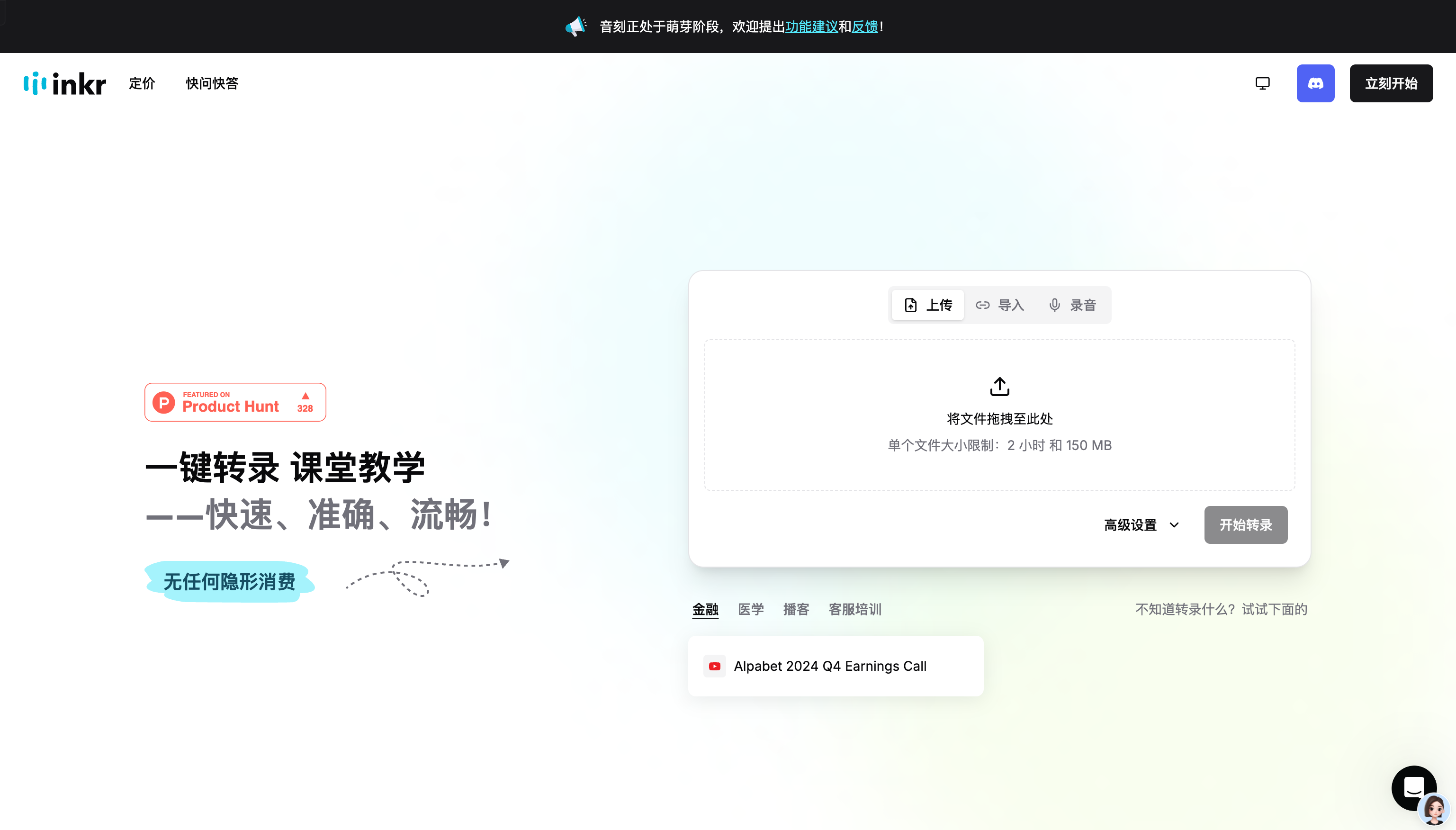
Screenshot archived from the listing page, for preview only.











