
InkCraft
Free tattoo preview toolPreview tattoos on your photo, free
Highlights
What you can do with it
- A first-timer previews different designs on their arm before booking.
- A tattoo shop shows a customer a rough effect on their own photo.
- An enthusiast imports a self-made design and previews it on a photo.
How to use it
- 1 Open the InkCraft website in your browser.
- 2 Upload a photo of your skin and complete any verification.
- 3 Pick a design from the library or load one from a creative page.
- 4 Drag the design to the spot on the body and adjust position and angle.
- 5 Check the 3D preview, fine-tune, then export the preview image.
Who it is for
Pros
- Free to use in the browser with no registration or download.
- 3D preview that wraps the design to the body and lighting.
- Designs can be moved and rotated freely on the photo.
- The iOS app lets you import your own designs.
Limitations
- Free previews include a small InkCraft logo, so they are not clean, watermark-free exports.
- The 3D preview is an approximation and may not match how a real tattoo sits on skin.
- It is a planning aid, not a substitute for a tattoo artist's advice on placement, size, and aging.
- AI design generation and full editing are tied to the paid iOS Pro version, and pricing and terms can change.
What InkCraft is
InkCraft lets you try tattoos on a photo before you commit. You do not need to download an app or register; you open the site in a browser, upload a photo of your skin, and place tattoo designs on it. The tool uses a 3D effect that wraps the design around the body shape and skin lighting in the photo, so the preview looks more realistic than a flat sticker. You can drag the design anywhere on the body shown in the photo and adjust its position and angle. There is a built-in design library to choose from. The web version is free, and exported previews carry a small InkCraft logo. The iOS app is free to download, with a paid InkCraft Pro version that adds AI design generation and full editing, plus a 3-day free trial.
What you can do with it
- Upload a photo and preview tattoo designs in the browser.
- Pick designs from a built-in library or load your own on the iOS app.
- Drag, place, and adjust designs on the body in the photo.
- See a 3D preview that follows the body's curve and lighting.
- Export the preview image for free, with a small InkCraft logo.
Who it is for
- People who want to see a design on themselves before getting inked.
- Anyone unsure about a tattoo's pattern or placement.
- Tattoo artists who want to show clients a rough effect.
What to watch out for
Free previews include a small InkCraft logo, so they are not clean, watermark-free exports. The 3D preview is an approximation and may not match how a real tattoo sits on skin, especially across curves and shading. It is a planning aid, not a substitute for a tattoo artist's advice on placement, size, and how a design will age. AI design generation and full editing are tied to the paid iOS Pro version, and pricing and trial terms can change, so confirm details in the app store before you rely on them.
FAQ
Do I need to register or download an app?
No. The web version works in the browser with no registration and no download.
Does the preview look realistic?
It uses a 3D effect that wraps the design around the body shape and skin lighting in the photo, but it is still an approximation.
Is there a watermark?
Free exported previews include a small InkCraft logo in the corner.
Can I use my own design?
Yes, on the iOS app you can import your own tattoo designs or drawings and place them on the photo.
What does InkCraft Pro add?
The paid Pro version adds AI design generation and full editing, and it comes with a 3-day free trial.
Why it is free
What the official page says: for freefree trial
Free limits, trial length and features are decided by the official site and can change at any time.
Product preview
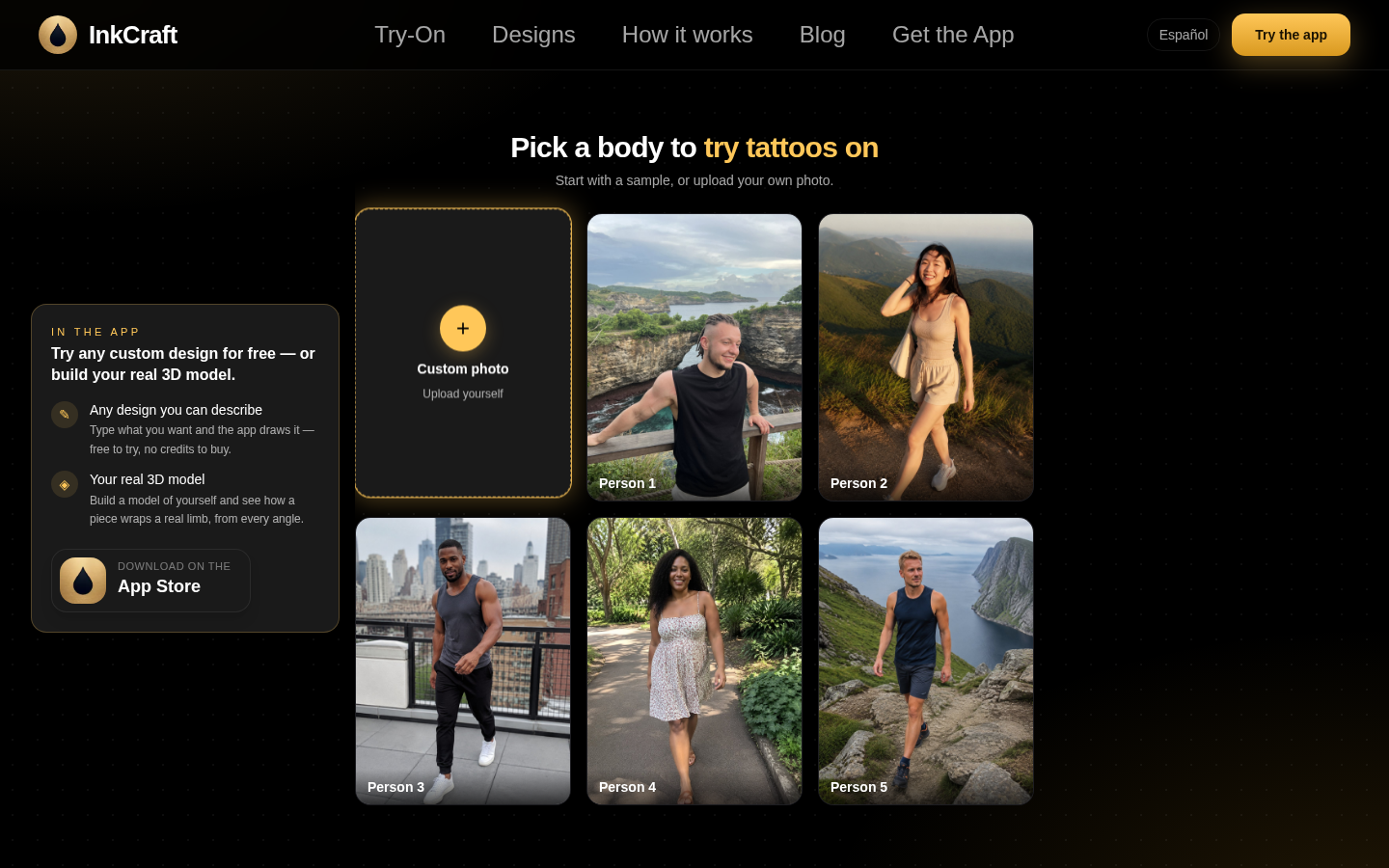
Screenshot archived from the listing page, for preview only.











