
Infografix
Free AI infographic generator for non-designersTurn text into infographics with AI
Highlights
What you can do with it
- Turning a blog outline into a shareable timeline graphic
- Making a hierarchy or flowchart for a team explainer
- Publishing an infographic straight to social media
How to use it
- 1 Open the site and choose the infographic type you need
- 2 Enter your topic or let the AI draft the content
- 3 Review the generated layout and text
- 4 Adjust the template, then export or publish to social media
Who it is for
Pros
- Free access with no design skills required
- Several diagram types in one tool
- AI drafts content as well as layout
- Export and direct social publishing
Limitations
- AI-drafted content still needs a human check for facts and tone
- The free tier's limits and export rules are not spelled out, so they may change
- Template choice sets the look, so results can feel generic
What Infografix is
Infografix is a free infographic generator that uses AI to build several common infographic types. You do not need design skills, and you do not need a finished script either, because the tool can draft the content as well as the layout. Supported formats include lists, hierarchies, timelines, cycles, and flowcharts, which covers most simple explainer needs. There are templates and export options, and finished graphics can be published directly to social media. The pitch is speed: get a clear visual out quickly without opening a full design application.
What you can do with it
- Generate lists, hierarchies, timelines, cycles, and flowcharts.
- Let the AI draft the content so you have a starting point.
- Work from templates and export the finished graphic.
- Publish an infographic straight to social media.
Who it is for
- Marketers who need shareable visuals on a deadline.
- Students and teachers building explainer graphics.
- Anyone who wants a clean infographic without learning a design tool.
What to watch out for
Because the AI writes the content, everything it produces needs a human review before you publish it. Facts, numbers, and wording are your responsibility, and an infographic looks authoritative even when the text is wrong. The free tier's exact limits, watermark policy, and export rules are not detailed on the page, so treat them as changeable. Results are built from templates, so if you need a distinctive brand look you will spend time adjusting the design. Check the output at the size you plan to post it, since some layouts do not read well when scaled down for a feed. Start with a small sample to confirm the output meets your expectations before processing the full batch.
FAQ
Does Infografix cost anything?
The site describes itself as a free AI-powered infographic generator.
What kinds of infographics can it make?
Lists, hierarchies, timelines, cycles, and flowcharts.
Do I need to write the content first?
No. The AI can generate content for you, which you then review and edit.
Why it is free
What the official page says: 免费
Free limits, trial length and features are decided by the official site and can change at any time.
Product preview
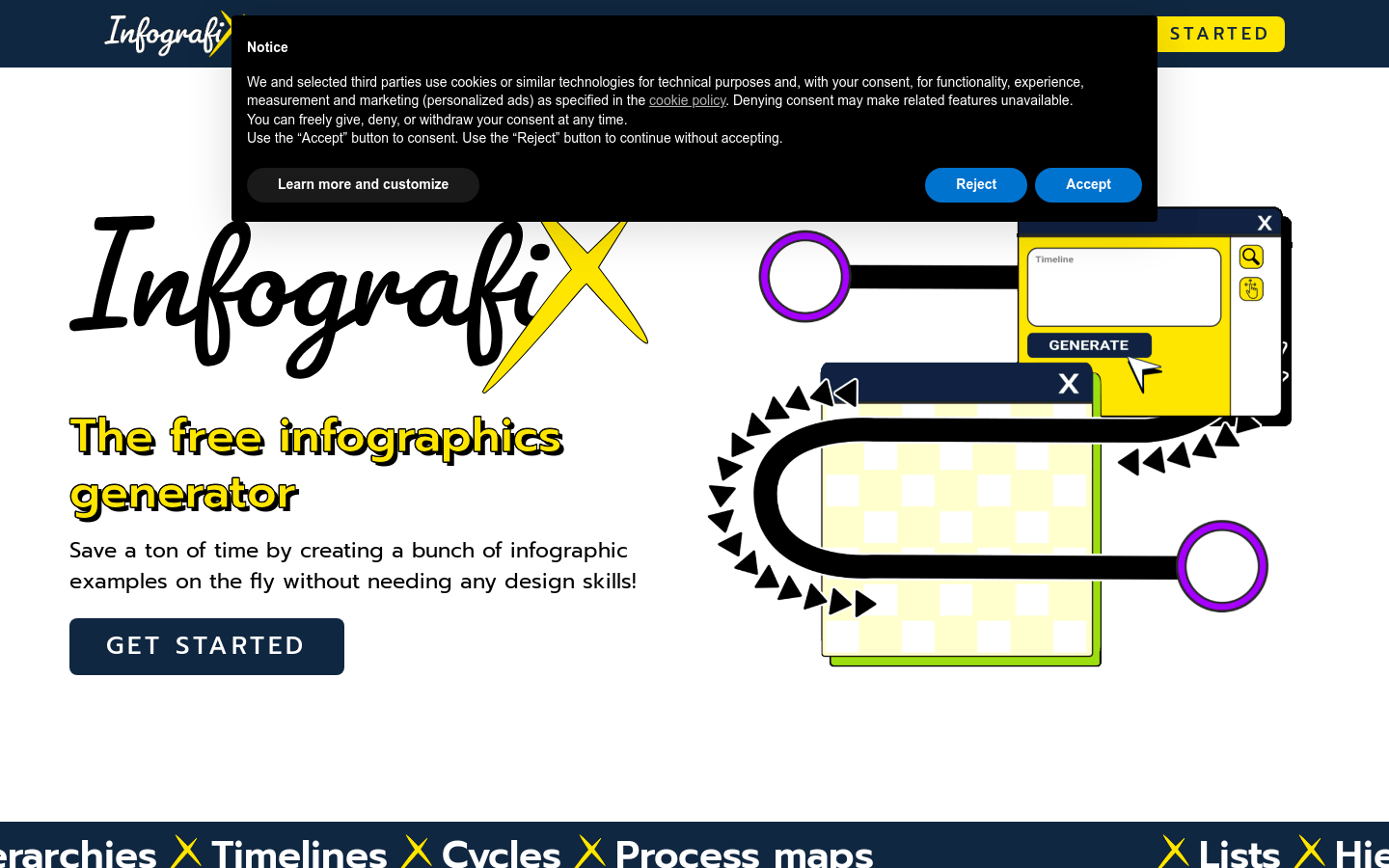
Screenshot archived from the listing page, for preview only.











