
Infinite Talk AI
Audio-driven lip-sync video generatorTurn a photo and a voice track into a talking video
Highlights
What you can do with it
- Turn a still portrait into a narrated educational video
- Add a virtual presenter to a podcast clip
- Localize a promo video with multi-language dubbing
How to use it
- 1 Upload a source image or video.
- 2 Upload the voice, podcast, or dialogue audio.
- 3 Choose a resolution such as 480p or 720p.
- 4 Add prompts if you want specific expressions or gestures.
- 5 Generate, then download the finished video.
Who it is for
Pros
- Removes the need to film a presenter
- Length is not capped, per the listing
- Resolution options let you balance quality and cost
Limitations
- Realistic talking humans raise consent and disclosure duties; using someone's likeness or voice without permission can violate law and platform rules, and the consequences fall on you
- Free trial limits and paid pricing are not detailed in the listing
- Clear source portraits and clean audio are needed for good results
What Infinite Talk AI is
Infinite Talk AI is an audio-driven video tool developed by the Meigen team. You give it a source, either a still image or a video, plus a voice track, and it produces a lip-synced video where the virtual figure appears to speak that audio. The positioning is for creators, educators, and enterprises that need a talking presenter without filming one.
The listing makes several specific claims. Lip-sync follows the rhythm, timing, and intonation of the speech rather than approximating it. Video length is not capped, which is aimed at long-form content. Output is described as stable, with fewer of the hand and body artifacts that plague generated video. There is multi-language support, prompt control over expressions and gestures, seamless re-dubbing of existing clips, and export at 480p or 720p. A free trial is available, with the paid model on the official pricing page.
What you can do with it
- Turn a static portrait into a video that speaks your audio.
- Add a virtual presenter to a podcast or dialogue clip.
- Re-dub an existing video with a new voice track.
- Steer expressions and gestures with text prompts.
- Export at 480p or 720p depending on the use case.
Who it is for
- Content creators making educational or explainer videos.
- Teams localizing existing video with new language tracks.
- Educators who want a presenter without a camera or a studio.
What to watch out for
This category generates realistic footage of people who did not perform it, and that carries duties the tool does not discharge for you. Using a real person's likeness or voice without permission can violate law and platform rules, and producing a convincing video of someone saying something they never said is a serious harm. The consequences fall on the person who publishes it, not on the software. Use material you own or have explicit permission to use, and disclose when video is synthetic.
Practically, the free trial limits and paid pricing are not detailed in the listing, so establish cost before a project depends on it. Results also depend heavily on inputs: the listing itself notes that clear portraits and clean audio improve quality, so a blurry source photo will produce a weak video.
FAQ
What does Infinite Talk AI do?
It takes an image or video plus an audio track and produces a lip-synced video where the virtual figure follows the speech.
How long can the videos be?
The listing claims video generation of unlimited length without sacrificing quality or consistency.
What resolutions can I export?
It supports exporting at multiple resolutions including 480p and 720p.
Is it free?
A free trial is available, with the paid model on the official pricing page.
Can I use any photo or voice?
No. Using a real person's likeness or voice without permission can violate law and platform rules, and the responsibility sits with you, not the tool.
Why it is free
What the official page says: free trial
Free limits, trial length and features are decided by the official site and can change at any time.
Product preview
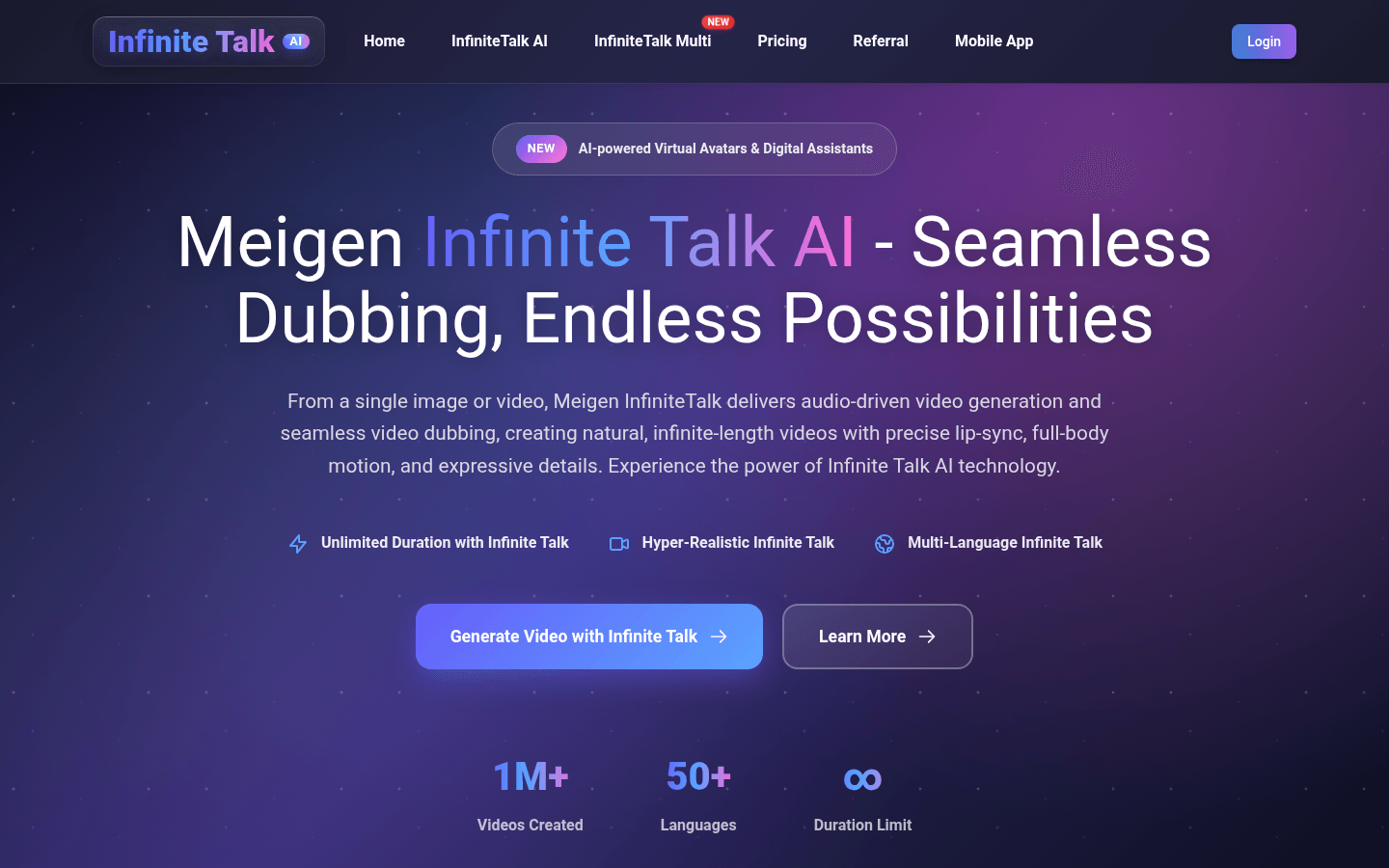
Screenshot archived from the listing page, for preview only.











