
InboxPilot
AI auto-reply trained on your business dataAnswer email around the clock with drafts you approve
Highlights
What you can do with it
- A support team clearing a backlog of routine questions
- A small business answering enquiries overnight
- A sales desk collecting lead details from replies
How to use it
- 1 Sign up at inboxpilot.co
- 2 Upload your company information such as website and FAQs
- 3 Train the AI on that material
- 4 Connect your mailbox securely
- 5 Turn on auto-reply or draft mode and monitor
Who it is for
Pros
- Covers the repetitive questions that eat the morning
- Confidence scoring gives a check before sending
- Escalates to a human when it is unsure
Limitations
- Free trial only, then a paid plan
- Needs good training data to answer well
- Automated replies still need review
What InboxPilot is
InboxPilot is an AI email auto-response tool. It learns from your business data and your email interaction patterns, then handles routine messages for you, either by sending a reply straight away or by producing a draft for your approval. The training step is where the value comes from: you feed it your website, your FAQs, and examples of how you answer, so the replies sound like your business rather than a generic assistant. It also collects customer details from conversations and provides analytics on how the replies perform.
What you can do with it
- Answer routine email around the clock without being awake
- Train the AI on your website, FAQs, and past replies
- Choose between instant auto-replies and drafts you approve
- Use revised replies and confidence scoring as a safety net
- Escalate anything that needs a human instead of guessing
Who it is for
- Support teams drowning in repetitive questions
- Small businesses with no dedicated person on email
- Sales and service desks that want first drafts, not blank pages
What to watch out for
A wrong automated reply is worse than a slow one, because it reaches the customer before anyone notices. Start in draft mode, read what it produces, and only move to full auto-reply once the confidence scoring and the revised replies have earned it. The free trial is a test window rather than a permanent tier, so confirm pricing and message limits before you wire it into a live mailbox. Connecting an inbox also means granting access to real correspondence, so review the security arrangements and keep an eye on the analytics for drift.
FAQ
Is there a free trial?
Yes, InboxPilot offers a free trial so you can test it before choosing a plan.
How does it learn my business?
You upload company data such as your website and FAQs, and the AI is trained on that material.
Can it reply without me?
It can auto-reply or generate drafts for approval, and it flags messages that need human attention.
Why it is free
What the official page says: free trial
Free limits, trial length and features are decided by the official site and can change at any time.
Product preview
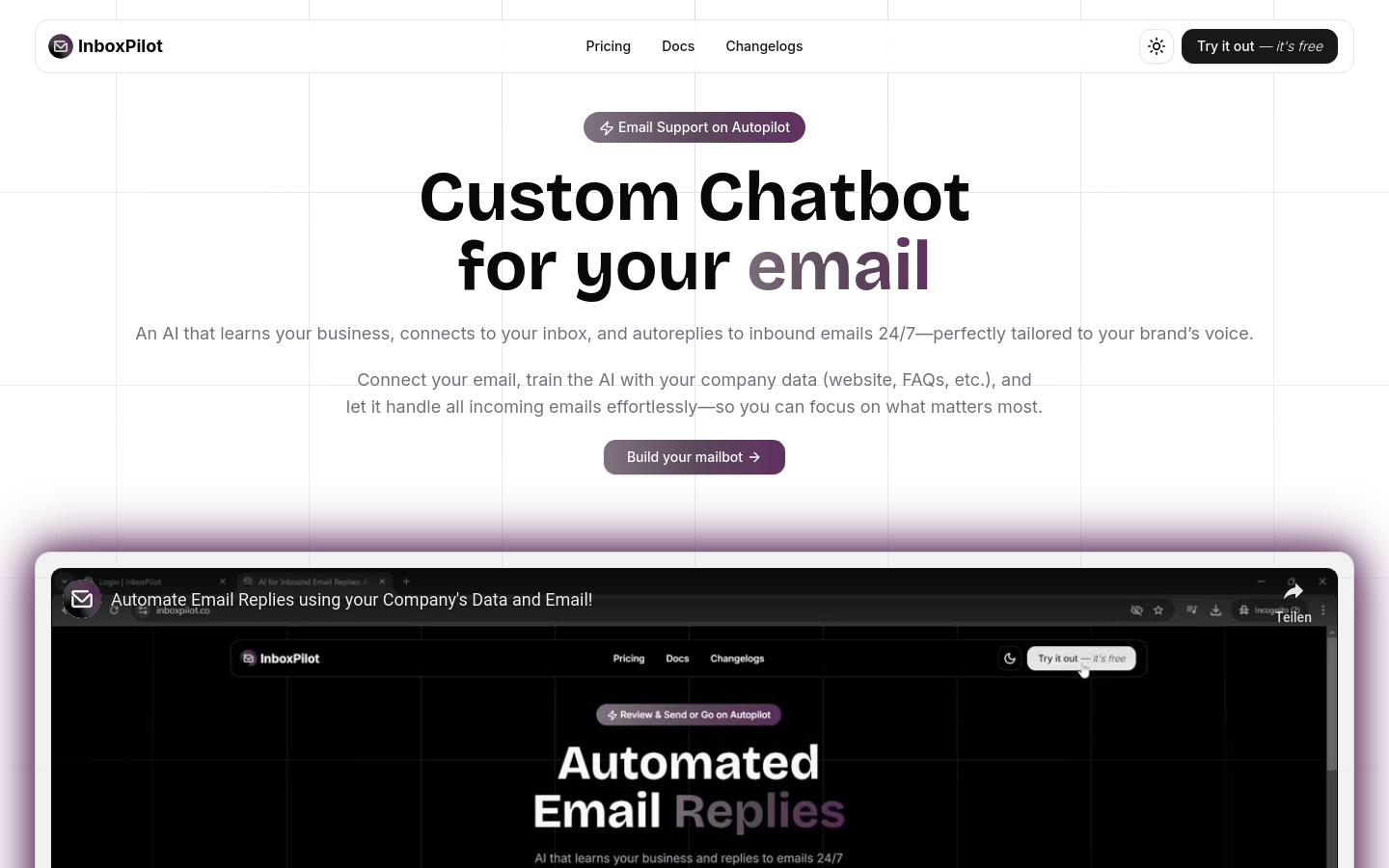
Screenshot archived from the listing page, for preview only.











