
Immagin
AI image processing APIFast image processing API with CDN
Highlights
What you can do with it
- Speed up image loading on content-heavy websites
- Generate resized thumbnails and variants on the fly
- Deliver optimized images worldwide through the CDN
How to use it
- 1 Sign up and get your API access details
- 2 Point your image URLs or uploads to Immagin
- 3 Set the processing options such as size, crop, or filter
- 4 Serve the converted image from the CDN
Who it is for
Pros
- Handles many image operations in one API
- Global CDN keeps image delivery fast and secure
- Free entry level with usage-based pricing
Limitations
- Costs rise as request volume grows
- Requires development work to integrate the API
- Free plan limits and pricing may change over time
What Immagin is
Immagin is an AI image processing cloud service that pairs an image processing API with a global content delivery network. Instead of building and maintaining your own image pipeline, you send images to Immagin and it scales, rotates, crops, applies filters, and adds watermarks in real time, then delivers the converted result through a CDN. This helps image-heavy websites and applications load faster because each image is optimized at the moment it is requested. Pricing is based on monthly request volume and starts at a free level, so small projects can begin at no cost and pay only as their traffic grows. The globally deployed CDN is meant to keep image delivery both fast and secure across regions.
What you can do with it
- Resize, rotate, crop, add filters, and watermark images through a single API call
- Convert and store images in real time so your pages and apps load faster
- Deliver optimized images worldwide through the globally deployed CDN
- Add image handling to your product without running your own servers
Who it is for
- Developers who need image processing inside their products
- Teams that run image-heavy websites and want faster page loads
- Projects that need global image delivery without building infrastructure
What to watch out for
The service is an API, so it takes development work to integrate rather than offering a point-and-click editor, which raises the learning curve for non-developers. Because pricing follows monthly request volume, costs climb as traffic grows, and the free level or rates may change over time. Very large files or unusual image operations can add processing time, so test performance against your own expected load before you depend on it in production. If you only need occasional one-off edits, a simpler browser tool may be easier.
FAQ
Is there a free level?
Yes. Pricing is based on monthly request volume and includes a free level before paid usage begins.
What image operations are supported?
You can scale, rotate, crop, add filters, and add watermarks, among other options.
Does it use a CDN?
Yes. Converted images are delivered through a globally deployed content delivery network.
Why it is free
What the official page says: 免费
Free limits, trial length and features are decided by the official site and can change at any time.
Product preview
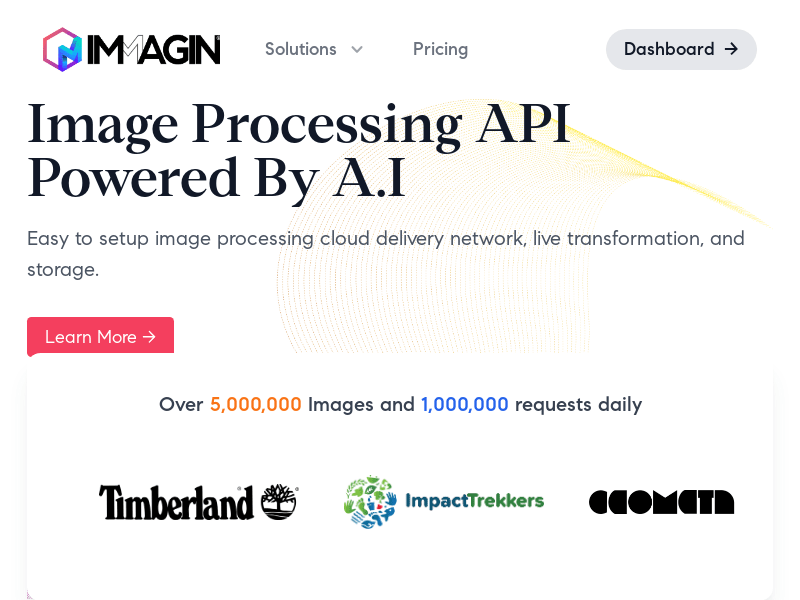
Screenshot archived from the listing page, for preview only.











