
Imgstyler
Online AI image generator and editorGenerate, restyle, and edit AI images in one workspace
Highlights
What you can do with it
- A designer builds a fantasy game poster from a text prompt.
- A creator illustrates a travel article by restyling a real photo.
- A marketer adapts a saved prompt to design a phone ad.
How to use it
- 1 Start from a new prompt, a reference image, or a saved library prompt.
- 2 Set the mode and aspect ratio and describe subject, lighting, and style.
- 3 Generate, compare results, and download the images you like.
Who it is for
Pros
- Free to use with 3 free trials
- Reference images make restyling fast
- Reusable prompt library speeds up repeat work
- History keeps past generations linked to your account
Limitations
- Free trials are limited and paid use may be needed, subject to change
- Output quality varies with prompts and reference images
- Editing is prompt-based, so fine control can be unreliable
- The site had a redirect at capture, so confirm the current URL works
What Imgstyler is
Imgstyler is an online AI image tool that puts generation, editing, and a reusable prompt library in one workspace. You can write a prompt for models like GPT Image 2 and Nano Banana, or upload a reference photo and guide the model to restyle it, which speeds up visual iteration. A visual prompt library lets you browse prompts, save favorites, and reopen them directly in the generator, so repeat work gets faster. A generation history keeps past results tied to your account for easy re-download. You can set mode, aspect ratio, resolution, and quality, and there are extra tools like a pixel art generator and a background remover. The product is free and offers 3 free trials.
What you can do with it
- Generate images from text prompts for GPT Image 2 and Nano Banana.
- Restyle uploaded photos using reference images and prompts.
- Save and reuse prompts from the visual library.
- Adjust mode, ratio, resolution, and quality, and use extra tools like pixel art and background removal.
Who it is for
- Creative designers who need fast visual ideas and iteration.
- Content creators producing article illustrations and social images.
- Game developers making backgrounds and character art.
- Marketers designing ads and promotional posters.
What to watch out for
Free trials are limited and further use may need payment, with terms subject to change. Output quality varies with prompts and reference images, so expect some iteration. Editing is prompt-based, so fine, pixel-level control can be unreliable. The site showed a redirect at capture, so confirm the current URL works before you build a workflow around it. Behavior may vary across browsers and devices, so test before production use and consult the help docs if errors appear.
FAQ
What is Imgstyler?
It is an online AI image tool for generating, restyling, and editing images with a prompt library.
Which models does it use?
It supports prompts for GPT Image 2 and Nano Banana.
Is it free?
The product is free and offers 3 free trials.
Can I reuse prompts?
Yes. It has a visual prompt library where you can save favorites and reopen them.
Why it is free
What the official page says: free trial
Free limits, trial length and features are decided by the official site and can change at any time.
Product preview
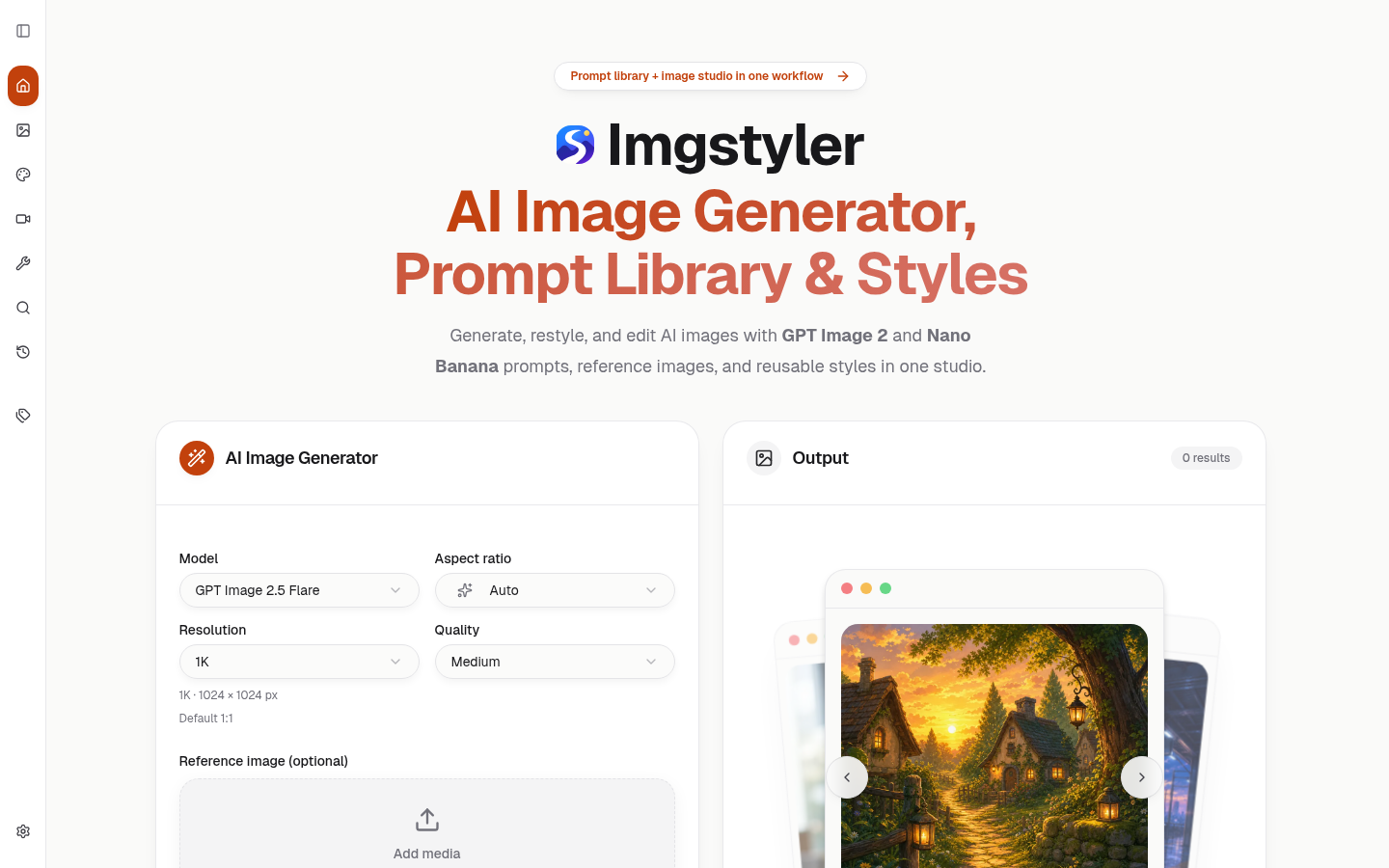
Screenshot archived from the listing page, for preview only.











